

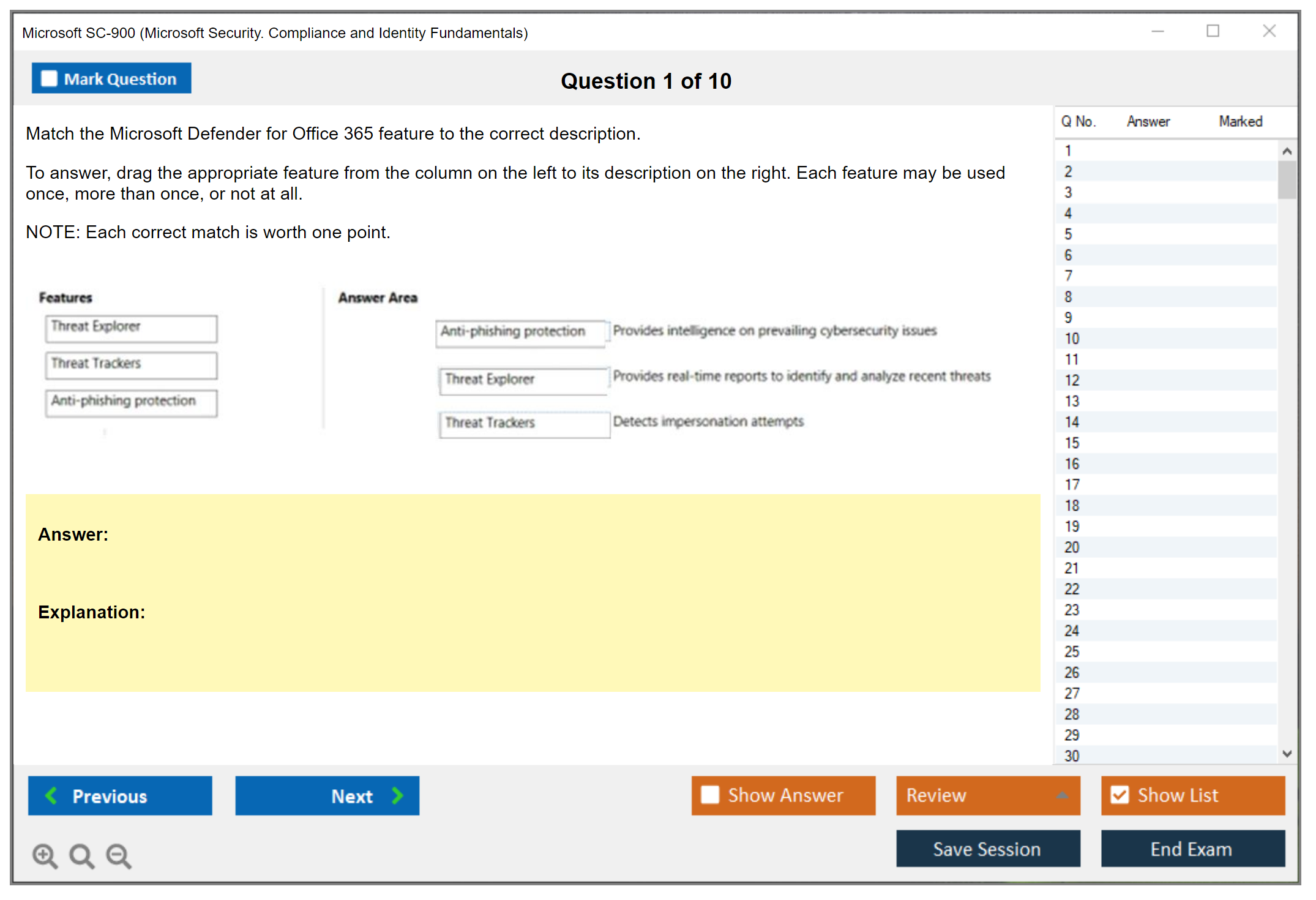
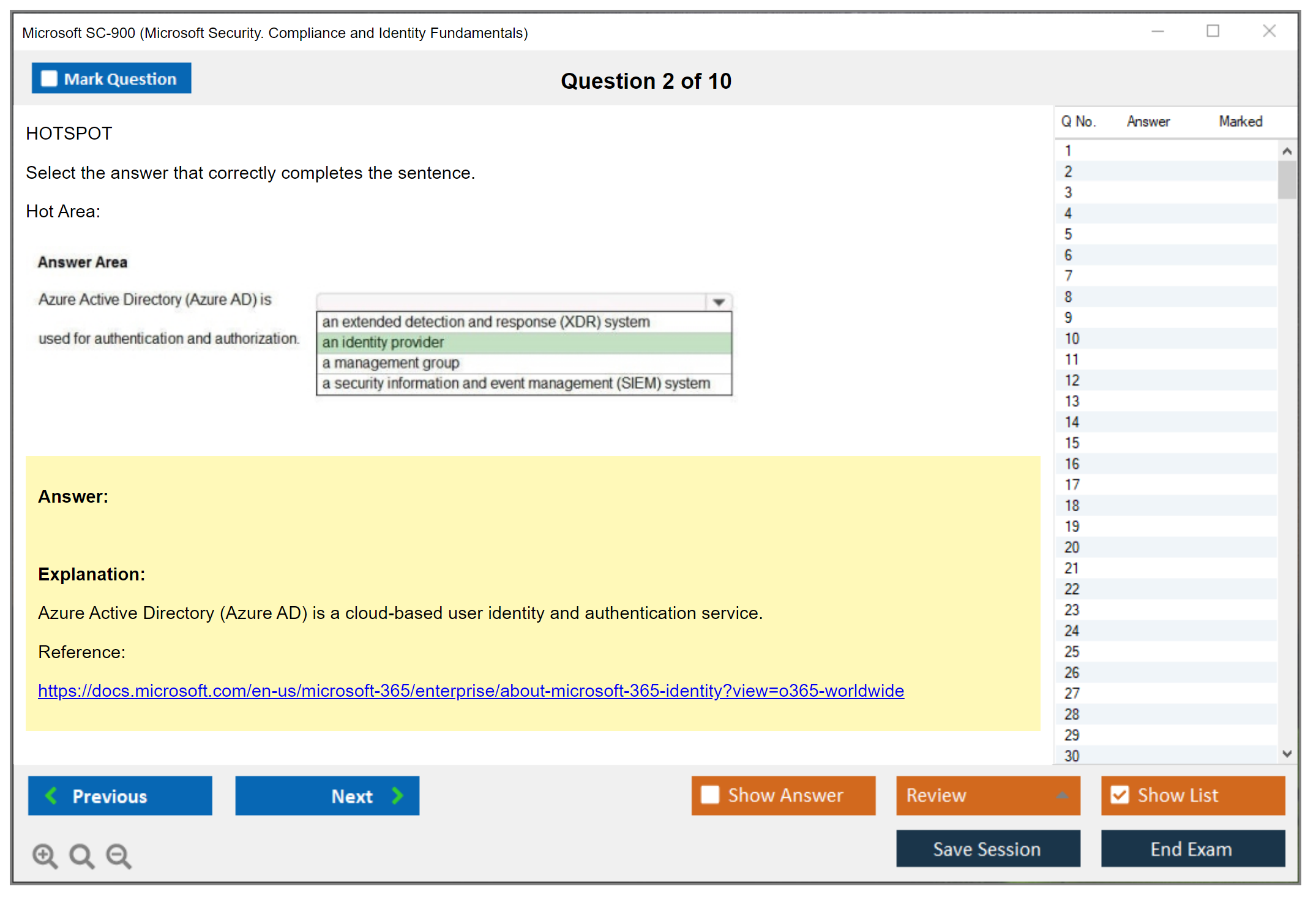
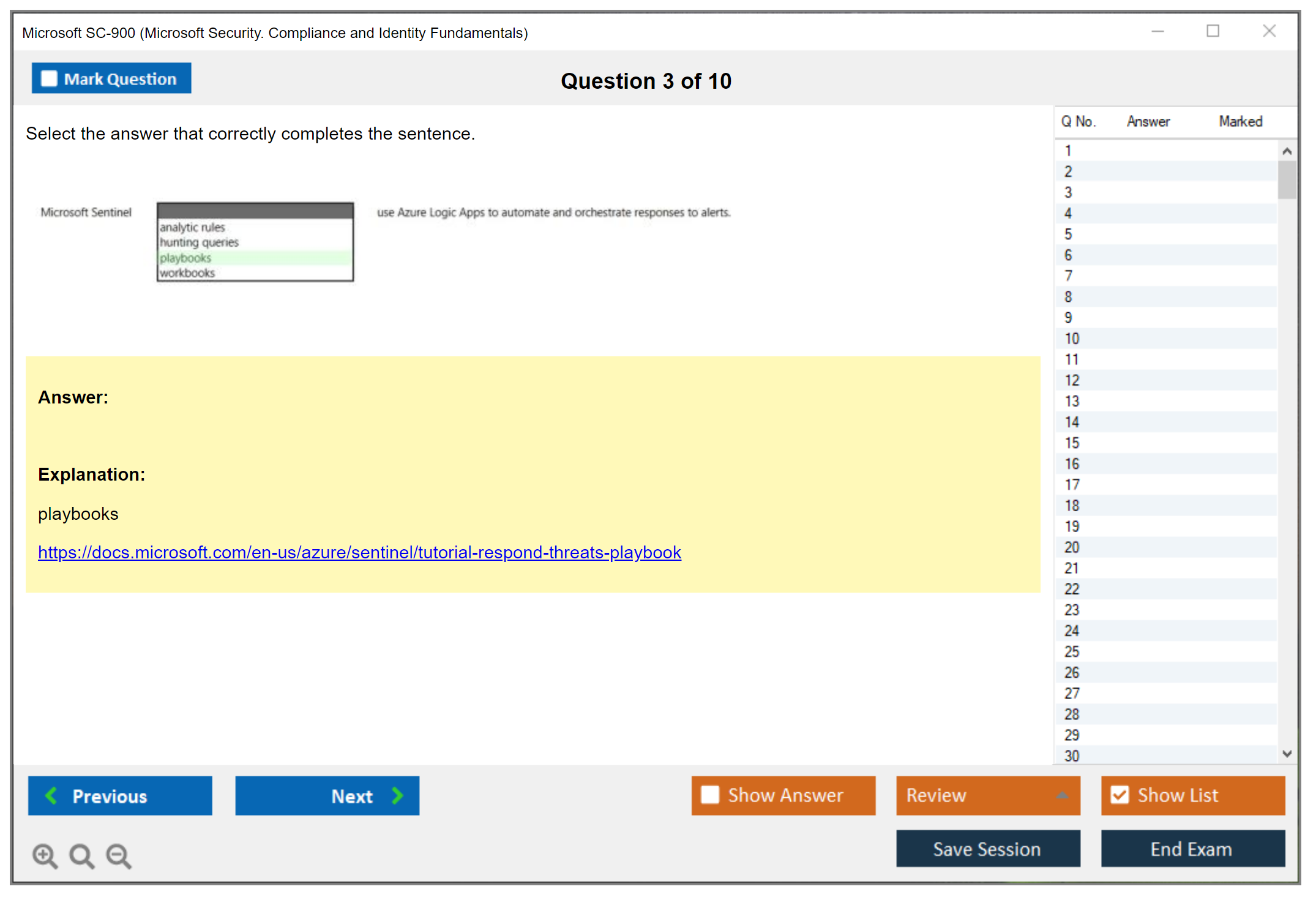
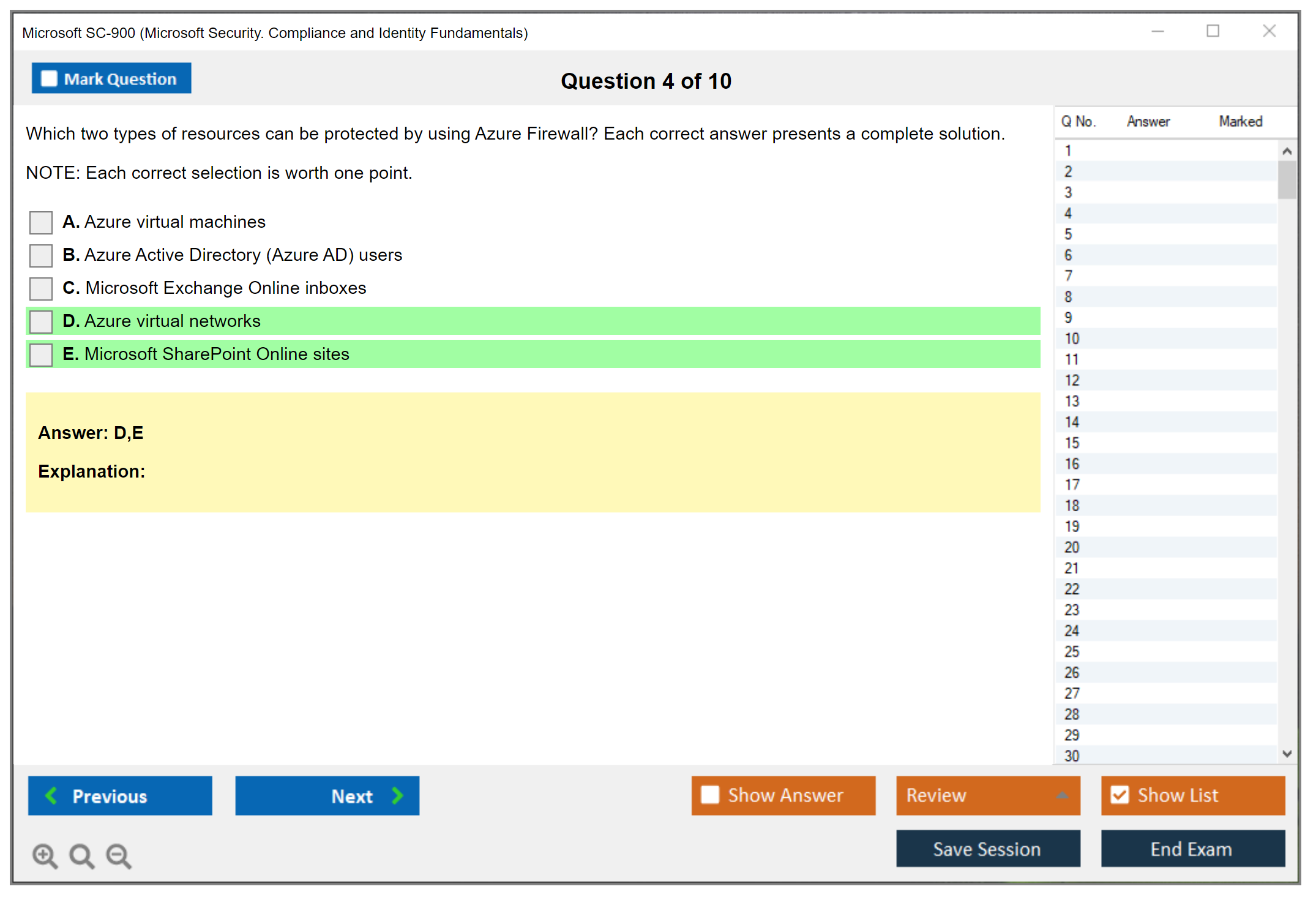
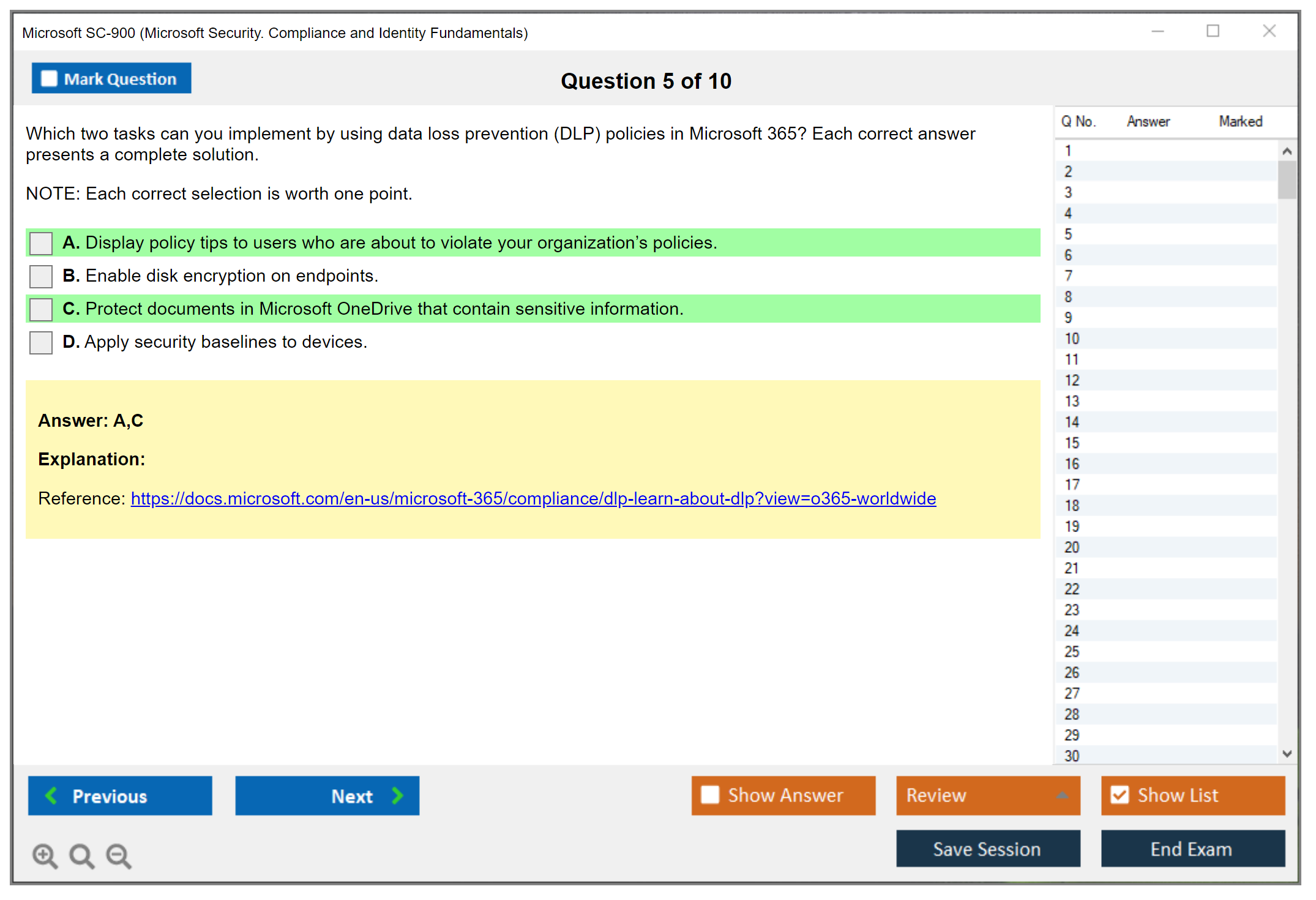
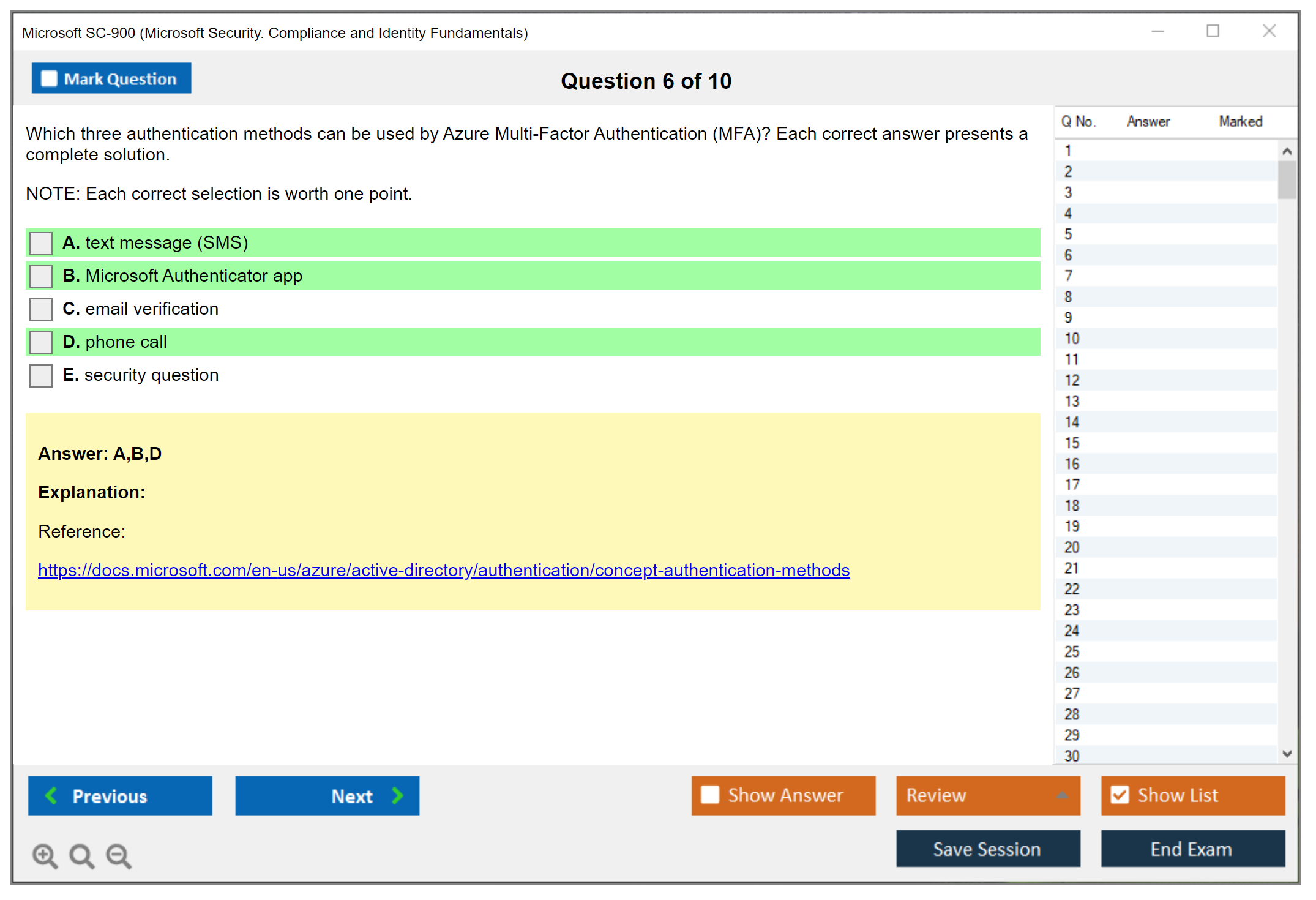
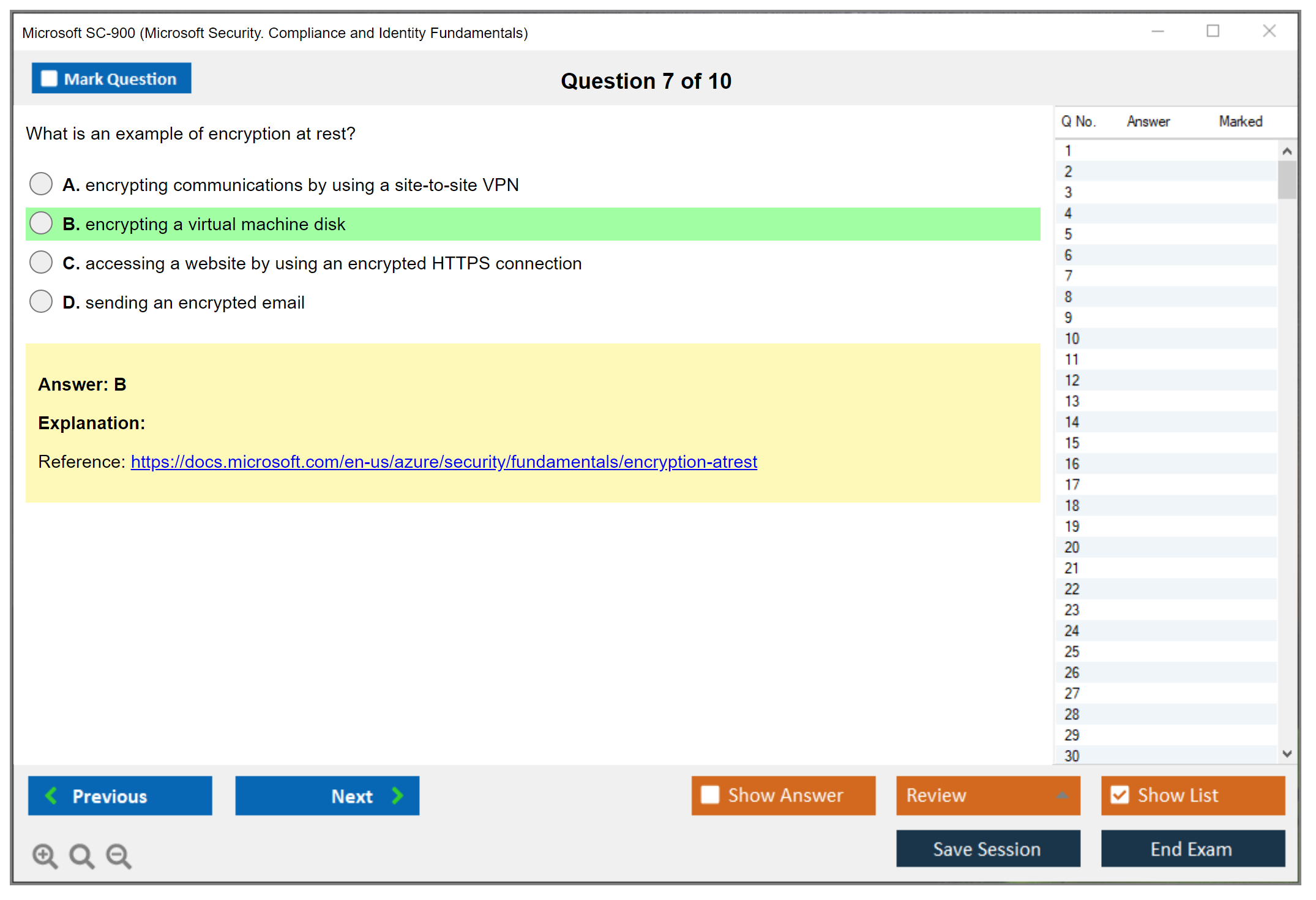
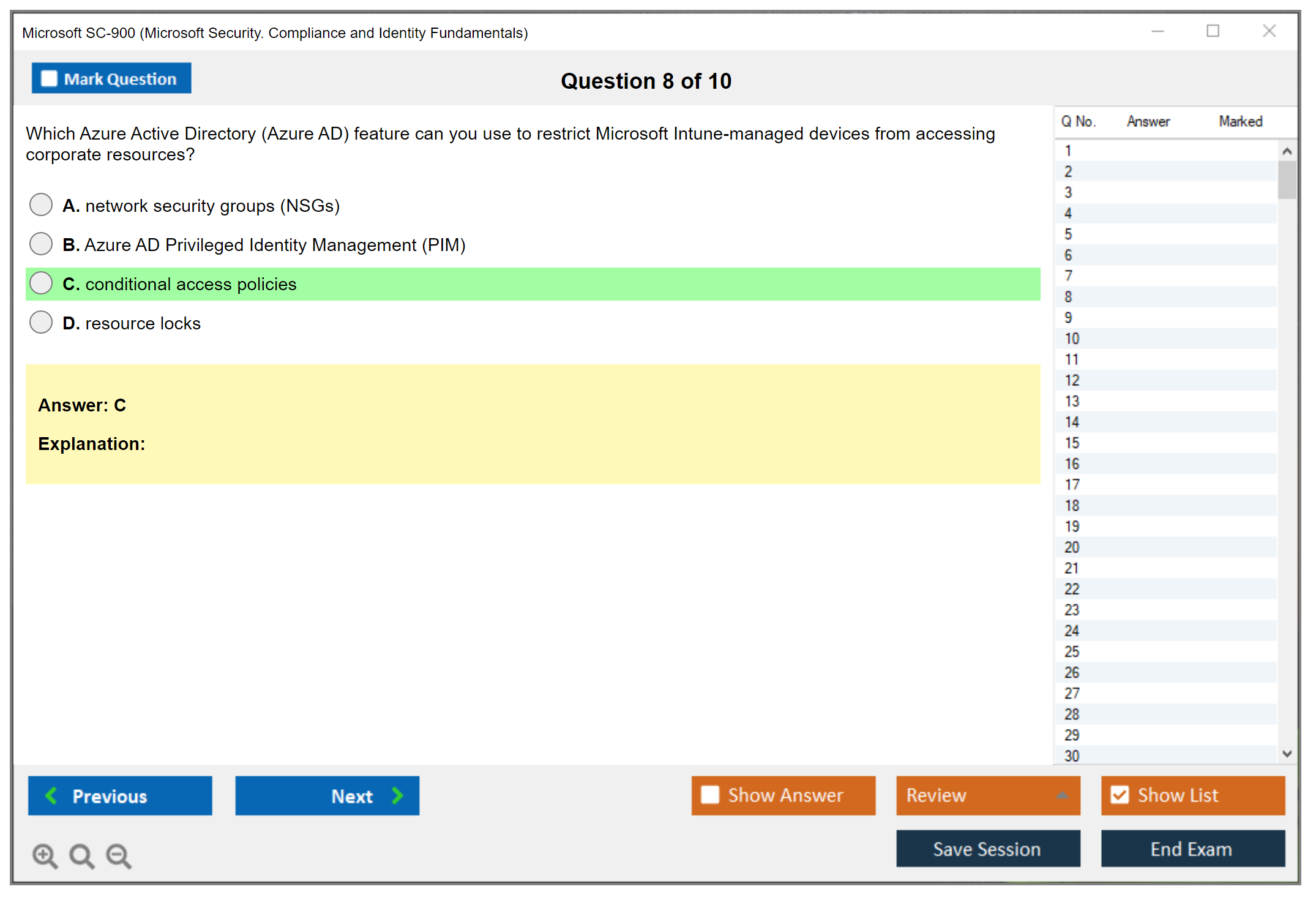
Microsoft SC-900 (Microsoft Security Compliance and Identity Fundamentals)
Understanding the Microsoft SC-900 Certification
What the SC-900 certification actually covers
Alright, so here's the deal. The SC-900 is Microsoft's entry-level security cert, and it validates that you understand the basics of security, compliance, and identity across Microsoft's cloud services. Not some deep technical certification where you're configuring firewalls or writing security policies, but foundational knowledge that actually matters. Think of it as your security vocabulary builder. You'll learn what Zero Trust means, how Microsoft Entra (formerly Azure AD) handles identities, what Microsoft Defender does for threat protection, and how Microsoft Purview keeps organizations compliant.
The exam tests conceptual understanding more than hands-on configuration. You need to know what these services do and why they matter. Not necessarily how to deploy them in production, though the knowledge is practical if you're working anywhere near Microsoft 365 or Azure environments.
Who should actually take this exam
The target audience? Surprisingly broad.
Business stakeholders who need to talk intelligently about security solutions. New IT professionals trying to break into cybersecurity. Students building their first credential. Career changers coming from completely different fields. Sales and marketing people in tech who need to understand what they're selling.
Microsoft designed this for people who don't necessarily have IT backgrounds, which makes sense. If you're a helpdesk tech who wants to understand security better, this works perfectly. Junior system administrator who keeps hearing about "identity management" in meetings? This clarifies things. Compliance officers who need technical context for their policies benefit too. Business analysts working with security teams finally understand what everyone's talking about.
Project managers coordinating with security folks find this valuable because suddenly the jargon makes sense. Transitioning into cybersecurity from another role? SC-900 gives you the foundation without overwhelming you with technical depth.
I had a friend who moved from retail management into IT support, and she told me this cert was the first thing that made her feel like she could actually contribute to security conversations at work. Changed her whole trajectory.
Why this certification matters for your career
The SC-900 demonstrates you understand modern security fundamentals. Specifically Zero Trust architecture, which is everywhere now. You'll grasp Microsoft Entra identity concepts (user authentication, conditional access, that sort of thing), Microsoft Defender basics for threat protection, and Microsoft Purview fundamentals for compliance and data governance.
This knowledge applies directly to real-world scenarios. Implementing security policies at your organization. Understanding compliance requirements like GDPR or HIPAA from a technical perspective. Managing user identities and access rights. Protecting against threats like phishing or ransomware, right? Safeguarding sensitive organizational data.
Organizations benefit too because employees with SC-900 knowledge help build a security-aware culture. You can't protect what you don't understand. Plus it creates an internal talent pipeline for security and compliance roles.
The fundamentals-level advantage
Here's the thing. SC-900 requires zero prior certifications. No extensive IT experience needed whatsoever. It's really designed as a starting point, which is rare and valuable in today's certification space. You don't need to pass AZ-900 (Microsoft Azure Fundamentals) or MS-900 (Microsoft 365 Fundamentals) first, though those can provide helpful context about Azure and Microsoft 365 if you're completely new to Microsoft's ecosystem.
Unlike those broader fundamentals exams, SC-900 specifically focuses on security, compliance, and identity. AZ-900 covers Azure infrastructure, compute, storage, networking. MS-900 discusses Microsoft 365 productivity tools, collaboration, and licensing. SC-900 drills into the security layer that sits across all of that.
Where SC-900 takes you next
This certification is the foundation for advanced role-based certifications, and that's where it gets interesting. Pass SC-900 and you've got the baseline for SC-300 (Identity and Access Administrator), which focuses specifically on Microsoft Entra and identity solutions. Or SC-200 (Security Operations Analyst), which covers threat detection and response using Microsoft security tools. SC-400 (Information Protection Administrator) builds on the compliance concepts you learn here. Even AZ-500 (Azure Security Engineer) assumes you understand the security fundamentals SC-900 teaches.
Career paths? All over the place.
Security analyst roles. Compliance specialist positions. Identity administrator jobs. Security operations roles. Each of these typically lists "understanding of security fundamentals" as a requirement, and SC-900 proves that understanding.
What you'll actually learn
The exam objectives cover four main domains, and they're pretty thorough for an entry-level cert. Security and compliance concepts like shared responsibility models, defense in depth, the Zero Trust approach, encryption, governance, risk management. Microsoft identity and access management covering how Entra ID works, authentication versus authorization, conditional access policies, identity protection. Microsoft security solutions including Defender for endpoints, Defender for Cloud, Sentinel basics, threat intelligence. Also Microsoft compliance solutions with Purview components, data classification, retention policies, insider risk management.
You'll come away understanding security methodologies that apply beyond just Microsoft products. Compliance frameworks that affect most industries. Identity and access management principles used everywhere. Threat protection capabilities modern organizations need. Information protection strategies that matter regardless of platform.
The industry recognition factor
Globally recognized certification that validates current knowledge (as of 2026, this exam reflects Microsoft's latest security, compliance, and identity solutions). Employers understand what SC-900 represents. Foundational competence in modern security concepts within Microsoft environments, which matters more than people think. It's become a standard measure for entry-level security knowledge in organizations using Microsoft 365, Azure, or hybrid infrastructures.
The certification demonstrates you're serious about security. That matters when applying for roles even if they don't explicitly require SC-900, because it shows initiative and foundational understanding that makes you easier to train for specialized roles.
Microsoft SC-900 Exam Overview and Format
The SC-900 certification is Microsoft's entry-level badge for people who need to speak security, compliance, and identity without pretending they're already running a SOC. The official exam name is Microsoft Security, Compliance, and Identity Fundamentals (SC-900), and yeah, it's fundamentals, but it's not "free points" if you've never seen Microsoft Entra fundamentals, Microsoft Defender basics, or Microsoft Purview compliance fundamentals in your life. Short exam. Fast pacing. Terminology everywhere.
What is the Microsoft SC-900 certification?
Career-wise? This one's for students, career changers, and IT beginners who want a Microsoft fundamentals security certification that maps to real products, not just theory. Helpdesk folks like it too, especially if you keep getting tickets that start with "MFA isn't working" or "why is this email quarantined" and you want to stop guessing.
The biggest benefit is credibility when you say you understand Zero Trust security fundamentals, basic identity, and what Microsoft's security and compliance stack actually does. Hiring managers don't expect wizard-level skills from SC-900, but they do expect you to know the words and the "why," and honestly that's half the battle when you're trying to move from general IT into a security/compliance/identity track. I mean if we're being real here.
SC-900 exam overview (Security, Compliance, and Identity Fundamentals)
Here's the format stuff. People always ask.
The exam duration is 45 minutes of actual examination time, plus extra time for the intro screens, the non-disclosure agreement, and usually a survey at the end that feels like it takes forever but actually doesn't matter for your score. Quick exam. No breaks allowed. That timer moves faster than you'd think, especially when you're second-guessing yourself on question thirty-something.
Question count is typically 40 to 60 questions, but the exact number can vary. Some runs feel like 42 and done, others feel like it just keeps going. The only sane approach is to treat every question like it matters because you don't know how many you've got left. Also, SC-900 is not adaptive, so you're not getting "harder" questions because you're doing well, and you're not getting "easier" ones because you're struggling. Everyone gets a similar distribution based on the SC-900 exam objectives and blueprint.
Exam format and question types
Microsoft SC-900 exam questions show up in a mix of formats: multiple choice, multiple response (select all that apply), drag-and-drop, scenario-based questions, case studies, and those review screen questions where you confirm answers across a set. Some are straightforward definitions. Others are "which tool fits this situation" where you need to know whether the scenario is screaming Entra, Defender, or Purview. The wording can trip you up if you're not careful.
A few notes from the trenches. Drag-and-drop can eat time because you second-guess the order. Scenario questions can be longer than you expect, so don't read like you're enjoying a novel. Scan for the requirement, find the keyword, answer, move on.
Exam sections and domains
The exam sections are organized around four major skill measurement domains. Microsoft changes the weighting sometimes, but the buckets stay familiar: security concepts, identity management concepts, security solutions, compliance solutions. So expect content around Azure Active Directory (Azure AD) identity concepts (yeah, branding shifts happen constantly, but the ideas stay), plus how Microsoft Entra handles identity and access, plus the basics of Defender and Purview.
Honestly? The domains are the exam. You know them, you pass. You don't, well.
Where to take it and available languages
Delivery methods are simple: Pearson VUE test centers worldwide or an online proctored exam from your home or office. Pick your poison, really.
Languages are actually pretty broad: English, Japanese, Chinese (Simplified), Korean, German, French, Spanish, Portuguese (Brazil), Russian, Arabic (Saudi Arabia), Chinese (Traditional), Italian, and Indonesian (Indonesia). Microsoft also periodically adds new language versions based on demand, so if your language isn't listed today, it might show up later. Still, if you're studying from English resources and your job uses English product names, taking it in English can reduce weird translation moments that make you question whether you're reading the same exam.
Review tools, interface, breaks
You can mark questions for review and come back before you submit. Use it! Not for everything, just the ones where you're 50/50 and you want to see if later questions jog your memory or provide context clues.
The exam interface is Microsoft's standard testing platform. Navigation panel, the main question display, a timer that's always counting down, and usually an on-screen notepad. There's an on-screen calculator if a question needs it, which is rare for SC-900, but it exists. Breaks are the big gotcha: no scheduled breaks, and for online proctoring, leaving your seat can get you disqualified. Harsh? Yes. True? Also yes.
Whiteboard rules vary. Test centers often allow a physical whiteboard or laminated sheets, while online proctoring might allow a digital whiteboard or an approved physical one depending on region and policy, so check what Pearson VUE says for your appointment. Don't just assume.
Online proctoring vs test center (what actually matters)
Test center advantages are real: controlled environment, no technical setup, immediate access to their workstation, and on-site proctor support if something weird happens. Quiet. Predictable. Boring in a good way, if you ask me.
Online exam advantages are also real. Flexible scheduling, no travel, you're in a familiar spot, and there are often more time slots available. But online proctoring has requirements you can't hand-wave. Stable internet, webcam, microphone, private quiet room, government-issued ID, and you must complete the system check ahead of time. Like, don't wait until ten minutes before. Technical requirements usually mean Windows 10 or macOS, Chrome or Edge, admin rights to install the proctoring software, and a cleared workspace that the proctor can see through your webcam. No extra monitors. No notes lying around. No "my phone is face-down" excuses.
Check-in timing differs too. Arrive 15 minutes early for a test center. For online, plan to start check-in 30 minutes before because you'll do photos, ID verification, and room scans. Honestly it can take longer if your camera decides to be dramatic or your lighting's off.
Scoring, results, policies, and updates
You get a preliminary pass/fail immediately after finishing. Relief or panic, instant delivery.
The official score report usually lands in the Microsoft Certification dashboard within 24 hours. It includes pass/fail, a scaled score, and a breakdown by objective domain, which is useful if you're using a SC-900 study guide and want to fix weak areas before retaking or moving to the next cert.
You also must accept the non-disclosure agreement before the exam begins. That means don't post "here are the questions I saw" online. Don't be that person. Seriously.
Microsoft updates exam content regularly to match product changes, so always check the official SC-900 exam page for the latest skills measured document. Also, if you need accessibility accommodations, they're available, but you have to request them through Pearson VUE at least two weeks before your appointment. Extended time, separate room, screen reader compatibility, other assistive tech, that kind of stuff. They're good about it if you plan ahead.
Rescheduling is forgiving if you plan ahead. You can reschedule or cancel at least 24 hours before without penalty. Miss that window and you forfeit the fee, which stings. Registration is the usual flow: create a Microsoft Learn profile, register through Pearson VUE, pick delivery method, choose date/time, pay.
If you want a quick launch point for the exam page itself, here's the dedicated listing: SC-900 (Microsoft Security Compliance and Identity Fundamentals). And if you're mapping fundamentals across Microsoft's beginner certs, MS-900 (Microsoft 365 Fundamentals) pairs nicely with it. Covers different ground but similar beginner-friendly approach.
One last thing. A SC-900 practice test can help with timing, but only if it matches the current SC-900 exam objectives and explains why answers are right, otherwise it's just trivia with a stopwatch. Actually that's not quite fair. Even mediocre practice tests teach you something about time management under pressure. But you get my point: quality matters more than quantity when you've only got 45 minutes to prove you know your stuff.
SC-900 Exam Cost and Pricing Options
What you'll actually pay for the SC-900 exam
It's $99 USD. Standard pricing.
But here's where it gets complicated. If you're outside the United States, that number changes based on Microsoft's purchasing power parity adjustments, which basically means they look at your country's economy and local currency to set what they think is a fair equivalent price. Sometimes it's actually cheaper than the U.S. price, sometimes it's more expensive, and honestly the differences can be pretty wild depending on where you live. You've gotta check Microsoft's official certification site for your specific region because just converting $99 to your currency doesn't give you the real number. I mean, I wish it were that simple but it's not.
Pearson VUE's the registration system. They'll show your local currency based on current exchange rates when you're checking out. Payment options? Credit cards, debit cards, and PayPal where it's available in your area. Oh, and voucher codes work too if you've got one. Actually, let me get into that because there are several legit ways to snag discounted or completely free vouchers.
How students can save money
Students get preferential treatment here.
Currently enrolled somewhere? You might qualify for discounted or straight-up free exam vouchers through Microsoft Imagine Academy or directly via your educational institution, though you'll need to verify enrollment status with an authorized academic email (the .edu ones typically) or by uploading documentation like a student ID photo. The thing is, not every school participates, so check with your institution's IT department or academic advisor first before getting your hopes up.
The Microsoft Learn Student Ambassador program's another avenue if you're already active in tech communities at your school. Ambassadors frequently receive free certification exam vouchers as program benefits, which, not gonna lie, is one of the sweeter perks of that whole setup.
Free vouchers through Microsoft training events
Microsoft periodically runs Cloud Skills Challenges. Complete the designated learning modules and you earn a free exam voucher. Pretty straightforward incentive structure.
Virtual Training Days though? Even better in my opinion because these are free multi-day training events where Microsoft covers fundamentals topics including security, compliance, and identity concepts aligning directly with exams like the SC-900, and you get both the training AND the voucher if you complete everything. Here's the catch: you must attend all required sessions and complete the post-event survey to actually receive your voucher code. Miss even one session? No voucher for you. It's strict, but I guess fair since the training itself costs nothing.
Vouchers from these events typically have validity periods ranging from 90 days to one year from issuance, so always check specific terms when you receive one because letting a perfectly good free voucher expire would just be.. frustrating.
Corporate and partner pricing options
Lots of organizations purchase exam vouchers in bulk for employees as part of professional development programs. If your employer has a training budget, definitely ask about this. Enterprises can buy certification vouchers through Microsoft volume licensing programs at discounted rates, making it cheaper per exam when buying multiple vouchers at once, which makes sense from a corporate finance perspective.
Microsoft partners get vouchers as partnership benefits and competency requirements. Work for a Microsoft partner organization? You might already have access to vouchers without even realizing it. Check with whoever manages your company's Microsoft partnership because those vouchers might be sitting there unused.
Understanding voucher redemption
Got a voucher code? Redemption's straightforward enough.
During Pearson VUE registration checkout, you'll enter the voucher code instead of payment information, the system validates it, and boom.. it applies the discount or covers the full cost depending on voucher type. Just know that exam fees are generally non-refundable once purchased, unless Microsoft cancels the exam or there are technical issues preventing you from completing it, and this applies whether you paid cash or used a voucher.
Retake policies and costs
Failed your first attempt?
The full exam price applies to each retake. There's no "sorry you failed" discount for subsequent attempts, which is exactly why proper preparation actually matters. You can retake after a 24-hour waiting period for your first retry, second retake requires a 14-day wait, and any retakes after that also need 14-day intervals between attempts, so strategic timing becomes important if you're planning multiple attempts.
This follows the same retake policy structure as other Microsoft fundamentals exams like AZ-900 or MS-900, so at least it's consistent across their fundamentals certification portfolio.
Additional costs to consider
Practice exams from Microsoft typically run $20-30 USD, though some learning paths include them free which is nice. Third-party practice tests? They vary wildly in both price and quality. Honestly some are worth it, others are complete garbage. Study materials are mostly free if you stick with Microsoft Learn's official content, but instructor-led training courses from third-party providers can range from $20 to over $200 depending on format, depth, instructor quality, and whether it's live or pre-recorded.
Good news though: fundamentals certifications like SC-900 currently don't expire and require zero renewal fees. Once you pass, you're certified indefinitely, which is different from role-based certifications needing annual renewal. Wait, actually that's a huge advantage people don't talk about enough. I was recertifying for an associate level exam last month and the whole renewal process ate up way more time than I expected, even though it's technically free now. Made me appreciate these fundamentals certs more.
Special pricing programs
Qualified nonprofit organizations may access special pricing through Microsoft Philanthropies programs, though qualification requirements can be specific. Government employees and military personnel in certain regions might find special pricing too, though availability varies by location and sometimes by agency. Seasonal promotions occasionally pop up where Microsoft offers discounted vouchers during specific campaign periods, usually tied to major tech events or fiscal quarters.
Tax implications depend entirely on your jurisdiction. Exam fees might be subject to local taxes, which you'll see added during the checkout process before final payment.
Smart ways to minimize costs
Look, the best strategy's combining free Microsoft Learn training content with a free voucher from a Virtual Training Day or Cloud Skills Challenge. That's literally zero cost for both prep and the exam itself. Can't beat free. Bundle pricing from training providers sometimes offers decent value if you want instructor-led content plus the voucher together at a package discount, though do the math to make sure you're actually saving money versus buying components separately.
Planning multiple certifications? Consider starting with fundamentals exams like SC-900, AI-900, or DP-900 to build momentum and confidence before moving to role-based certs like SC-300 or SC-200, which cost more and require significantly deeper expertise and study time.
SC-900 Passing Score and Scoring Methodology
What is the Microsoft SC-900 certification?
The SC-900 certification is Microsoft's "Security, Compliance, and Identity Fundamentals" credential. Honestly? It's solid for beginners.
If you're trying to figure out whether you like security work, compliance work, or the identity side where everything breaks at 2 a.m., this cert's a decent starting point.
Who it's for. Students. Career changers. IT beginners. People who keep hearing "Zero Trust" in meetings and want to stop nodding like they totally knew what that meant.
Roles that get value fast include helpdesk folks who touch Microsoft 365, junior admins, and anyone aiming toward security/compliance/identity tracks later. Look, it won't magically make you a security engineer (I mean, let's be real here) but it does give you vocabulary and mental models that show up everywhere else in Microsoft land. Surprisingly helpful when you're stuck in vendor calls trying to decode acronym soup. Also, side note, those vendor calls never get shorter no matter how many certs you stack up, which is its own special kind of workplace torture.
SC-900 exam overview (Security, Compliance, and Identity Fundamentals)
The Microsoft SC-900 exam is fundamentals-level. You're not writing KQL like a wizard or building Conditional Access policies from scratch.
Expect concept questions, product recognition, "what does this tool do" stuff, and scenario-ish prompts that test whether you know when to pick Entra vs Defender vs Purview. Question types vary: single choice, multiple response (select all that apply), and sometimes those "arrange the steps" style items that feel like assembling IKEA furniture without instructions. You can take it online or at a test center depending on your comfort level, your internet reliability, and whether your house is loud at random times.
Languages vary by region, but the main point is this: focus on the SC-900 exam objectives and the official Learn content, then validate with a decent SC-900 practice test that actually explains why answers are right, not just "congrats, you failed, good luck next time."
SC-900 exam cost
SC-900 exam cost depends on region and currency. I'm not going to pretend there's one universal number that never changes, because Microsoft pricing is.. well, regional.
Check the exam page in your locale. Discounts happen though, and they're real: student pricing, employer vouchers, Microsoft training days, and the occasional promo that drops in your inbox at the perfect time when you're actually ready to schedule.
If you're budgeting, also remember retakes are not "cheap retries." You pay the full exam fee each time. More on that in the scoring section, because that's where people get surprised and suddenly very interested in proper prep.
SC-900 passing score and scoring methodology
The SC-900 passing score requirement is 700 out of 1000 on Microsoft's scaled scoring system.
That's the line. Hit 700, you pass. Land at 699, you're booking another attempt and re-reading your notes on Microsoft Purview compliance fundamentals while questioning your life choices and wondering why you didn't study that one obscure data residency concept.
Here's the part people miss: Microsoft uses scaled scoring, meaning your raw performance gets converted to a standardized scale, typically 100 to 1000. The reason is simple and, I mean, fair when you think about it. Different versions of the exam exist, and some forms can be slightly harder or easier depending on the exact question mix. So scaled scoring smooths that out. One candidate doesn't get punished just because their question set had more tricky items than someone else's took that day.
Scaled scoring matters. It's basically the "difficulty adjustment" layer that keeps the evaluation consistent across exam versions, and that matters when thousands of people are taking the Microsoft fundamentals security certification across different dates, regions, and delivery methods. Everyone expects the SC-900 certification to mean the same thing to employers and colleagues.
Also, don't do the lazy math here. The thing is, a 700 scaled score does not equal 70% correct. Not necessarily. Question weighting exists, difficulty varies, and some items carry more points than others based on complexity and domain importance. So you can't reliably say "I need 28 out of 40 right" and call it done. Microsoft doesn't want you gaming it that way, and honestly you shouldn't try. Learn the material properly.
A big gotcha? Multiple-response questions.
There's typically no partial credit. If it says select all that apply, you usually need all correct selections and no wrong selections to get the points. That's brutal the first time you see it (like, wait, I got three out of four and still zero credit?) but it's consistent with how Microsoft exams have worked for a while, so adjust your study approach accordingly.
Getting your results and reading the score report
You'll see your pass/fail status immediately after you submit the exam. Quick. No suspenseful email later, no waiting period while you refresh your inbox obsessively.
The detailed score report shows up in the Microsoft Certification dashboard (in your Microsoft Learn profile area) usually within 24 hours, sometimes faster depending on system load. That report is useful, but it's not a spreadsheet of exact points per section or some granular item analysis. Instead, you get a section performance breakdown with indicators like above target, at target, or below target for each objective domain from the SC-900 exam objectives. Honestly gives you enough directional insight without overwhelming you.
Interpretation is pretty straightforward here. "Above target" means you were strong there, like really comfortable with the material. "At target" is fine, you met expectations and held your own. "Below target" is where you focus next, because if you failed, that section probably dragged you under the 700 line. And if you passed, it's still the area that will bite you later when you move on to SC-300, SC-200, or SC-400 and suddenly realize those fundamentals actually mattered.
Exact scores are confidential in public profiles. Employers and third parties generally see pass status and the credential, not your numeric score, because Microsoft treats the detailed scoring as your private data. Reasonable from a privacy standpoint.
What happens if you fail (retakes and policies)
If you score below 700, you retake the entire exam.
No section exemptions. No "but I was above target in identity, can I skip that part next time" shortcuts. Nope. One full attempt, scored independently each time. Previous scores do not carry over or influence future attempts in any way. Each exam is treated as a fresh evaluation.
Retake policy basics: after your first attempt, you can retake after 24 hours, which gives you a day to lick your wounds and review weak spots. After that, 14 days between subsequent retakes. Actually smart because it forces proper study time instead of panic cramming. There's also an annual cap: five attempts per rolling 12-month period per exam, so if you're burning through retakes, something's wrong with your prep strategy. And yeah, retake fees are the full exam price each time, no discounted retake pricing or mercy discounts from Microsoft.
No appeals process either. Microsoft doesn't do manual rescoring or "please review my exam, I swear I clicked the right answer" requests. The automated scoring is final, period.
Beta scoring, exam security, and sharing your credential
If you ever take a beta version, the score release is delayed until the beta period ends and psychometric analysis is done, typically 2 to 3 months while they validate question quality. So don't plan a job interview around instant results if you purposely signed up for beta. Patience required there.
Exam security is real. Microsoft runs statistical analysis for irregular patterns like suspiciously consistent answer timing or identical wrong answers across multiple candidates. Suspicious activity can trigger score review or invalidation without warning. Cheating consequences are harsh: invalidated scores, cert revocation, and potentially a permanent ban from the entire certification program across all Microsoft exams. Not worth it, ever.
Once you pass, you can share your digital badge and download an official transcript PDF from the dashboard to attach to LinkedIn, resumes, or wherever. Employers can verify via Microsoft's public credential verification system using your name and certification ID, so there's built-in fraud protection.
Scores for fundamentals certifications currently do not expire, so your SC-900 certification stays valid indefinitely as of today, which is nice. Still, the products evolve constantly. Entra used to be Azure AD, Purview keeps adding features, Defender gets new integrations. Keep reading about Microsoft Entra fundamentals, Microsoft Defender basics, and Zero Trust security fundamentals so you don't become "certified but confused" when someone asks you about modern auth flows six months later.
If you want a tight prep loop, pair your SC-900 study guide with a realistic practice set like the SC-900 Practice Exam Questions Pack and use it to identify weak domains, then go back to Learn and docs and actually read the explanations instead of just memorizing answers. Do that again, like multiple passes. If you're retaking, same advice applies, just more ruthless about the "below target" areas where you clearly need more depth, and yes, the SC-900 Practice Exam Questions Pack is a decent way to pressure-test whether you actually understand the wording Microsoft likes or you're just guessing and hoping for the best.
SC-900 Difficulty Level and Study Timeline
SC-900 difficulty: is it actually hard?
Not really. Entry-level stuff.
The SC-900 isn't gonna make you sweat if you've been around Microsoft products for a while. It's positioned at the absolute beginner end of Microsoft's certification ladder, designed specifically for people who've never touched security concepts before. No prerequisites, no prior certifications needed, nothing. If you can work through a web browser and read English reasonably well, you're already partway there. Compared to role-based certs like SC-300 (Microsoft Identity and Access Administrator) or SC-200 (Microsoft Security Operations Analyst), the SC-900's basically a gentle introduction to the Microsoft security universe.
Similar difficulty to other fundamentals exams. Think AZ-900 (Microsoft Azure Fundamentals) or MS-900 (Microsoft 365 Fundamentals). You're not configuring anything. You're not writing PowerShell scripts or setting up conditional access policies. You're learning what stuff's called and when you'd use it. That's it.
The real challenge isn't technical depth
Here's the thing. Terminology trips people up.
Microsoft's security portfolio's exploded over the past few years. Keeping track of product names feels like a full-time job sometimes. You've got Microsoft Entra (which used to be Azure AD, and yeah, that rebrand still confuses people), the entire Defender family (Defender for Endpoint, Defender for Office 365, Defender for Cloud, Defender for Identity..see the pattern?), and then there's Purview for compliance stuff. Zero Trust principles woven through everything.
I actually spent twenty minutes last week trying to explain to a coworker why Defender for Cloud Apps and Defender for Cloud aren't the same thing. They both have "cloud" in the name! The naming conventions don't always help.
The exam doesn't ask you to configure a conditional access policy, but it'll absolutely ask you to explain what conditional access is and when you'd use it versus, say, multi-factor authentication. Or it'll present a scenario where a company needs to classify sensitive documents and you need to pick the right Purview component. Not hard if you know the products. Brutal if you're just guessing.
Authentication versus authorization? Easy concept, but you'd be surprised how many people mix them up under pressure. And then there's identity governance, privileged identity management, entitlement management..a lot of similar-sounding terms that do different things.
Product name changes will haunt you
Microsoft renamed Azure AD to Microsoft Entra ID in 2023.
Study materials from before that? They'll say Azure AD. Newer materials say Entra. The exam tries to stay current but you need to know both terms 'cause you'll see them used interchangeably in the real world for years to come.
Same deal with the Purview rebrand. Stuff that used to be scattered across different compliance centers got consolidated. If you're using older practice questions or watching YouTube videos from 2021, just be aware. The concepts haven't changed much but the names absolutely have, which creates confusion for anyone relying on outdated materials.
Study timelines that actually work
Complete beginners (like, you've never worked in IT, never touched Microsoft 365, don't know what SSO stands for) should budget 20-30 hours of study time. That's spread over maybe a month, doing 30-45 minutes most days. You're not just memorizing terms, you're building mental frameworks for how security and compliance fit together.
IT professionals who already work with Microsoft 365 or Azure?
10-15 hours is plenty. You probably already know half the material from daily work. You're just filling gaps and learning the formal terminology Microsoft wants you to use. A solid two-week plan with an hour or two most evenings gets you there comfortably.
Security folks who already use these tools? Honestly, 5-8 hours of focused review. Skim the SC-900 Practice Exam Questions Pack to find your weak spots, read up on those specific areas, and you're good. I've seen experienced admins pass this after a weekend of study.
The one-week intensive plan works if you've got some technical background and can dedicate 3-4 hours daily. Not recommended if you're brand new to everything, because you'll just be cramming terms without understanding how they connect. But for someone transitioning from a related field? Totally doable.
What actually helps when studying
Hands-on exploration matters. Even though the exam doesn't test configuration skills.
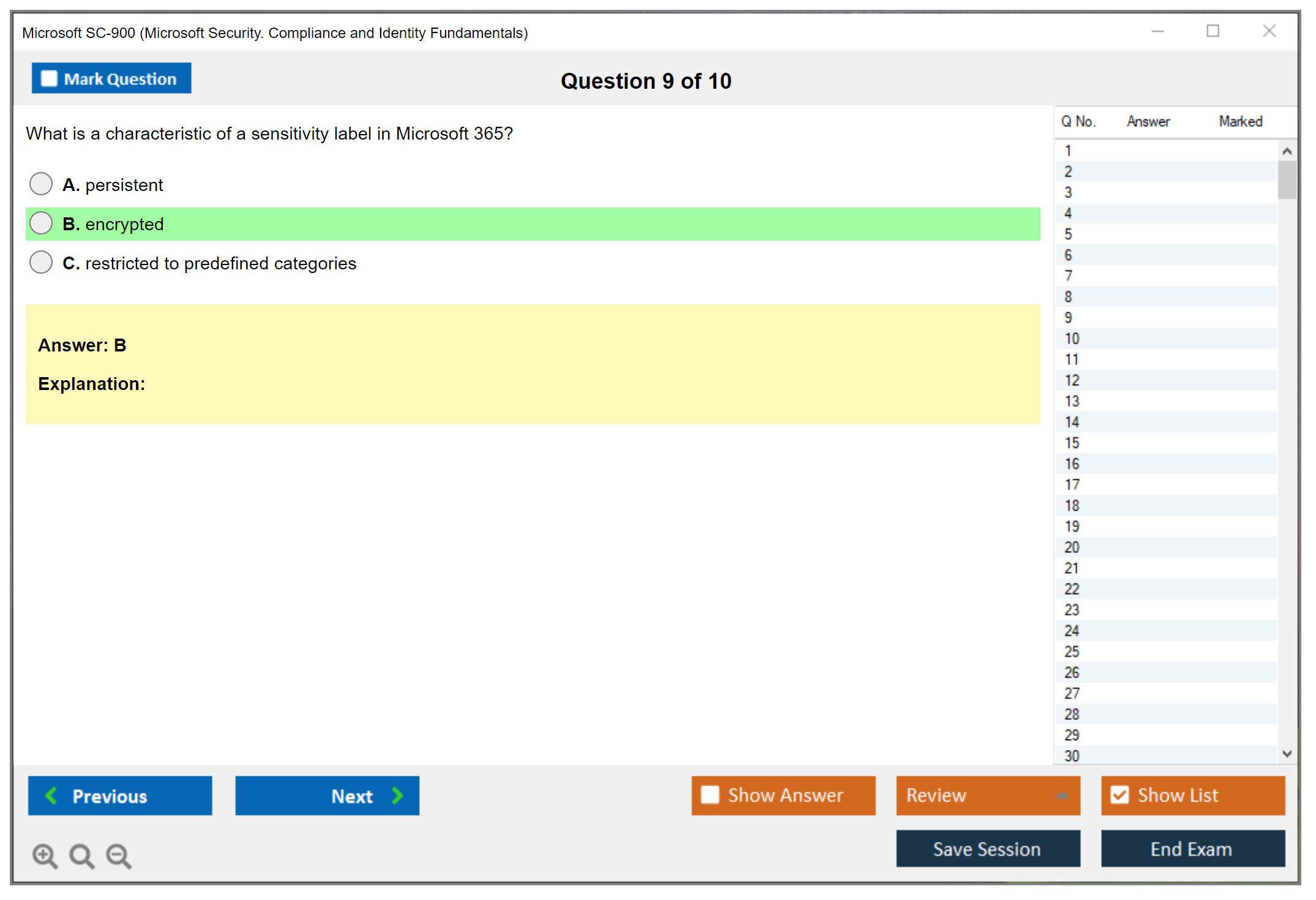
Sign up for the free Microsoft 365 trial (you get 25 user licenses for a month) and poke around the admin centers. Look at the Entra portal. Click through the Defender security center. Open Purview and see what sensitivity labels look like. You won't remember that "Microsoft Purview Information Protection" exists just from reading about it, but if you've actually seen it in the interface, it sticks.
Microsoft Learn's got free interactive modules specifically for SC-900. They're fine. A bit dry sometimes, not gonna lie, but they're structured exactly how Microsoft thinks about these topics. If you can get through all the learning paths (maybe 10-12 hours of reading and videos), you're covering the official exam objectives.
Practice tests are huge. Not just for checking knowledge but for understanding how Microsoft phrases questions. They love scenario-based questions where you need to pick the best solution for a specific business need, and sometimes two answers are technically correct but one's more correct based on the scenario details. The SC-900 practice test materials help you develop that pattern recognition.
Common mistakes that tank exam attempts
People underestimate fundamentals exams.
"It's just a fundamentals cert, I'll wing it." Then they fail 'cause they didn't bother learning the difference between Microsoft Defender for Cloud Apps and Microsoft Defender for Cloud. These aren't interchangeable, and the exam'll absolutely test whether you know which one does what.
Another thing is rushing through practice questions without reading explanations. You might guess correctly but not understand why that answer was right. Then exam day rolls around with slightly different wording and you're lost.
Non-native English speakers sometimes struggle with the business scenarios even when they understand the technical concepts. Reading comprehension matters when questions are 3-4 sentences describing a company's compliance requirements. The thing is, no amount of technical knowledge helps if you can't parse what the question's actually asking. Taking practice tests helps with this because you get used to how Microsoft structures those scenarios.
After you pass (realistic expectations)
The SC-900 proves you understand security concepts at an awareness level. That's it.
You're not suddenly qualified for a security analyst role, similar to how passing DP-900 (Microsoft Azure Data Fundamentals) doesn't make you a data engineer. But it's a solid foundation if you're planning to pursue SC-300, SC-400 (Microsoft Information Protection Administrator), or AZ-500 (Microsoft Azure Security Technologies) later.
It also builds confidence. Passing any certification, even an entry-level one, proves you can learn Microsoft's way of thinking about technology. And honestly? That mental framework's half the battle with their more advanced exams.
SC-900 Exam Objectives and Skills Measured
What is the SC-900 certification?
The SC-900 certification is Microsoft's on-ramp to Security, Compliance, and Identity Fundamentals. It proves you can talk the talk before anyone expects you to run the tools in production. This isn't a hands-on engineering exam. It's vocabulary plus concepts plus "do you understand why Microsoft built Entra, Defender, and Purview the way they did" and can you map that to actual business risk.
Students fit here. Career changers too. IT beginners. It's also a clean first win for helpdesk folks who keep getting security tickets, junior admins who touch Microsoft 365, and anyone trying to move toward a security/compliance/identity track without committing to a hardcore role cert yet. Short exam, big topic list.
SC-900 exam overview (Security, Compliance, and Identity Fundamentals)
The Microsoft SC-900 exam usually mixes multiple choice, case-study style sets, and "choose all that apply" questions. Expect concept checks like what a control is, what a policy is, where something lives (tenant vs resource), and what product family solves what problem. Some questions feel wordy. Others are blunt.
You can take it online or at a test center, and language options vary by region, so don't assume your preference is available on your date. The biggest format challenge isn't trick questions, it's endurance. You get a lot of terms in a short window. If you haven't read the official SC-900 exam objectives document recently, you'll second-guess yourself on product names like Microsoft Entra ID versus "Azure Active Directory (Azure AD) identity concepts". Actually, the rebrand from Azure AD to Entra ID caused some confusion on older practice materials I've seen, which is annoying when you're trying to figure out if the question's testing product knowledge or just using outdated vocabulary.
SC-900 exam cost
People always ask, how much does the SC-900 exam cost? Standard pricing is region-based, but in the US it's typically around USD $99. Other countries can be higher or lower due to taxes and currency conversion. Check the official exam page right before booking because pricing changes happen quietly.
Discounts exist sometimes. Student vouchers, employer training budgets, Microsoft events, occasional cloud skills challenges. If you can get a voucher, take it. Fundamentals exams are a great ROI when you're stacking toward a bigger role.
SC-900 passing score and scoring
What is the passing score for SC-900? Microsoft fundamentals exams generally use a scaled score model, and SC-900 commonly requires a 700 out of 1000 to pass. That doesn't mean "70% right." It means your question set and weighting roll up into a scaled result that might feel kind of arbitrary when you're looking at your score report and trying to reverse engineer where you went wrong.
Scoring is weird like that. You can crush one area and still fail if you totally whiff another domain that carries more weight. Retakes follow Microsoft's standard policies, so plan for the possibility, budget the time, and don't book the first attempt the morning after you skim a SC-900 study guide.
SC-900 difficulty: Is SC-900 hard?
Is SC-900 hard for beginners? It depends on your comfort with cloud concepts and security terminology. If you've never dealt with identity, conditional access, compliance labels, or incident alerts, the content can feel like alphabet soup. Entra, Defender, Purview, Zero Trust. You can learn it, but you need reps.
Common challenges? Naming and scope. Which tool does what. What lives in Microsoft 365 vs Azure. What "compliance" means beyond "we have a policy somewhere." Another pain point is conceptual security, because the exam expects you to understand the shared responsibility model and defense in depth without being a network engineer. That's a lot if your background is pure desktop support.
Study timelines vary wildly. A focused beginner can do 2 to 4 weeks. Someone already working in M365 can do a week. Rushing it is how people end up searching "SC-900 passing score" at 2 a.m. while taking a SC-900 practice test they don't trust.
SC-900 exam objectives (skills measured)
Here's the core structure: the SC-900 exam objectives are grouped into four primary domains covering security concepts, identity management, security solutions, and compliance solutions. The domain weighting matters because each section contributes a specific percentage to your overall score based on Microsoft's current blueprint. Microsoft does change those percentages, so don't study based on a random blog post from last year (yes, including mine).
Microsoft also updates objectives quarterly or semi-annually to reflect product changes and new features. Always verify the latest "Skills Measured" PDF on the official SC-900 exam page before you start your serious study plan for the Microsoft fundamentals security certification. The wording shifts, product branding changes (hello, Entra), and you don't want to prep the wrong version of the exam.
Describe security and compliance concepts. This is where you need the shared responsibility model. Microsoft secures the cloud, you secure what you put in it. The division changes by service type (SaaS vs PaaS vs IaaS), and the exam loves those basic boundaries. Defense in depth also lives here: layers of controls across network, identity, application, and data. Add Zero Trust security fundamentals on top. Verify explicitly, use least privilege, assume breach. That methodology is a move away from perimeter-based thinking and toward identity-driven decisions, device posture, and continuous evaluation. Encryption concepts show up too. Know encryption at rest vs encryption in transit, and why both matter. Hashing and digital signatures are the "integrity and authenticity" basics, not math proofs, just what they do and where you'd use them.
Describe Microsoft identity and access management concepts (Microsoft Entra). This is the Microsoft Entra fundamentals bucket. You should understand Entra ID (formerly Azure AD) as the IAM system for authentication, authorization, and tenant identity objects, plus basics like users, groups, roles, and conditional access concepts at a high level. MFA and SSO concepts matter. So does understanding what identity governance is trying to solve, even if you're not configuring it.
Describe Microsoft security solutions (e.g., Defender). Think Microsoft Defender basics: what Defender for Cloud is about (posture and workload protection), what Defender for Office 365 is about (phishing and email threats), and the general idea of threat detection and response across endpoints, identities, apps, and cloud resources. One or two products may be emphasized more depending on the current blueprint, so follow the latest doc.
Describe Microsoft compliance solutions (e.g., Purview). This is Microsoft Purview compliance fundamentals territory. Data classification, sensitivity labels, DLP ideas, retention concepts, and eDiscovery at a conceptual level. Compliance concepts include regulatory requirements, industry standards, and internal policies. Also expect data residency and sovereignty basics, like where data is stored and processed. Privacy principles and regulations such as GDPR and CCPA and what they push organizations to do.
SC-900 FAQs
What are the main objectives of the SC-900 exam? The four domains: security concepts, identity/access (Entra), security solutions (Defender family), compliance solutions (Purview family), with weightings based on the current blueprint.
How do I study for SC-900 and where can I find practice tests? Start with Microsoft Learn, then read the Skills Measured document line by line, then validate with a current SC-900 practice test that includes explanations and matches the latest objective percentages. Keep an eye on the Microsoft SC-900 exam page for updates. The exam version you book is the one you're graded on, not the one your friend took six months ago.
Conclusion
So should you actually pursue the SC-900 certification?
Look, I'm not gonna lie. The SC-900 certification isn't landing you a senior security architect role overnight. It's fundamentals. But here's the thing: if you're trying to break into IT or pivot toward security, compliance, or identity work, it's actually one of the smarter moves you can make right now. Most organizations are drowning in Microsoft tools whether they'll admit it or not, and having that baseline understanding of how Microsoft's ecosystem actually handles security through the Microsoft SC-900 exam becomes surprisingly relevant in real-world scenarios.
The exam cost? Low. The passing score? Achievable. Study materials? Mostly free if you use Microsoft Learn and supplement with a decent SC-900 study guide.
What really trips people up isn't difficulty. It's the sheer volume of terminology. Microsoft Entra fundamentals, Defender basics, Purview compliance stuff, Zero Trust principles.. they all sound vaguely similar until you actually understand what each one does. I mean, honestly, the SC-900 exam objectives cover a lot of ground for a fundamentals cert, but that's kind of the point, right? You get exposure to identity concepts (Azure AD stuff, now called Entra), security solutions, compliance frameworks. All the pieces that matter in modern enterprise environments. Once you pass, you've got proof that you understand the Security Compliance and Identity Fundamentals, which is surprisingly valuable when you're competing against people who just say "yeah I know security" with nothing backing it up.
Side note: I've seen hiring managers gloss over resumes with way fancier certs but pause on someone with SC-900 plus actual Microsoft 365 admin experience. Sometimes the basics matter more than we think.
Getting hands-on before exam day
Here's what actually works.
Don't just memorize definitions. Spin up a trial tenant. Click around the Microsoft 365 Defender portal. Look at how Purview labels work. Mess with conditional access policies in Entra. The Microsoft fundamentals security certification exam will test conceptual knowledge, sure, but if you've actually seen the interfaces and understand why you'd use one tool over another, the questions make way more sense. Some of them reference real scenarios you'll encounter in actual work environments.
And yeah, practice tests matter. A good SC-900 practice test should mirror the actual question styles: case studies, multiple choice, yes/no scenarios. You want one that explains why wrong answers are wrong, not just dumps correct answers at you. That's how you actually learn instead of just pattern-matching your way through.
One more thing before you schedule
Honestly, if you've read this far, you're probably ready to start studying. Maybe you've already gone through some Microsoft Learn modules. The SC-900 passing score is 700 out of 1000 (scaled), which sounds arbitrary but basically means you need roughly 70% correct. Totally doable if you put in focused study time over a couple weeks.
Before you book your exam slot, I'd recommend working through a full practice question set to identify your weak spots. The SC-900 Practice Exam Questions Pack includes updated questions that align with current exam objectives, detailed explanations for each answer, and coverage of all four exam domains: security concepts, identity management, security solutions, and compliance. It's one of those resources that actually helps you understand the material instead of just memorizing dumps. Worth checking out before you drop money on the actual exam fee.
Good luck. You've got this.
