

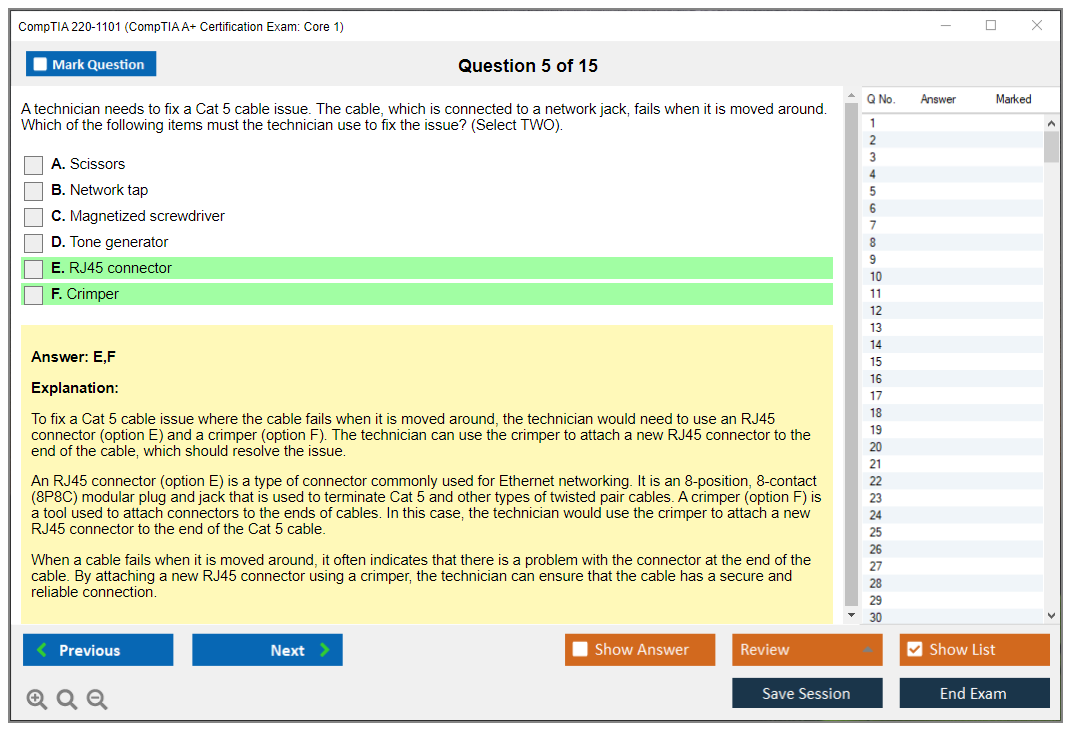
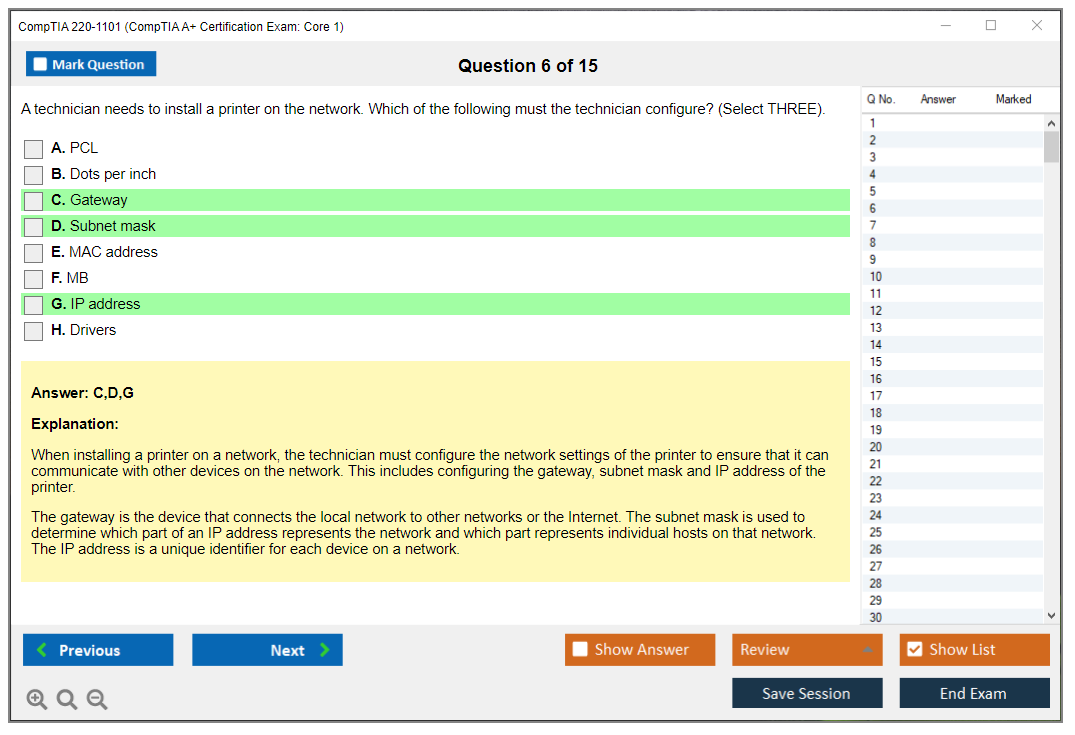
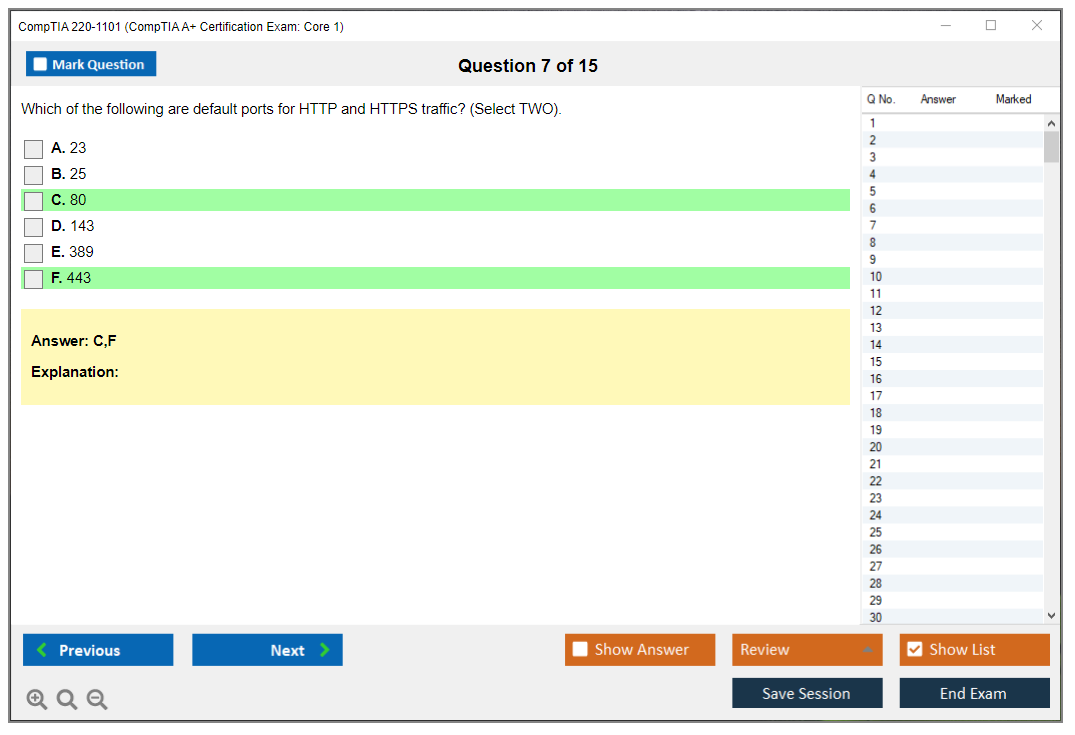
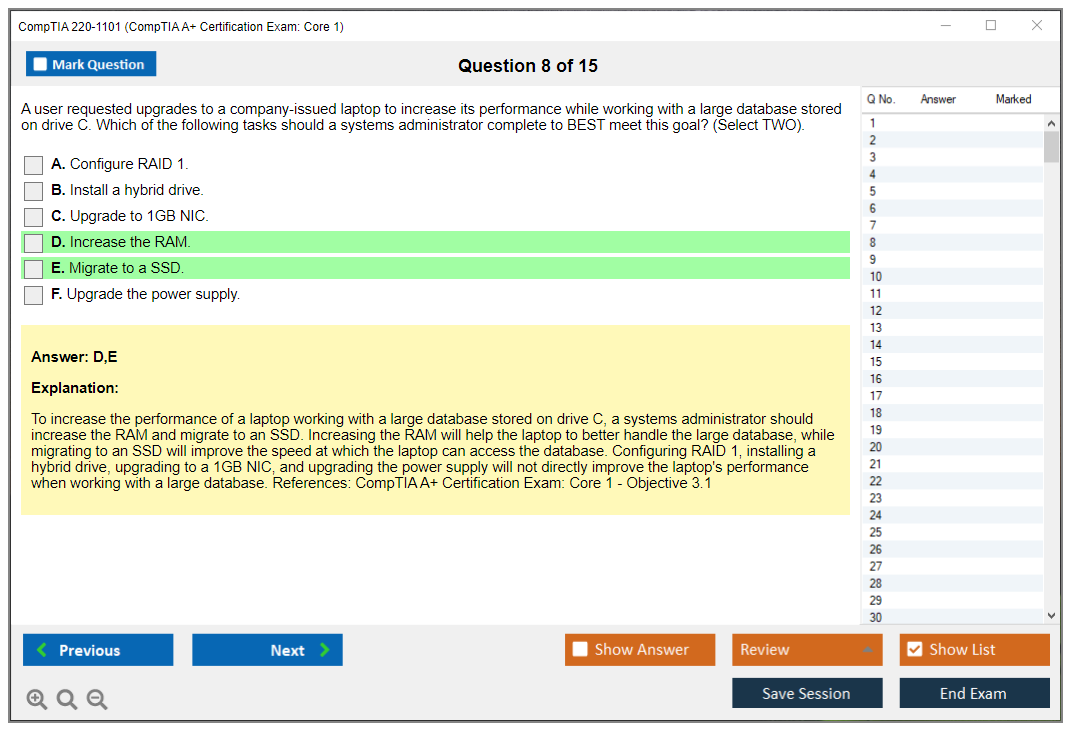
CompTIA 220-1101 (CompTIA A+ Certification Exam: Core 1)
Overview of CompTIA 220-1101 (A+ Core 1)
What the CompTIA 220-1101 exam actually is
The CompTIA 220-1101 exam? It's half the battle for earning your CompTIA A+ certification. You can't just take this one and call it a day. You've also gotta pass the 220-1102 (CompTIA A+ Certification Core 2 Exam) to get the full cert. But honestly, Core 1 is where the hardware action happens, and if you're someone who likes tinkering with computers or building PCs, this exam'll feel way more natural than its sibling.
This exam covers hardware fundamentals, networking basics, mobile devices, virtualization concepts, cloud computing pieces, and a whole lot of troubleshooting. Think about it like this: if something physically breaks or needs to be connected, Core 1 probably covers it. You've swapped out RAM, set up a wireless router, or wondered why your laptop screen isn't displaying anything? You're already touching on Core 1 territory.
The current version launched in 2022. CompTIA typically keeps exam versions valid for about three years, so the 220-1101 should stay relevant through 2025 and possibly beyond. This replaced the older 220-1001 (CompTIA A+ Certification Exam: Core 1) version, which a lot of people still remember. Fondly or not so fondly, depending on how their exam went.
Who this exam is actually for
Look, I'm not gonna lie. This certification targets entry-level IT folks. Aspiring IT technicians, help desk professionals trying to level up, field service technicians who want formal recognition, and career changers jumping into IT from completely different industries. If you're working retail or hospitality and thinking "I want to fix computers for a living," the CompTIA A+ Core 1 exam is your entry ticket.
But it's also for people already in IT who need to formalize their knowledge. Maybe you've been doing support work for a year without any certs. Passing the 220-1101 gives you something tangible to show employers. After you pass both Core 1 and Core 2, you can legitimately call yourself a desktop support technician, help desk analyst, field service technician, or IT support specialist. Entry-level A+ certified folks typically pull in somewhere between $35K and $50K depending on location and experience. That isn't amazing but it's a solid starting point.
My cousin actually got his A+ last year and said the weirdest part was realizing how much he'd already picked up just from years of being "the tech guy" at family gatherings. Made him wonder why he'd waited so long to make it official.
Why employers actually care about this cert
CompTIA A+ is vendor-neutral. What's that mean? It doesn't lock you into Microsoft or Cisco or Apple stuff. Employers love this because it shows you understand fundamental concepts that apply everywhere. You're not just trained on one company's products, you can troubleshoot Dell, HP, Lenovo, whatever walks through the door.
The certification also meets DoD 8570 requirements for certain government IT positions, which opens doors if you're interested in federal or military contractor work. Not everyone knows this, but having your A+ can literally qualify you for jobs that require specific security clearance levels. That's pretty huge for a foundational cert.
And honestly? The CompTIA brand carries weight. It's been around since the early '90s and most hiring managers recognize it immediately. When you list CompTIA A+ on your resume, they know exactly what skills you probably have without needing to dig deeper during screening.
How Core 1 differs from Core 2
The 220-1102 focuses on operating systems (Windows, macOS, Linux, mobile OS), security concepts, software troubleshooting, and operational procedures. Core 1 is all about the physical and infrastructure side. Hardware components, network devices, cables, ports, mobile device hardware, virtualization platforms, and cloud service models.
Think of it this way: Core 1 asks "can you build it and connect it?" while Core 2 asks "can you configure it and secure it?" You need both skill sets to be effective in IT support, which is why CompTIA split the exam into two parts. Some people find Core 1 easier because it's more hands-on and visual. Others prefer Core 2 because they're better with software than hardware. Or maybe they just hate cable management. Your mileage'll vary.
What the exam structure looks like
Real talk?
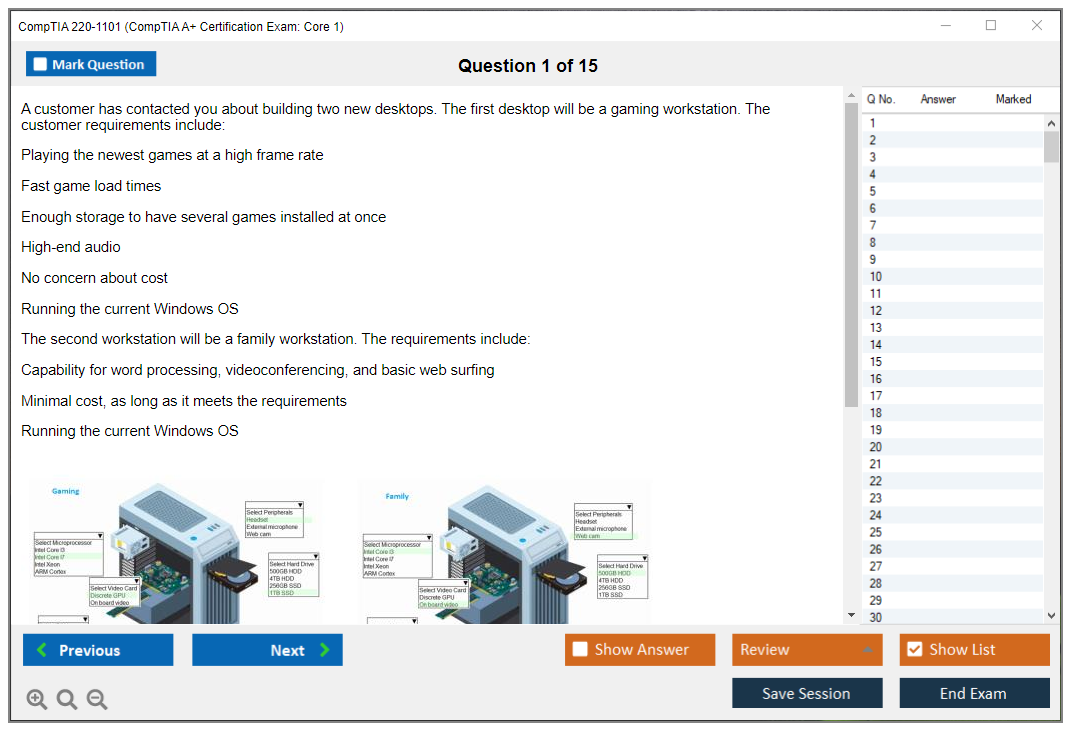
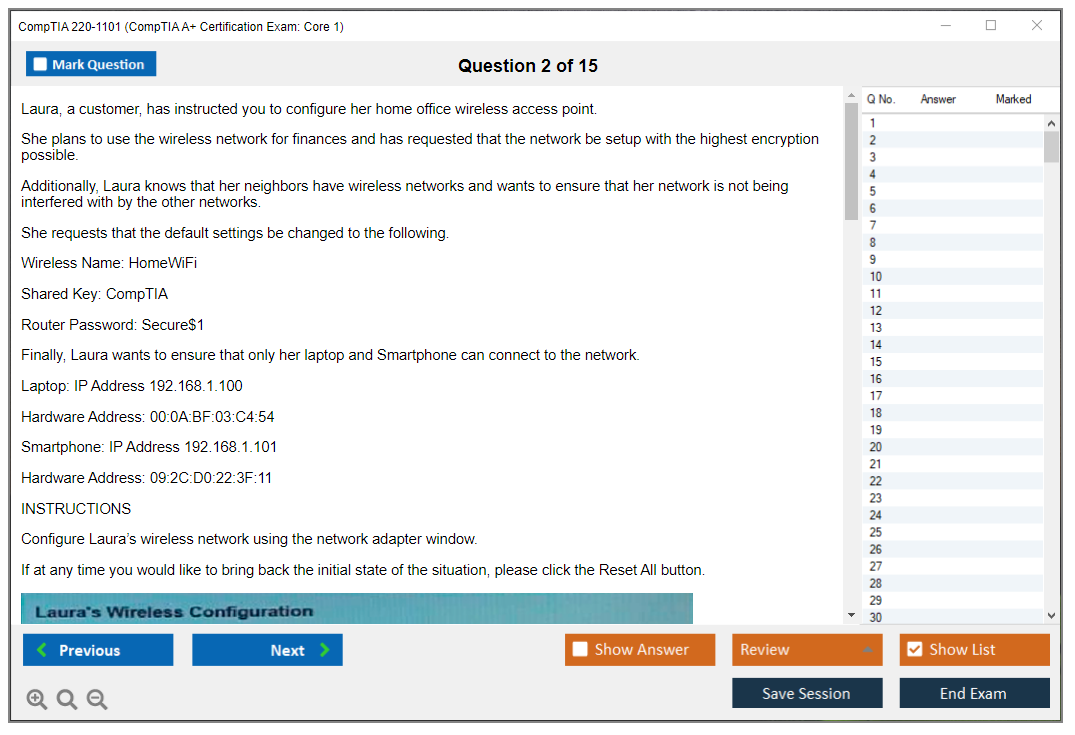
The CompTIA 220-1101 exam throws both multiple-choice questions and performance-based questions (PBQs) at you. The PBQs are simulations where you might need to configure a SOHO network, identify hardware components on a diagram, or troubleshoot a connectivity issue by dragging and dropping solutions in the correct order. These questions test whether you can actually apply knowledge, not just memorize definitions.
You get 90 minutes. You need a score of 675 out of 900 to pass (the scoring's scaled, so it's not straightforward percentages). The exam's available worldwide through Pearson VUE testing centers or online proctoring, and CompTIA offers it in English, Japanese, and a few other languages depending on your region.
Accessibility accommodations are available if you need extra time or assistive technology. CompTIA's pretty good about working with candidates who've got documented needs.
How this fits into the bigger CompTIA pathway
After you nail both Core 1 and Core 2, you've got a solid foundation for pursuing more specialized certs. The N10-008 (CompTIA Network+ Exam) is a natural next step if you liked the networking portions of Core 1. The SY0-701 (CompTIA Security+ Exam 2025) is another common progression, especially if you're interested in cybersecurity. And if you really want to go deep on infrastructure, CV0-004 (CompTIA Cloud+) builds on the cloud concepts you touch in Core 1.
CompTIA designs these certifications to stack. Knowledge from A+ becomes prerequisite understanding for Network+ and Security+. You're not starting from scratch each time. You're building on what you already know.
The reality check on hands-on experience
Studying alone won't cut it. Period.
You need to actually touch hardware, build a PC if possible, configure a home network, mess around with virtualization software like VirtualBox or VMware. The exam tests practical troubleshooting skills, and if you've never physically installed RAM or identified a SATA cable, you're gonna struggle with certain questions no matter how many practice tests you take. Set up a home lab, even if it's just an old laptop and a cheap router. That real-world experience makes everything click.
CompTIA 220-1101 Exam Details
Overview of the CompTIA 220-1101 (A+ Core 1)
The CompTIA 220-1101 exam is Core 1 of the CompTIA A+ pair, and honestly it's the one that throws "day one on the help desk" stuff at you. Hardware. Peripherals. Basic networking. A+ Core 1 hardware troubleshooting. Plus there's this mobile devices and laptop hardware exam vibe that just shows up everywhere.
It's for folks trying to snag their first IT job, or people already grinding in a support role who want a credential that hiring managers actually recognize. You don't need wizard status. But you do need comfort touching gear, reading error symptoms, and making a call fast when a user's staring at you.
Core 1 vs Core 2 (220-1102): what's different
Core 1's more physical and operational: devices, ports, printers, Wi-Fi, RAID, displays, and "why won't this thing boot." Core 2's more OS, security, and process. Different brain mode entirely. The stress hits differently too, I mean, PBQs in Core 1 tend to feel like "do the task," while Core 2 can feel like "pick the best policy answer."
CompTIA 220-1101 exam details
Exam format, question types, and time limit
CompTIA A+ Core 1 (220-1101) throws a maximum of 90 questions at you, and you've got 90 minutes. Not "90 questions guaranteed," but up to 90, so don't plan your pacing around some fixed number. Some items are fast multiple-choice, then you hit performance-based questions (PBQs) that'll eat time if you start clicking around randomly.
Question types include multiple-choice (single response), multiple-choice (multiple response), and PBQs. The MCQs are what you'd expect: choose the best answer, sometimes choose two or three answers, sometimes "what should you do next." PBQs are the spicy part. Interactive simulations. Drag-and-drop. Configure settings. Match components. Troubleshoot a scenario with a fake desktop, a ticket, or a network diagram, and the fastest way to fail is treating PBQs like trivia instead of like a short task you can complete cleanly.
PBQ characteristics stay pretty consistent: you're doing something, not just saying something. You might set up a SOHO router option, identify components on a motherboard, fix a printer queue issue, or follow a troubleshooting workflow where the "right" move is actually a logical step, not a fun fact. This is where CompTIA 220-1101 exam prep should include hands-on practice, not only a CompTIA A+ 220-1101 study guide and flashcards.
Passing score for 220-1101
The CompTIA A+ Core 1 passing score is 675 on a scale of 100 to 900, which people often translate to "about 70%." That approximation's fine for motivation, but it's not a real conversion, and this is where candidates get confused and angry.
CompTIA uses scaled scoring. That means your final score gets mapped onto that 100 to 900 scale, and different questions can have different weights. CompTIA can also include unscored items (for future exam testing). So the passing score doesn't directly correlate to "you must get X out of 90 correct," because you don't know which items are weighted more, and you don't know which items might not count at all. Not gonna lie, it feels opaque. But the practical takeaway's simple: don't gamble on skipping whole objective areas because you think you can "make it up" elsewhere.
Exam cost and voucher pricing (what to expect)
CompTIA A+ exam cost 220-1101 typically runs $246 USD per attempt. Pricing varies by region, taxes, and promos, and sometimes training providers bundle it differently. If you're buying for yourself, check the CompTIA store first, then compare authorized partners because discounts pop up in weird places.
Academic pricing exists through the CompTIA Academic Store for students and educators. Qualify? Do that. Paying full price when you don't have to is painful.
Voucher bundles are also a thing, and they can include a retake and sometimes a practice product. The retake option's the one worth thinking about in detail, because test anxiety's real, life happens, and a bundle can be cheaper than paying twice at full price. The practice add-on's nice if you'll actually use it and not let it rot in your inbox. I saw someone once buy a bundle with like four different practice exams and never opened a single one because they just kept re-reading the same study guide. Don't be that person.
Where to take the exam (online vs test center)
You can test at Pearson VUE test centers worldwide or do online proctored testing from home or the office. Test centers give you a controlled environment. Quiet. Fewer "is my Wi-Fi about to die" thoughts. Online testing gives you convenience, but it's picky.
For online, Pearson VUE's OnVUE system has requirements: compatible OS, webcam, microphone, stable internet, and a room that looks like a blank box. You run a system check ahead of time, then you do check-in with photos of your ID and your workspace. Clear desk. No extra monitors. No notes. No smartwatches. Proctors watch you live, and security alerts can trigger if you leave the frame, mumble, look off-screen too much, or if someone walks in. I mean, it's fair, but it can feel tense.
Scheduling, policies, and what happens on exam day
Scheduling's through the Pearson VUE portal tied to your CompTIA account. Pick your exam, pick online or a test center, choose a date, pay with a voucher code, done. Use the testing center locator tool if you're going in person, because availability varies a lot by country and even by city.
Rescheduling and cancellation policies usually require 24 to 48 hours notice depending on your exam type and region, so don't assume you can move it the night before without losing your fee. Read the policy on your confirmation email. Boring. Expensive if ignored.
At a test center, expect check-in procedures, a palm scan or photo depending on location, and strict ID requirements (usually a government-issued photo ID, sometimes a second ID). Prohibited items are basically everything: phone, notes, bags, sometimes even jackets in the room. You get a locker. You sit. You test.
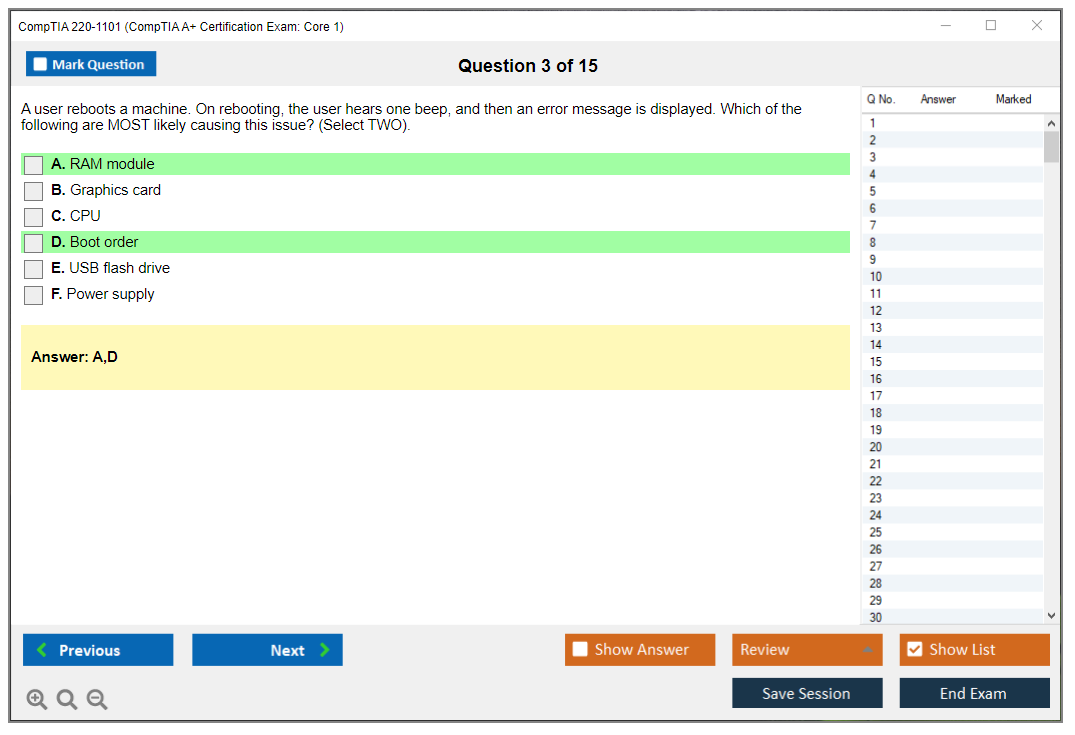
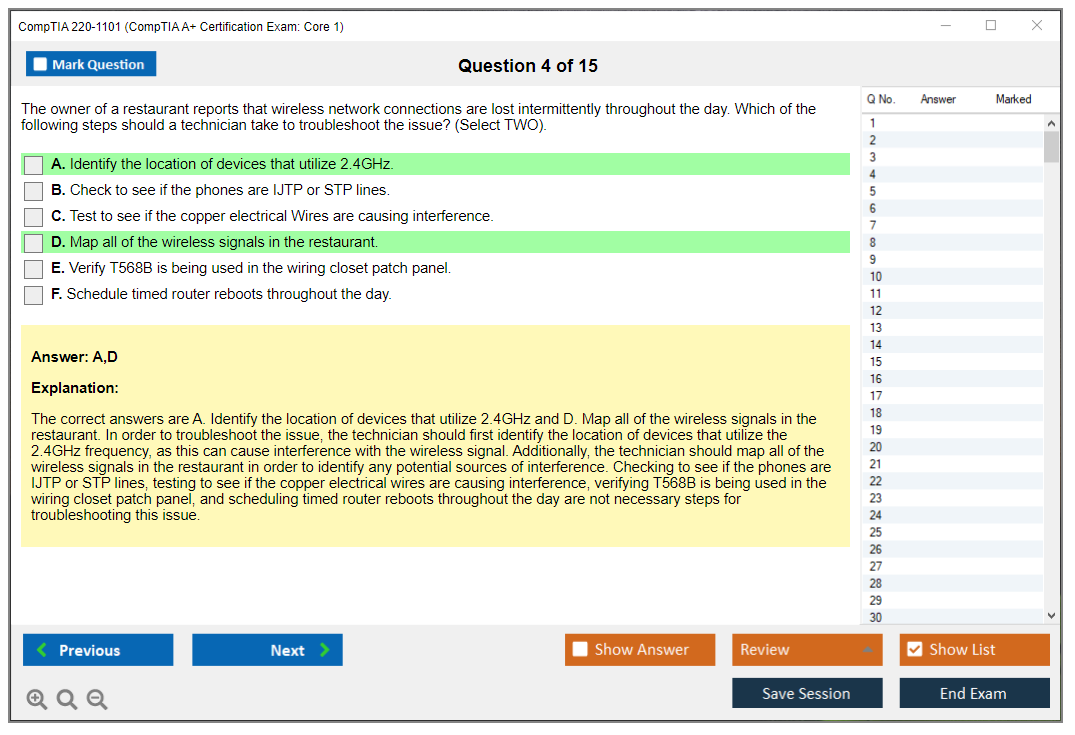
The exam interface lets you mark questions for review, move between items, and on many exams you get simple tools like a calculator and a digital whiteboard. Flag anything that's taking too long, keep moving, and come back if you've got time, because the clock doesn't care about your perfectionism.
When you finish, you get an immediate pass/fail notification. Your score report shows your scaled score plus domain-level performance, which is useful for diagnosing weak areas against the CompTIA A+ Core 1 objectives. After you pass, your digital badge and certificate usually show up after processing, not instantly, so don't panic if it's not there the same minute.
You also agree to the NDA. Don't share exam content. Don't post "here are the PBQs I got." CompTIA takes that seriously.
Retakes? There's no waiting period for the first retake, but after the second attempt you wait 14 days. And you can't retake the same exam more than three times in a 12-month period.
Language availability includes English and Japanese, plus other languages depending on region and delivery. If you need special accommodations, CompTIA's got a request process for candidates with disabilities, and you want to start that early because approvals and scheduling can take time.
And yes, once you pass both cores, CompTIA A+ stays current for three years. Renewal's a separate conversation, but track your date now so it doesn't sneak up on you later.
220-1101 Objectives (Domains) and What to Study
Official CompTIA A+ Core 1 objectives breakdown into five weighted domains
The CompTIA 220-1101 exam objectives split into five distinct domains, each carrying different weight on your final score. Knowing these percentages matters because you can prioritize where to spend study time instead of treating every topic like it deserves equal attention, which wastes hours you don't have.
Domain 1.0 (Mobile Devices) accounts for 15% of the exam. Domain 2.0 (Networking) bumps up to 20%. Domain 3.0 (Hardware) is the heaviest at 25%, which makes sense since this is fundamentally a hardware-focused exam. Domain 4.0 (Virtualization and Cloud Computing) sits at 11%, while Domain 5.0 (Hardware and Network Troubleshooting) dominates at 29%.
That troubleshooting domain? Massive. Lots of folks underestimate how much real-world scenario work shows up here, but if you nail troubleshooting methodology you're already ahead of most candidates walking into that testing center.
Domain 1.0: Mobile Devices (15% of exam)
This domain covers laptop hardware installation, configuration, and troubleshooting in ways that actually matter for entry-level IT work, not just textbook theory that sounds impressive but means nothing when you're holding a screwdriver. You need to know laptop components cold: displays, keyboards, batteries, wireless cards, storage drives. How to swap them without bricking something expensive.
Mobile device accessories come up too. Docking stations. Port replicators. Trackpads, webcams. The exam expects you to understand when each makes sense and what connectivity standards they use, which trips people up more than it should. Tablet and smartphone hardware features matter here as well, including connectivity options like USB-C, Lightning, wireless charging standards.
Mobile device synchronization methods and cloud integration show up in scenario questions where you're troubleshooting why someone's contacts won't sync or their email isn't pushing correctly. Understanding the difference between cloud-based sync and local sync methods saved me on at least two performance-based questions when I took this thing. My brother failed his first attempt partly because he skipped this section, figuring it was just common sense stuff about phones.
Domain 2.0: Networking (20% of exam)
Networking fundamentals for A+ candidates go deeper than you might expect for an entry cert, which catches people off guard if they're coming in thinking it's just basic cable identification. You're looking at TCP/IP fundamentals like IPv4 addressing, IPv6 basics, how DHCP assigns addresses automatically, and what DNS does when you type a URL. This isn't Network+ level depth, but you can't just memorize definitions and call it done.
Network types include LAN, WAN, PAN, MAN, WLAN concepts, mostly understanding what each acronym means and when you'd encounter them in real environments. Networking hardware is huge: routers, switches, access points, modems, and the cables connecting everything together.
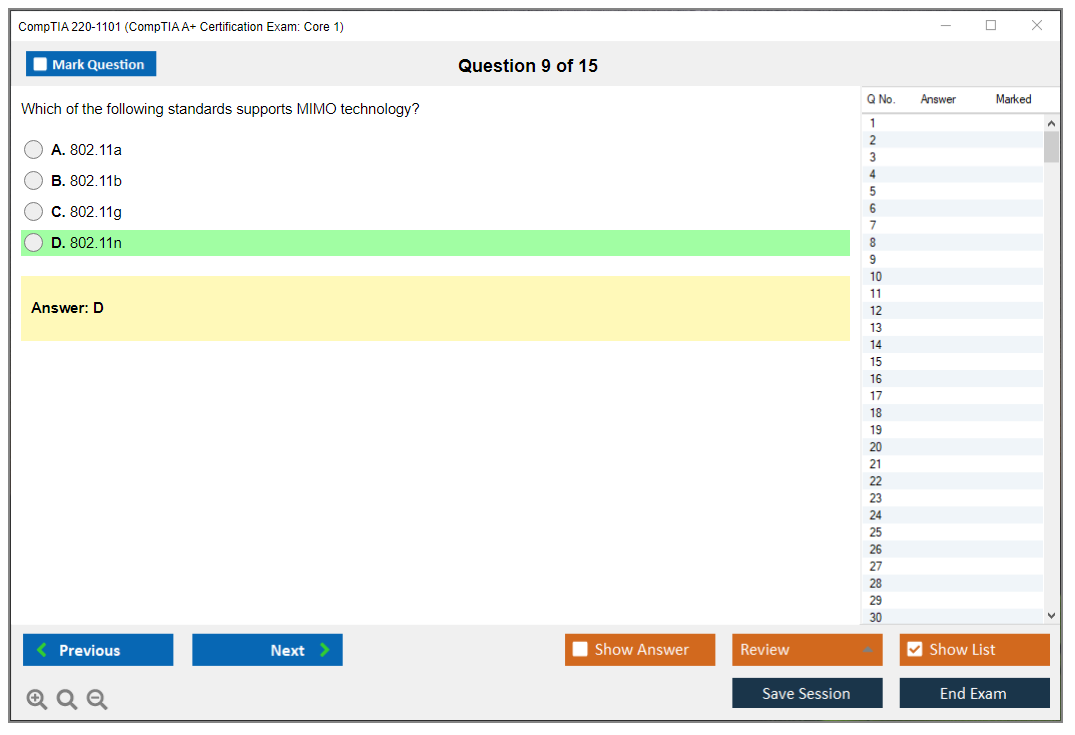
Wireless networking standards from 802.11a through 802.11ax (Wi-Fi 6) need to be memorized with their frequencies and rough speeds. Annoying but necessary. Configuration topics include setting up SSIDs, security protocols like WPA2 and WPA3, and basic troubleshooting steps when wireless drops or acts weird.
Network services and protocols show up constantly. HTTP, HTTPS, FTP, SMTP, SSH, RDP. You need to know port numbers for the major ones and what each protocol accomplishes in actual practice. SOHO network setup comes up in performance-based questions where you're configuring a small office router or troubleshooting why devices can't reach the internet, which reflects what you'll do in your first IT job anyway.
Network troubleshooting tools like ping, ipconfig, tracert, nslookup, and netstat are tested both conceptually and in simulations that'll make or break your score. If you haven't used these in a command prompt or terminal before taking the exam, you're gambling with points you can't afford to lose.
Domain 3.0: Hardware (25% of exam)
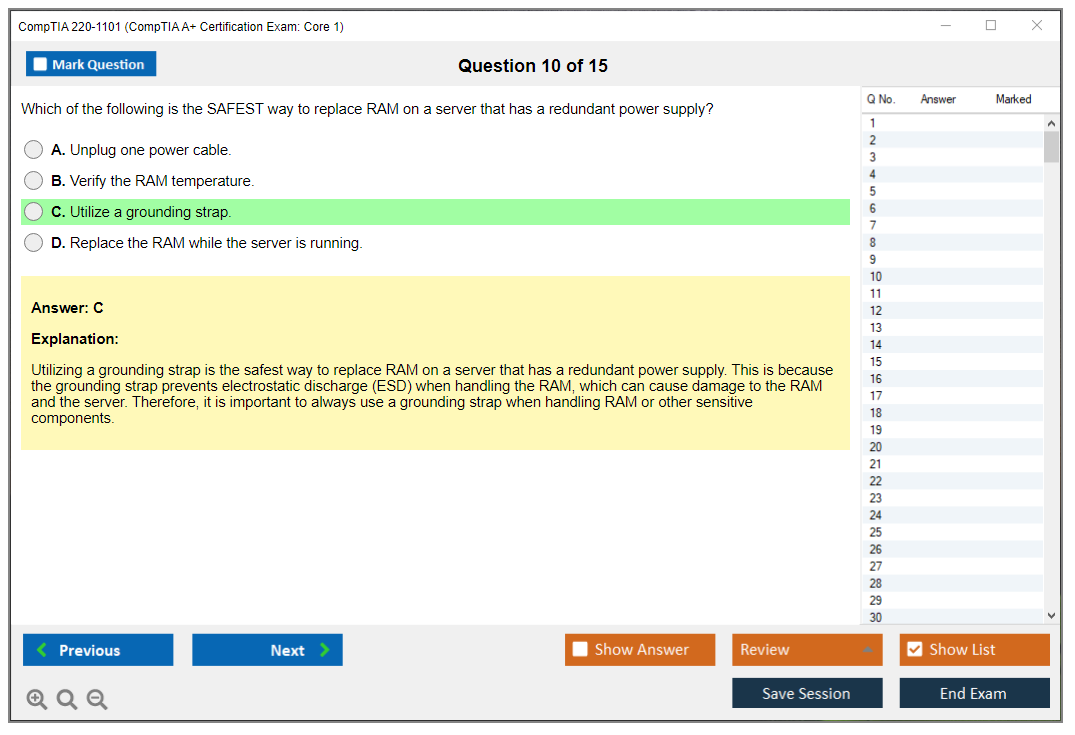
PC hardware components and peripherals make up the largest single domain in CompTIA 220-1101 (CompTIA A+ Certification Exam: Core 1), which reflects what most A+ techs actually do day-to-day instead of the glamorous cybersecurity stuff everyone imagines. Motherboard components require detailed knowledge: CPU sockets (LGA versus PGA), RAM slots and how dual-channel works, expansion slots like PCIe generations, chipsets, and BIOS/UEFI configuration. Way more detail than seems fair for an "entry-level" cert, but here we are.
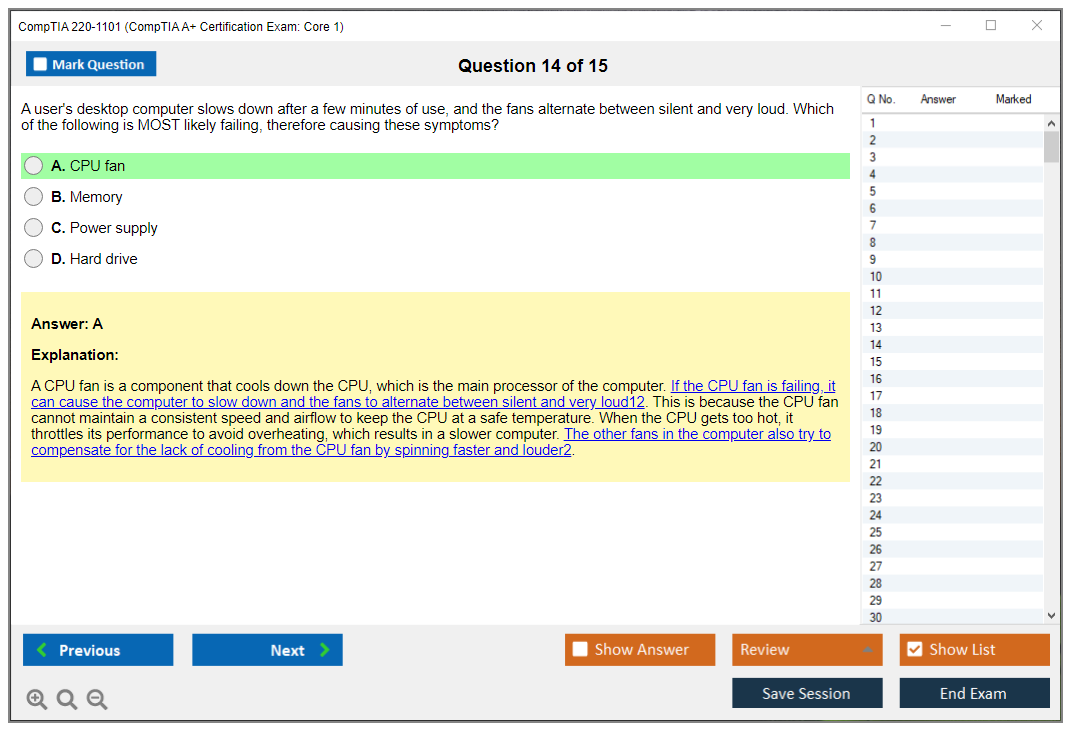
CPU types, architecture differences between Intel and AMD, cooling solutions from stock coolers to liquid cooling, and installation procedures all appear. RAM types need to be distinguished by physical notch location, pin count, and compatibility with specific motherboards or you'll pick wrong answers that sound plausible. DDR3, DDR4, DDR5, they all look similar until you're staring at the slots.
Storage devices cover everything from traditional HDDs to SSDs, NVMe drives, M.2 form factors, and RAID configurations for redundancy or performance. Power supplies require understanding wattage calculations for system builds, connector types (24-pin ATX, 8-pin EPS, PCIe power), and efficiency ratings like 80 PLUS Bronze through Titanium. Matters more for custom builds than most help desk work but CompTIA tests it anyway.
Display technologies? LCD, LED, OLED panels and resolution standards from 1080p through 4K and beyond. Peripheral devices and their connectivity standards come up frequently since you're expected to recommend appropriate cables and adapters when users can't connect their monitors or docking stations. USB generations, Thunderbolt, DisplayPort, HDMI.
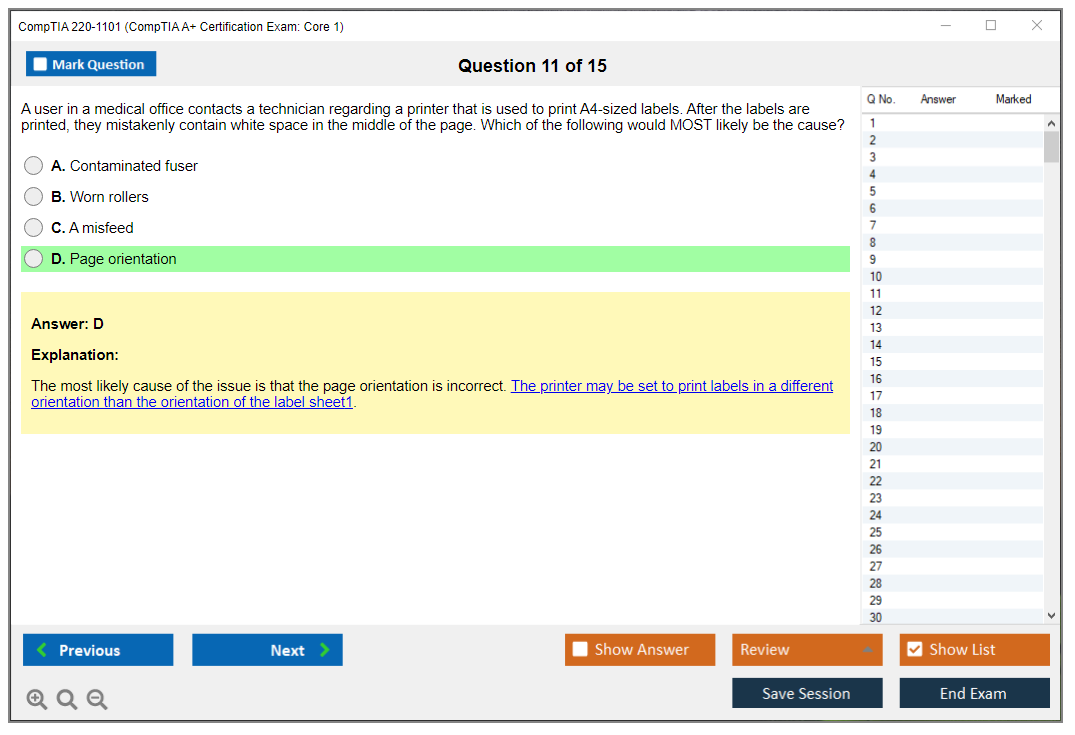
Printer types span laser, inkjet, thermal, impact, and even 3D printing basics now, because apparently we all need to know FDM versus resin printing for help desk tickets. Installation, configuration, and maintenance procedures for printers are tested surprisingly deeply, including driver installation and sharing printers on a network. Custom PC configurations for gaming, workstations, virtualization servers, and graphics design workstations require knowing which components to prioritize for each use case, not just "more RAM good."
Domain 4.0: Virtualization and Cloud Computing (11% of exam)
Virtualization and cloud concepts A+ candidates must understand start with the purpose and benefits of virtualization technology: cost savings, testing environments, and resource efficiency rather than just "cool technology." Client-side virtualization covers hypervisors, specifically Type 1 (bare metal) versus Type 2 (hosted), and the resource requirements needed to run VMs without crushing system performance and making users miserable.
Virtual machine creation, configuration, and management questions test whether you understand allocating CPU cores, RAM, and storage to guest systems. Cloud computing models need real-world examples you can explain, not just memorized definitions that sound robotic. IaaS, PaaS, SaaS. Same with cloud deployment models: public, private, hybrid, and community clouds all serve different purposes.
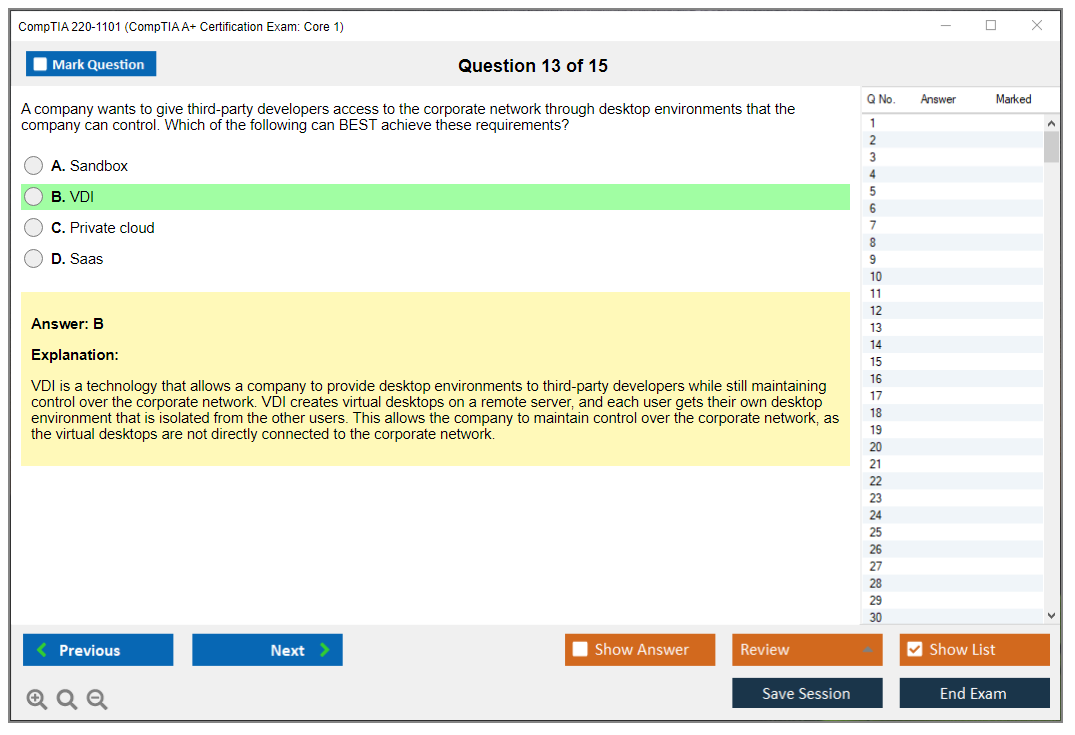
Cloud storage services and synchronization technologies tie back into Domain 1 mobile device topics, while virtual desktop infrastructure (VDI) concepts explain how users access desktops running in datacenters rather than local hardware. Confuses people until they see it in action.
Domain 5.0: Hardware and Network Troubleshooting (29% of exam)
A+ Core 1 hardware troubleshooting methodology follows CompTIA's standard six-step process religiously: identify the problem, establish a theory of probable cause, test the theory, establish a plan of action, verify full system functionality, and document everything. This methodology shows up in probably 30-40% of the troubleshooting questions, maybe more, so internalizing it matters way more than any single hardware fact you might memorize.
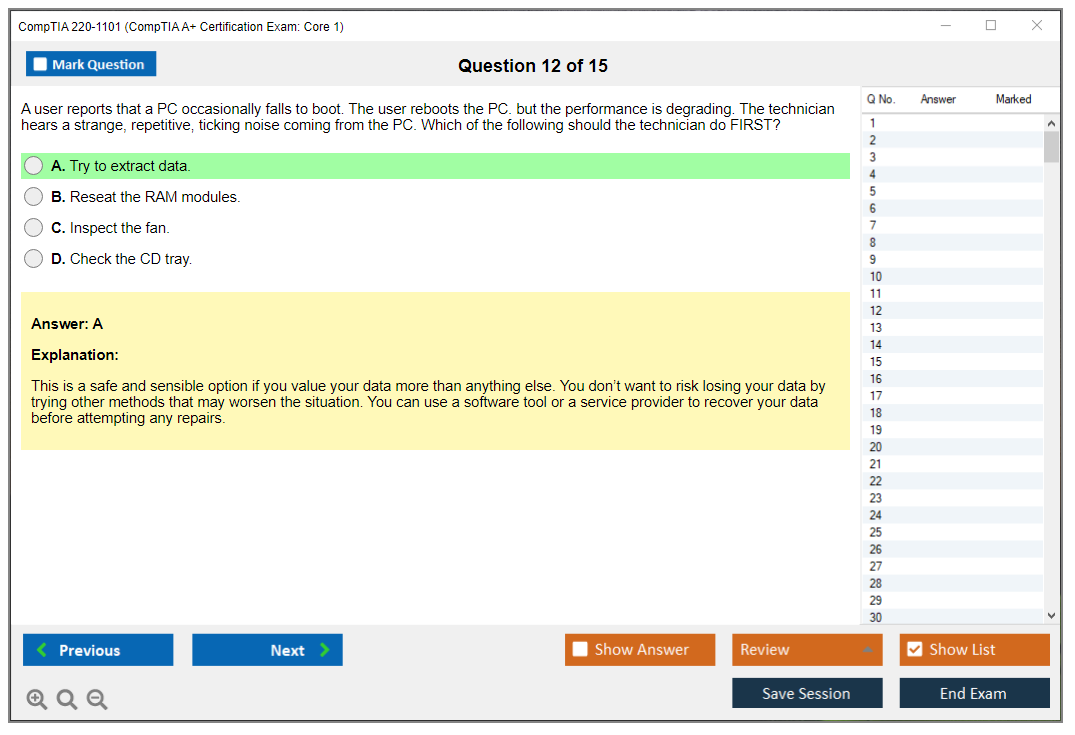
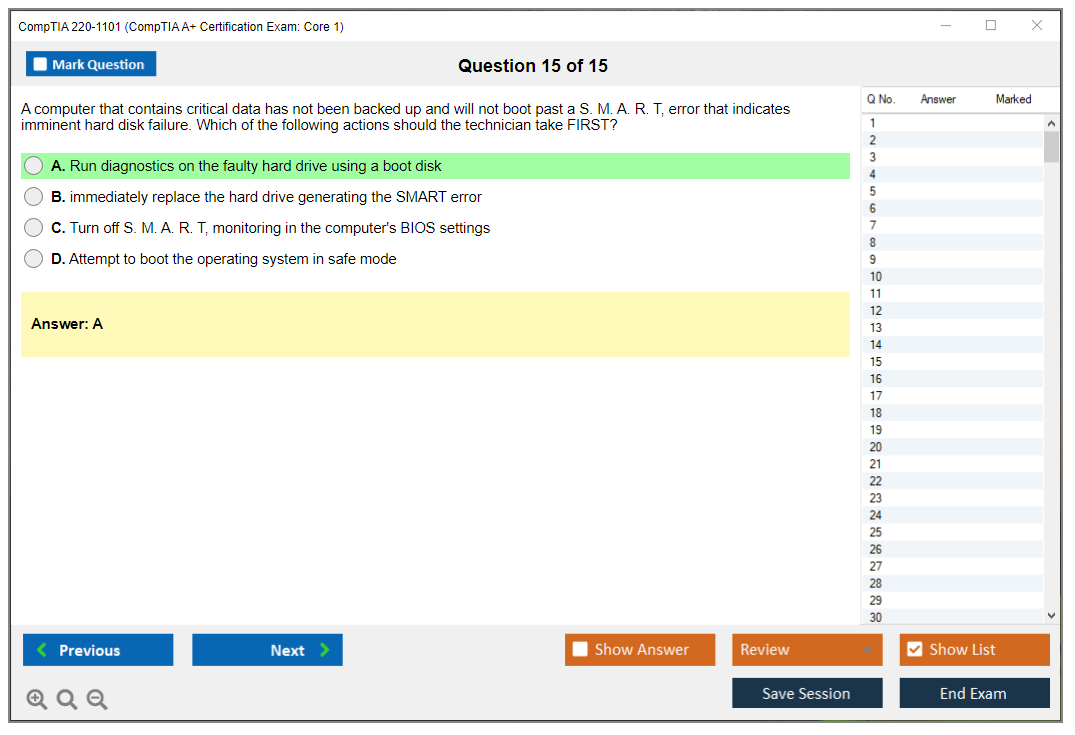
Common laptop and mobile device issues include battery problems, overheating, display malfunctions, and connectivity failures that'll drive users absolutely nuts. Desktop PC troubleshooting covers POST errors, boot failures, and hardware conflicts. Power supply troubleshooting requires recognizing symptoms of failure like random shutdowns or burning smells and knowing basic testing procedures before you replace expensive components unnecessarily.
Storage device issues, display troubleshooting, network connectivity problems, and printer troubleshooting all get their own subsections with specific symptoms and solutions you need to recognize on sight. This domain is where the 220-1101 Practice Exam Questions Pack becomes valuable since you need exposure to dozens of scenario variations before these patterns click in your brain.
Most-tested objective areas to prioritize during study
If you're short on time, and who isn't, focus hard on troubleshooting methodology since it appears across multiple domains and scenarios. Hardware installation procedures for RAM, storage, and power supplies show up constantly in both simulations and multiple choice. Networking fundamentals get tested heavily in both question formats, so you can't skip them even if networking bores you. IP addressing, DHCP, DNS, and basic wireless configuration especially.
How to use the official CompTIA 220-1101 exam objectives PDF as a study checklist
Download the objectives document from CompTIA's website. It's free and surprisingly detailed compared to other vendor exam blueprints that give you almost nothing useful. I map study materials to specific objective numbers using a spreadsheet, which sounds nerdy but keeps me from accidentally skipping entire subsections and then panicking when they appear on exam day.
The self-assessment approach I use involves rating confidence level (1-5) for each objective after reading through them initially, then again after completing study materials. Kind of tedious but it works. Identifying knowledge gaps this way shows exactly where to focus review time rather than re-studying stuff you already know, which wastes precious hours you could spend on weak areas.
Create custom study plans based on domain weighting percentages. If Hardware is 25% and Virtualization is 11%, don't spend equal time on both or you're doing it wrong. The 220-1101 Practice Exam Questions Pack at $36.99 helps identify weak areas faster than reading through study guides hoping you'll magically absorb everything through osmosis or whatever. Acronym mastery deserves its own flashcard deck since CompTIA loves testing whether you know what RAID, DHCP, NAT, and fifty other abbreviations actually stand for. Annoying but unavoidable.
Similar exams like 220-1102 (CompTIA A+ Certification Core 2 Exam) cover the operating systems and security side, but you need Core 1 locked down first since hardware knowledge builds the foundation for everything else in IT careers.
Prerequisites and Recommended Experience
Prerequisites and recommended experience
Are there prerequisites for CompTIA A+?
CompTIA's official stance is simple: there are no mandatory prerequisites for the CompTIA 220-1101 exam. No required class. No required job title. No "you must have X months first" gatekeeping.
That's the whole point of CompTIA A+ Core 1 (220-1101). It's built for beginners, career changers, and people who are just now getting serious about IT. I like that about it, because the fastest way to kill motivation is telling someone they're "not ready" before they've even opened the CompTIA A+ Core 1 objectives PDF. Entry-level. Practical. A little intimidating at first, sure, but not exclusive.
High school diploma or equivalent is typically enough from an "education background" perspective. Mostly because entry-level support work is more about what you can do at a keyboard and with a screwdriver than what you did in a lecture hall. College students take it. High school students take it. Career changers at 35, 45, 55 take it. Age and career stage really aren't the limiting factor here. Your consistency is.
International candidates? Absolutely welcome. English proficiency helps if you're taking the English-language version, because the wording can get picky. CompTIA does offer translated exams for some languages and regions, so check what's available where you live before you commit to a date.
Recommended hands-on experience and baseline knowledge
Even though there are no prerequisites, CompTIA does recommend about 9 to 12 months of practical IT support experience before you attempt CompTIA A+ Core 1 (220-1101). Recommended, not required. Look, that experience mostly matters because it gives you "oh yeah, I've seen this" moments during questions on printers, Wi-Fi issues, laptop parts, and basic troubleshooting. That intuition is hard to fake when the clock is ticking and the CompTIA A+ Core 1 difficulty starts feeling real.
If you don't have a job yet, you can still build the same skill signals. Personal projects? They count. Home lab practice? Counts. Volunteer IT work? Counts. I've seen people get ready by fixing family laptops, setting up a router with a guest network, imaging a PC for a friend, breaking a Windows install on purpose and repairing it, then backing all that up with a solid CompTIA A+ 220-1101 study guide and a lot of repetition. It's not glamorous. It works.
Baseline knowledge that helps:
- File systems. Knowing what NTFS is, what permissions sort of mean, and why "my files are gone" might really be "you're in the wrong profile."
- Basic command line usage. Not wizard-level, just enough to recognize tools and not panic when you see them.
- Hardware component recognition. RAM vs SSD vs M.2, and what part you'd swap first when a machine won't POST.
Other stuff that makes your life easier before you start heavy CompTIA 220-1101 exam prep: be comfortable bouncing around Windows settings, Device Manager, Disk Management, and basic macOS/Linux navigation. You don't need to be a Linux admin, but you should be able to click around without feeling lost. The thing is, Core 1 also leans into mobile devices and laptop hardware exam topics, so get used to the idea that "hardware" isn't just a desktop tower. It's batteries, screens, docking stations, ports, and the weird reality of ultrabooks where everything is tiny and annoying.
If you're aiming at hardware technician style roles, physical skills matter more than people admit. Manual dexterity. Careful hands. Cable management. Not yanking connectors. Not stripping screws. Tiny fragments of skill, but real. I actually scratched a motherboard once during my first RAM upgrade because I was rushing and the screwdriver slipped. Stupid mistake. Expensive lesson. Now I take my time and use a magnetic parts tray.
An IT degree program or a technical training course can speed things up, mainly because you get structure and deadlines, plus access to equipment you might not own. That said, self-taught is a completely workable path if you actually do the hands-on part and don't just binge videos. Mix reading the CompTIA A+ Core 1 objectives with labs, then check yourself with a CompTIA 220-1101 practice test, then go back and patch the holes. Yes it's repetitive and yes it's supposed to be.
For official practice ecosystems? CompTIA CertMaster Core 1 is an option. Some people love it. Some people hate it. Either way, you still need real reps doing A+ Core 1 hardware troubleshooting, networking fundamentals for A+, and the virtualization and cloud concepts A+ expects at a basic level.
People skills matter too, and not in a cheesy way. Problem-solving. Customer service. Communication. You can know the answer and still fail the job if you can't document a ticket, ask good questions, or explain to a stressed-out user why rebooting actually matters.
Best entry-level roles after passing
Passing Core 1 alone is nice progress, but most employers want the full A+ (Core 1 and Core 2). Once you have both, these are the common entry-level landing spots. The titles vary wildly by company.
Help Desk Technician or Support Specialist is the classic first stop. You're first-tier support, you live in a ticket queue, and you do a lot of the unsexy stuff: password resets, basic software installation guidance, and documenting what you tried so the next person isn't starting from zero. It's also where you learn speed, triage, and how to talk to non-technical humans without sounding like a robot. Honestly that's half the job.
Desktop Support Technician? More hands-on and usually on-site. Day to day you might be setting up and deploying PCs, swapping a bad drive, replacing a keyboard, fixing a docking station that "randomly stops working," and configuring peripherals that users swear they didn't touch. It's also where you build confidence fast, because you're physically responsible for making the gear work again.
Field Service Technician is similar, but you travel. You show up at customer sites for installs and repairs, you troubleshoot on the move, you deal with unknown environments, and you're expected to be independent while still keeping the customer calm and informed. Not gonna lie, it can be exhausting. It can also teach you a ton quickly.
Other roles you'll see: IT Support Specialist, Junior Network Technician, and a bunch of "IT Technician I" variations. If you pair A+ with some networking reps, Junior Network Technician becomes more realistic, since Core 1 touches networking fundamentals for A+ enough to get you started.
Pay is region-dependent, but in the US you'll commonly see $35,000 to $50,000 for entry-level support. Sometimes higher in big metros and sometimes lower in smaller markets. Remote work exists, especially for help desk, but it's competitive and companies often want proof you can communicate well and work tickets without hand-holding.
One more angle people forget: some government and DoD-adjacent roles ask for CompTIA A+ for baseline compliance. That doesn't mean you automatically get hired. It does mean the cert can be a checkbox that stops your resume from getting tossed.
On the resume side, treat the cert like proof plus momentum. Put "CompTIA A+ (Core 1: 220-1101, Core 2: 220-1102)" in the certs section, then back it up with bullets that sound like work: built a home lab, replaced laptop components, configured SOHO Wi-Fi, documented troubleshooting steps. If you're grinding practice, mention it indirectly by being ready for the interview, not by bragging about a score.
If you want extra reps before test day, I like structured question packs as long as you review explanations and map misses back to the objectives. The 220-1101 Practice Exam Questions Pack is one option to mix into your CompTIA 220-1101 exam prep, especially when you're trying to tighten timing and get used to how CompTIA asks questions, and you can circle back to the 220-1101 Practice Exam Questions Pack later as a final check after you finish your main CompTIA A+ 220-1101 study guide.
How Difficult is the CompTIA A+ Core 1 Exam?
Difficulty factors that make CompTIA 220-1101 challenging
Okay, so here's the deal. The CompTIA A+ Core 1 exam? It's moderate difficulty. For entry-level IT certs, anyway.
If you've literally never opened up a computer case or messed with network settings, yeah, you're gonna struggle here. The thing is, it's way more full than those old vendor-specific certs like Microsoft MTA, which don't even exist anymore, so whatever. It's definitely easier than CompTIA Security+ (SY0-601) or Network+, but the sheer amount of ground it covers means you absolutely cannot just wing it and hope for the best.
Performance-based questions? They terrify people. These aren't your standard multiple-choice deals where you eliminate obviously wrong answers and take an educated guess. PBQs throw you into interactive simulations where you're actually configuring equipment or troubleshooting scenarios step-by-step, like you would in real life. You might identify motherboard components, configure RAID arrays, or set up a SOHO network from scratch. Sometimes all three. The interface feels super unfamiliar if you haven't practiced beforehand, and they devour serious time, sometimes 5-10 minutes each. You'll typically see 3-5 PBQs on the CompTIA 220-1101 exam, and they're worth more points than regular questions, so bombing them absolutely tanks your score.
What makes this exam particularly tricky? Breadth versus depth. The five domains cover everything from mobile device hardware to cloud concepts to network troubleshooting methodology. You need to know a little about a TON of topics rather than being an expert in one area. That's harder for most people than deep-diving into one subject, honestly.
My cousin tried studying just virtualization for three weeks straight because he works with VMs at his job. Figured he'd nail that domain and coast through the rest. Failed by like 40 points. Turns out the exam doesn't care about your specialty.
Why candidates actually fail the 220-1101
Biggest reason? Not enough hands-on experience.
Reading about RAM types in some study guide is completely different from physically installing memory modules and understanding why DDR4 won't physically fit in a DDR3 slot. You've gotta actually build PCs, swap components, troubleshoot real problems with real consequences. Watching yourself try to force it, then realizing the notch positions are different, that's how you learn.
Inadequate study time kills people too. They see "entry-level" and think they can cram for a week or two. The exam objectives are absolutely massive, there's just too much content to absorb quickly without prior hands-on experience backing it up. Poor time management during the actual exam? Another killer. You've got 90 minutes for up to 90 questions, which sounds reasonable until you account for those time-consuming PBQs eating up chunks of your clock. That leaves you with roughly 60 seconds per multiple-choice question, maybe less if you spent extra time on simulations.
Tons of candidates focus only on multiple-choice prep and completely neglect PBQ practice. They'll use a 220-1101 Practice Exam Questions Pack for the MCQs but never simulate the hands-on scenarios. Some people skip entire domains because they seem less important. Mobile devices or virtualization sections get ignored, then boom, those topics dominate their exam. Brain dumps are tempting but they don't build real understanding, and CompTIA regularly updates questions to combat that approach anyway.
Test anxiety? Affects performance too, especially when you're staring at a scenario-based question trying to figure out the "best" answer rather than just a correct one. There's a difference, trust me.
How long you actually need to study
Complete beginners? Plan on 8-12 weeks with 10-15 hours per week. That's 80-180 total hours, which sounds like a lot but you're learning IT fundamentals from absolute scratch, so it makes sense. You need time to absorb networking concepts, understand hardware components, practice troubleshooting methodologies until they become second nature.
Got some IT experience? Maybe you've worked help desk or built your own gaming PC, you can probably knock it out in 4-8 weeks with 8-12 hours weekly. That's 32-96 total hours of focused study time. Experienced technicians who've been doing this work for a while might only need 2-4 weeks of review, maybe 20-40 total hours to fill knowledge gaps and learn CompTIA's specific approach to troubleshooting scenarios.
Your mileage varies. Depends on prior knowledge, learning pace, available study time, and whether you can get hands-on access to equipment for practice. Intensive bootcamps exist where you study full-time for 1-2 weeks, but that's absolutely exhausting and not realistic for most people juggling jobs and families and, you know, life.
Time management and question strategies
Time pressure's real.
You've gotta pace yourself because spending 10 minutes on a difficult PBQ means you're now rushing through 10 multiple-choice questions to catch up, which leads to careless mistakes. A lot of people recommend skipping the PBQs initially, answering all the MCQs first, then circling back to the simulations with whatever time remains. That way you've banked all the "easier" points before tackling the time-intensive scenarios that might stump you.
Scenario-based questions test your judgment about best practices in real-world situations rather than theoretical knowledge. They're not asking you to regurgitate memorized facts, they want you to analyze a messy situation and pick the BEST answer among several that might technically work but aren't ideal. Understanding troubleshooting methodology matters way more than pure memorization here. CompTIA wants you following a process: identify the problem, establish a theory, test it, implement the solution, verify functionality, document everything properly.
The technical terminology alone trips people up. You're memorizing literally dozens of acronyms. RAID levels, DHCP, DNS, SSID, WPA3, NVMe, PCIe, UEFI, the list goes on and on. If you can't differentiate between similar-sounding protocols or standards, you'll absolutely struggle with questions that assume you know this vocabulary cold.
Realistic expectations for passing
Industry-wide pass rate for first-time test-takers? Hovers around 60-70%.
That tells you this isn't a gimme certification you can sleepwalk through. The CompTIA A+ Core 1 passing score is 675 on a scale of 100-900, which sounds weird but that's CompTIA's scaled scoring system for you. When you're consistently scoring 85%+ on quality practice exams like our 220-1101 practice tests, you're probably ready to schedule the real thing.
Mental preparation matters as much as content knowledge, honestly. Building confidence through repeated practice, managing test anxiety with breathing techniques or visualization exercises, going into the exam with a clear head, all of it impacts your performance. Physical preparation helps too. Getting adequate sleep the week before, eating properly, exercising to manage stress levels. I know that sounds like generic advice everyone gives, but being exhausted or jittery during a 90-minute exam absolutely tanks your score in ways you won't recover from.
Optimal study sessions? Run 1-2 hours with breaks. Your brain simply can't absorb dense technical content for 5-hour marathon sessions without diminishing returns. The spacing effect is real, distributed practice over weeks beats cramming the same total hours right before the exam date. If you're balancing exam prep with work and personal commitments, and I mean most people are, plan part-time study schedules that you can actually maintain without burning out completely.
The CompTIA A+ Core 2 (220-1102) awaits after you pass Core 1, so pace yourself for the long game rather than treating this as a sprint you finish and forget.
Best 220-1101 Study Materials (Official and Third-Party)
Overview of CompTIA 220-1101 (A+ Core 1)
The CompTIA 220-1101 exam is basically the "touch the stuff" half of A+. You know, hardware, cables, Wi-Fi that won't connect, printers that suddenly hate everyone. It's A+ Core 1 hardware troubleshooting, all the things help desk gets blamed for. Newbies love it. Career switchers too. And those people who've been "the computer person" at their office forever and finally want the paper to prove it.
Core 1 vs Core 2 (220-1102)? Pretty simple distinction. Core 1 is devices, networking fundamentals for A+, and fixing whatever physical mess is in front of you. Core 2 covers operating systems, security basics, scripting-ish thinking, plus how you're supposed to act professionally on the job. Different vibe entirely.
CompTIA 220-1101 exam details
Multiple-choice shows up. PBQs too, those performance-based questions that feel like tiny sims where you're dragging cables around, configuring a SOHO router, or troubleshooting a busted PC like you're actually on the clock. 90 questions max. You get 90 minutes. It moves fast. Read that again because people underestimate how fast.
The CompTIA A+ Core 1 passing score sits at 675 on a 900 scale, which isn't a percentage, so don't try doing the math in your head. Just aim to be consistently right on CompTIA 220-1101 practice test stuff and don't panic when the PBQs show up first, because they will.
CompTIA A+ exam cost 220-1101 typically runs around $246 USD per exam voucher, though pricing changes and discounts pop up, so check CompTIA's store before you commit money. You can test online with OnVUE or head to a Pearson VUE test center. Online's convenient, sure, but your room, webcam, and internet connection better behave perfectly. Test center is less comfy but more predictable.
220-1101 objectives (domains) and what to study
The CompTIA A+ Core 1 objectives break into five domains: Hardware, Networking, Mobile Devices, Virtualization & Cloud, and Hardware/Network Troubleshooting. If you're wondering what "most-tested" actually feels like, it's usually the practical stuff. Ports and connectors, Wi-Fi standards, RAID basics, printer issues that make no sense, laptop hardware. Also the troubleshooting flow that keeps you from swapping parts like you're playing roulette at a casino.
Grab the official exam objectives PDF. Treat it like a checklist. Print it, mark it up, make it annoying to look at. That PDF is the closest thing you'll get to an answer key, and it keeps your CompTIA 220-1101 exam prep from turning into random YouTube binging at 2 AM.
Prerequisites and recommended experience
No prerequisites exist. CompTIA says none, and that's technically true, but the people who pass faster have at least some hands-on time, even if it's just "I replaced a laptop battery once and set up a mesh Wi-Fi system." Mobile devices and laptop hardware exam topics feel way easier when you've actually opened a laptop, even if it was terrifying.
Entry-level roles after passing? Help desk. Desktop support. Field tech positions. Maybe junior IT support in a small company where you do a bit of everything. Not glamorous work. Great learning, though.
How difficult is the CompTIA A+ Core 1 exam?
CompTIA A+ Core 1 difficulty is sneaky. The content itself is basic, but the exam is broad and the PBQs punish sloppy thinking hard. People fail because they over-focus on memorizing port numbers and under-focus on workflows: identify the problem, test your theory, implement a fix, verify functionality, document everything. Time management kills people. Nerves too.
Study time varies wildly. Two weeks if you already do the work daily. A month if you're steady and disciplined. Eight weeks if you're balancing life and trying not to fry your brain completely. Fragments help. Consistency matters more. Sleep matters most.
I had a friend once who spent eleven weeks prepping for Core 1, which sounds excessive until you realize he was also working graveyard shifts at a warehouse and taking care of his kid most days. He passed on his second attempt, not his first, because the first time he showed up exhausted and miscalculated how much the PBQs would wreck his timing. That actually taught me more about exam strategy than any study guide ever did.
Best 220-1101 study materials (official and third-party)
Here's my take: one resource is never enough. One book won't give you PBQ comfort, one video course won't drill you with enough repetition to stick, and one question bank won't teach you why your troubleshooting path was wrong in the first place. Mix formats based on how you actually learn. Visual learners desperately need diagrams and walkthroughs. Hands-on practitioners need labs they can break and fix. Reading-focused students need a structured CompTIA A+ 220-1101 study guide they can annotate like a maniac with highlighters.
Official stuff first. Accuracy matters, and CompTIA wording is its own weird dialect.
CompTIA CertMaster Learn for A+ Core 1 is their interactive e-learning platform with lessons, videos, and assessments. It's laid out as self-paced modules aligned to the exam objectives, which means you can literally map it to the CompTIA A+ Core 1 objectives PDF and not wonder what you're missing or wasting time on. The big wins? Official content accuracy, integrated knowledge checks that catch you when you're "yeah yeah I get it" but you actually don't, progress tracking that shows exactly where you're stalling. Cost is $299 standalone or bundled with an exam voucher, so if you're already paying CompTIA A+ exam cost 220-1101 money, the bundle can sting less financially.
CompTIA CertMaster Practice is the adaptive question bank that watches what you miss, then adjusts difficulty using performance analytics and spaced repetition. It recommends focus areas so you stop wasting time rereading what you already know cold. This is the one that exposes knowledge gaps fast, especially on networking fundamentals for A+ and virtualization and cloud concepts A+. Not fun to use. Very effective, though.
CompTIA CertMaster Labs is the browser-based lab environment, no physical gear required. You'll run through hardware configuration, troubleshooting simulations, and network setup scenarios, which is exactly what people mean when they say "PBQ prep," except you're actually doing it instead of hoping. If you don't have spare PCs lying around, this is a clean solution.
For books, the Official CompTIA A+ Core 1 (220-1101) Study Guide published by Sybex/Wiley is the straight textbook route, organized chapter-per-domain with review questions. The extras matter here: online practice tests, flashcards, and a glossary that saves you when acronyms start blending together into alphabet soup. Pair it with CompTIA A+ Complete Practice Tests for hundreds of questions, because volume plus review equals pattern recognition eventually.
Third-party options now. Professor Messer's free YouTube course is the best price in IT, which is to say $0, and it covers objectives cleanly with clear explanations that don't waste time. His paid course notes and practice exams are worth it if you like tidy, exam-focused material, plus he's got study groups and community support through Discord and the subreddit, which helps when you're stuck on something like subnetting basics or printer troubleshooting logic.
Mike Meyers' All-in-One book is beginner-friendly and conversational, and it usually includes TotalTester practice exam software bundled. If you hate dry textbooks, this one is easier to stick with long-term.
Udemy courses (Jason Dion, Mike Meyers, Total Seminars) are often $10 to $20 on sale, with lifetime access, downloads, and Q&A sections. Quality varies, so check recent reviews, not ancient star counts from 2019. LinkedIn Learning is fine if you already pay for it. Pluralsight has A+ paths and skill assessments. ITProTV (ACI Learning) is engaging and sometimes bundles labs.
ExamCompass is good for quick drills. Not my only source ever. Great for warmups, though.
If you want extra question volume, I mean targeted volume, a pack like 220-1101 Practice Exam Questions Pack at $36.99 can be a decent add-on for repetition, especially when you're trying to tighten timing and build stamina for the full 90 minutes. I'd still pair it with explanations and labs, but as a "more reps" tool, it fits.
CompTIA 220-1101 practice tests and PBQ prep
A good practice test feels close to the real exam difficulty and explains why the right answer is right and why the tempting wrong ones are wrong. Review missed questions by tagging the objective, writing a one-sentence "why I missed it," and then doing a tiny corrective action like rewatching one segment or redoing one lab. Boring process. Works consistently.
PBQ strategy is workflow-driven. Identify symptoms, isolate variables, change one thing, verify results. Tools matter too: know Device Manager concepts, basic command-line networking, and common Wi-Fi/router settings. More labs, more sims. If you need extra reps, the thing is, 220-1101 Practice Exam Questions Pack can help you keep pressure on weak areas while you keep your lab time for the hands-on gaps.
Study plan for passing 220-1101
Two-week plan: only if you already have experience. Four-week? Most people. Eight-week: sane if you're juggling work or family. Make a weekly checklist mapped to the objectives, and keep one day for mixed review so you don't forget earlier domains.
Final week, stop learning new topics late at night. Tighten weaknesses. Do two timed sets. Redo PBQs. Sleep properly.
Exam day tips (and what to do if you fail)
Online testing needs a clean desk, stable internet, and a computer that won't decide to update itself mid-exam randomly. PBQs first can eat time, so if one is a mess, flag it, move on, and come back. If you fail, don't spiral mentally. Pull the score report, map weak domains to resources, and hit targeted practice, including something like 220-1101 Practice Exam Questions Pack if question volume is what you were missing.
Certification renewal and continuing education (CE)
A+ is valid for three years. Renewal options include CEUs, CertMaster CE, or earning a higher CompTIA cert. Track dates carefully. Put it on your calendar. Future you will forget.
FAQ (targets "People Also Ask")
How much does the CompTIA A+ 220-1101 exam cost?
Usually around $246 USD for the Core 1 voucher, with discounts sometimes available.
What is the passing score for CompTIA 220-1101?
675 on a 900-point scale.
How hard is the CompTIA A+ Core 1 exam?
Broad more than deep, and PBQs plus time pressure make it feel harder than the topics look.
What are the objectives for the 220-1101 exam?
Hardware, Networking, Mobile Devices, Virtualization & Cloud, and Hardware/Network Troubleshooting.
How do I renew CompTIA A+ after passing Core 1 and Core 2?
Within three years, renew via CEUs, CertMaster CE, or by earning a higher cert that renews A+.
Conclusion
Wrapping this up
Look, the CompTIA 220-1101 exam isn't something you're gonna pass by accident. It takes real prep. But here's the thing--it's also not some impossible certification that only tech wizards can conquer. I mean, thousands of people pass CompTIA A+ Core 1 every year, and most of them started exactly where you are right now.
Exam cost? About $246. Sometimes you can snag vouchers cheaper, which--honestly, always worth checking before you drop full price. You need that 675 passing score out of 900. Not gonna lie, those performance-based questions will mess with you if you haven't practiced hands-on troubleshooting. Watching videos about RAM installation is totally different from actually seating modules and diagnosing POST beep codes yourself.
Here's what actually works: treat the CompTIA A+ Core 1 objectives like a literal checklist, build yourself some kind of home lab even if it's just an old laptop and a couple spare parts, and honestly just get your hands dirty with the hardware. The networking fundamentals for A+ aren't crazy deep but you gotta know subnetting basics and cable types cold. Virtualization and cloud concepts A+ sections trip people up because they overthink it. CompTIA wants foundational knowledge, not AWS architect-level expertise.
The CompTIA 220-1101 exam prep timeline really depends on where you're starting from. Most people I've talked to need somewhere around 4-8 weeks if they're putting in consistent study time. Some folks crush it faster and others need more like three months depending on their background. That CompTIA A+ 220-1101 study guide everyone recommends (the official one) is solid, but you learn more from practice tests that actually explain why wrong answers are wrong.
That's where learning happens.
One thing that helped me and basically everyone I know who passed: drilling practice questions until the question patterns feel familiar. The actual exam doesn't reuse questions obviously, but CompTIA has a style. They love asking about mobile devices and laptop hardware in weirdly specific ways. They'll throw troubleshooting scenarios at you that require you to think through symptoms methodically. Like, step-by-step elimination of variables rather than just guessing the flashiest answer.
I spent way too much time early on trying to memorize port numbers when I should've been setting up actual network shares and troubleshooting printer connections. Live and learn.
Before you schedule your exam, seriously check out the 220-1101 Practice Exam Questions Pack at /comptia-dumps/220-1101/. Real talk, working through quality practice questions that mirror actual exam difficulty makes a huge difference in your confidence and your score. You want stuff that feels harder than the real thing during practice so exam day feels manageable.
You've got this. Just stay consistent, focus on those weak domains, and don't skip the hands-on work.
