

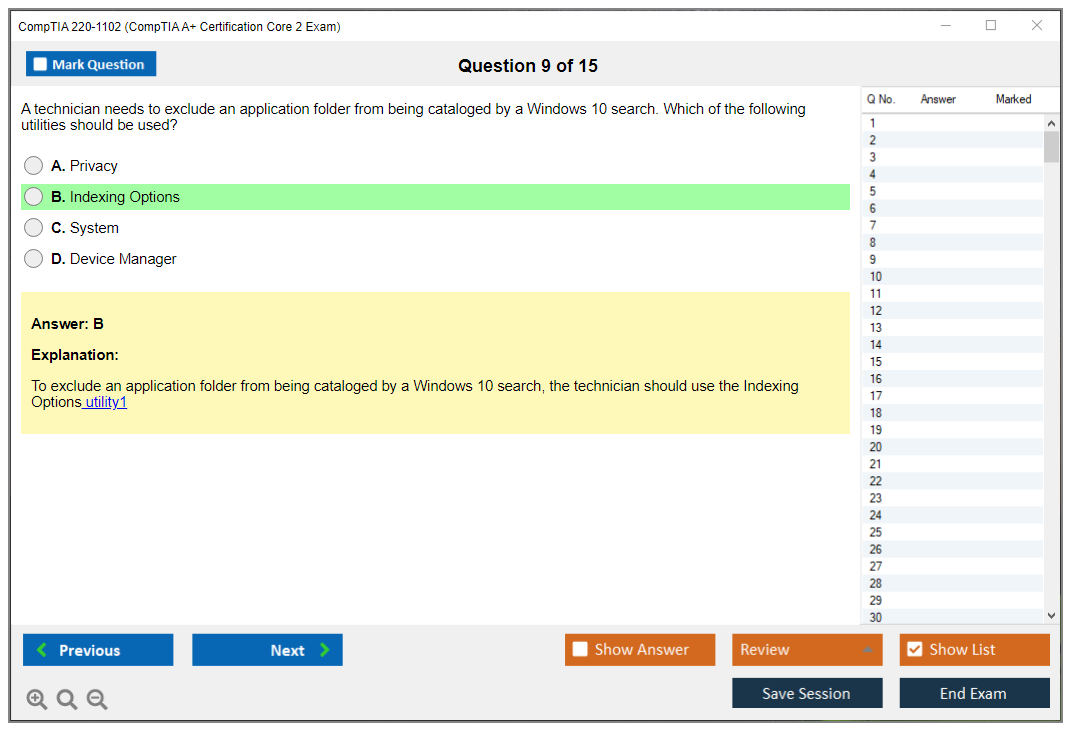
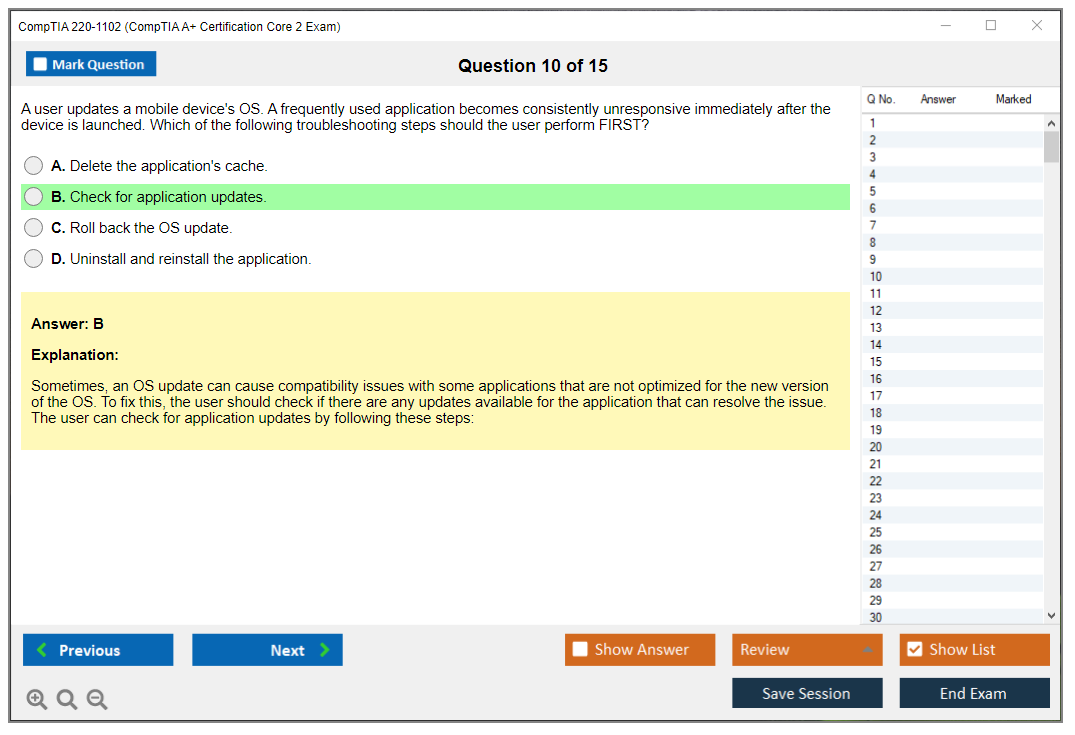
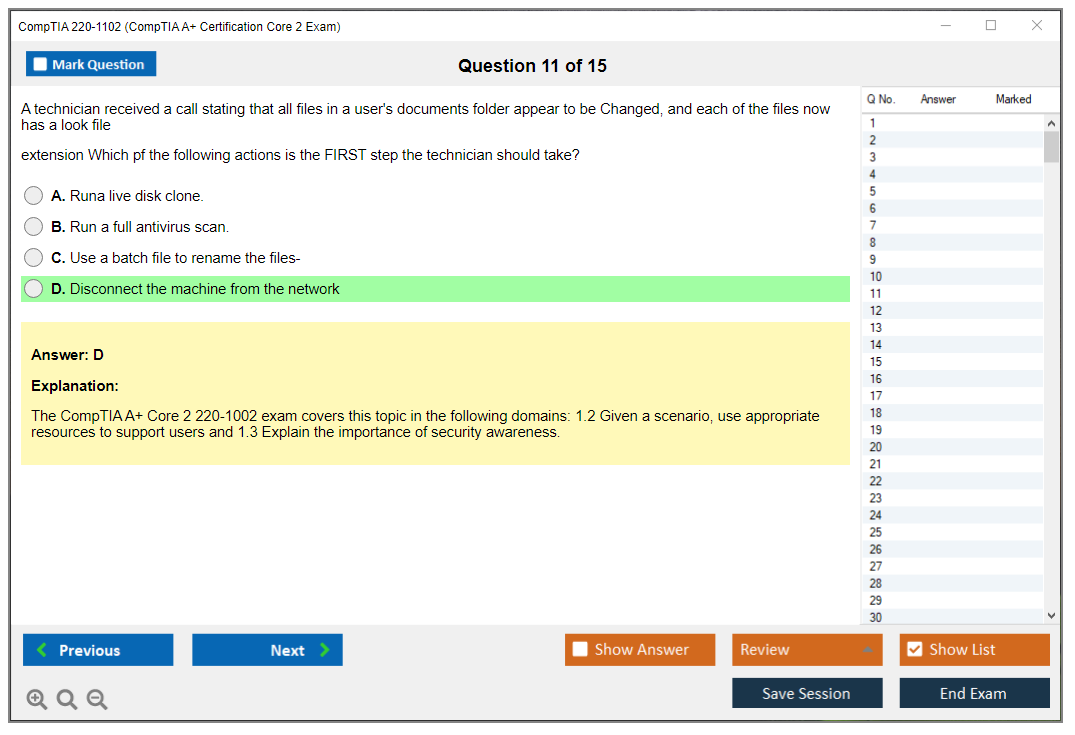
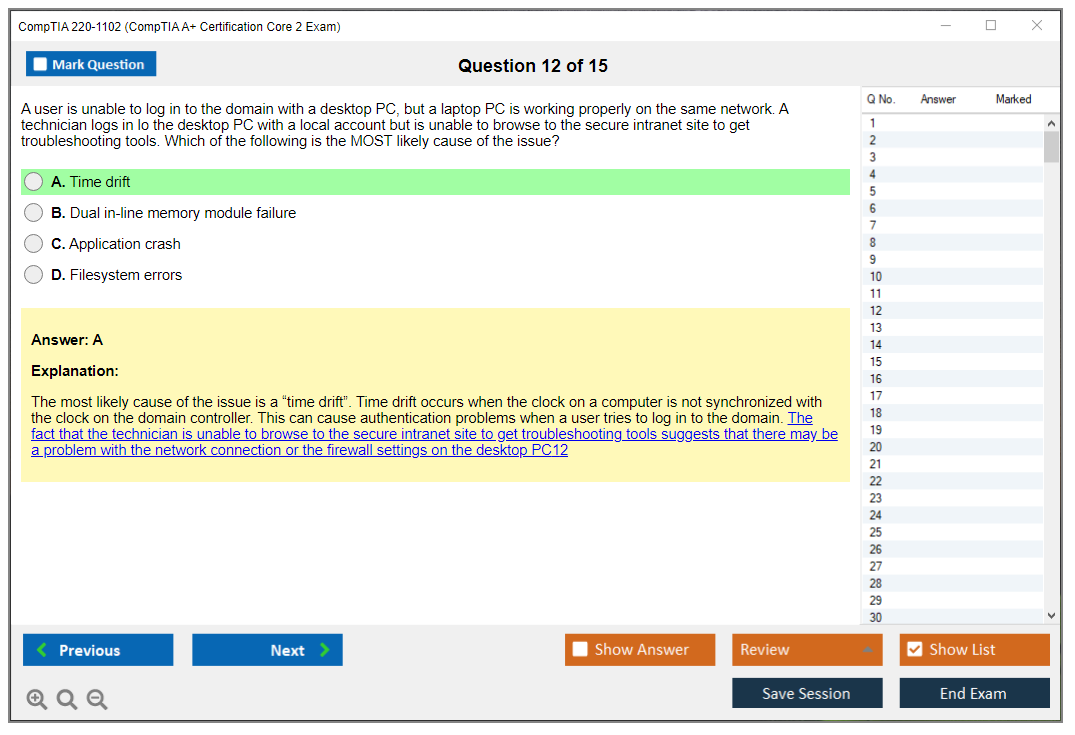
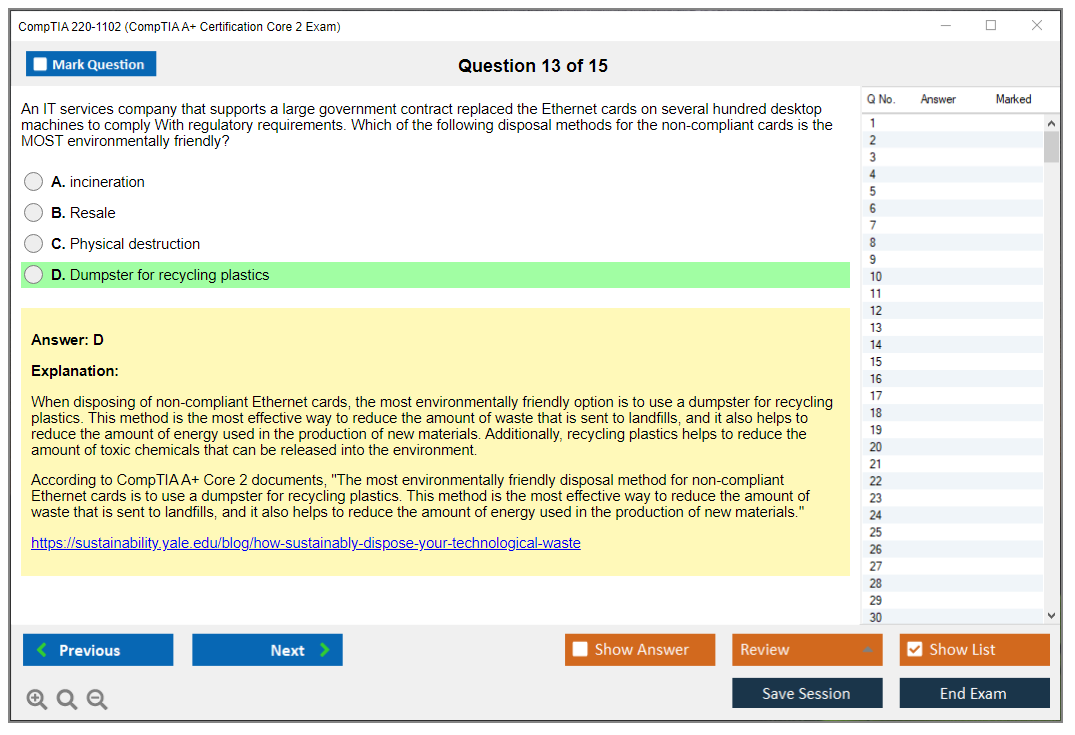
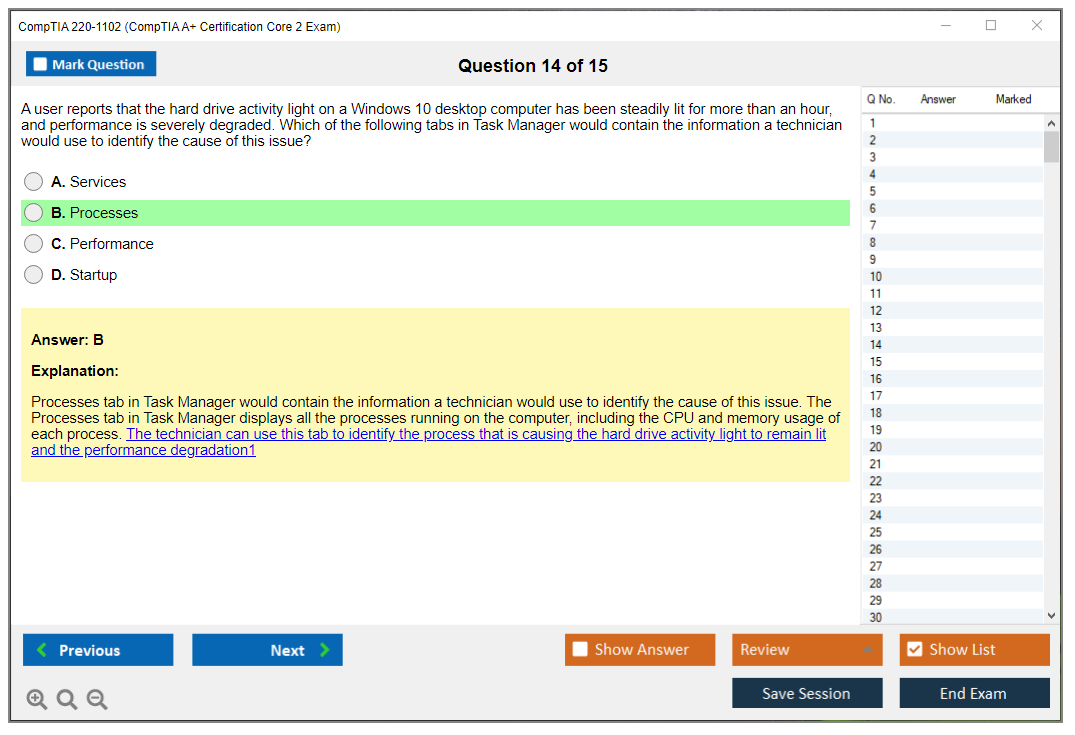
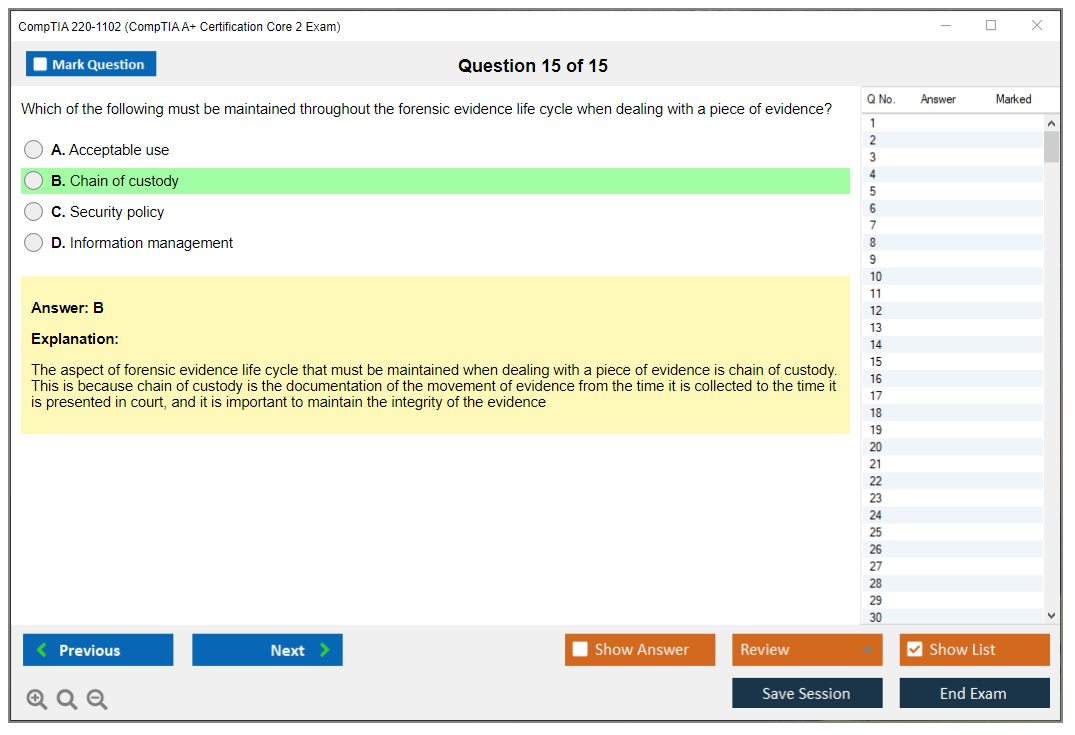
CompTIA 220-1102 (CompTIA A+ Certification Core 2 Exam)
What Is the CompTIA A+ 220-1102 (Core 2) Exam?
What the CompTIA A+ 220-1102 exam actually tests
The CompTIA A+ 220-1102 is the second required exam for earning your CompTIA A+ certification. You can't just pass this one and call it a day. You need both Core 1 (220-1101) and Core 2 to actually get certified, and honestly, that's how CompTIA keeps the credential meaningful. This exam focuses almost entirely on software, operating systems, security fundamentals, and what I'd call the "people side" of IT support.
Core 1? Hardware stuff.
Where Core 1 deals with hardware components, cables, and physical troubleshooting, the CompTIA 220-1102 exam shifts gears completely. We're talking Windows installations, malware removal, command-line utilities, ticketing systems, and how to deal with users who think their computer is "broken" because they can't find the Start button. Core 2 tests whether you can actually do the job, not just identify components.
The A+ Core 2 certification proves you understand how to install and configure operating systems across multiple platforms. You're expected to know Windows 10 and 11 inside out, but also basic Linux commands, macOS fundamentals, and mobile OS configuration for both iOS and Android. It's vendor-neutral, which means CompTIA doesn't care if you're a Microsoft fanboy or Linux evangelist. You need to know them all at a foundational level.
Both exams must be passed within three years of each other. Pass only one? You get nothing. No partial credit, no "almost certified" badge. The clock starts ticking when you pass your first exam, and if three years pass before you tackle the second one, your first exam expires and you start over. I've seen people let this deadline sneak up on them. It sucks.
How Core 2 differs from the 220-1101 exam
The split between these two exams is pretty deliberate. Core 1 emphasizes hardware, networking fundamentals, and physical components. Motherboards, RAM, network cables, that sort of thing. The CompTIA A+ Core 2 objectives flip the script entirely and focus on what happens after the machine is built.
Windows troubleshooting and support dominates a huge chunk of this exam. You'll need to know how to work through both the Control Panel and the Settings app (because Microsoft loves making us learn two ways to do everything). Understand system configuration tools like msconfig and Task Manager. Troubleshoot common Windows errors that make users panic. Command Prompt and PowerShell basics come up regularly, along with Windows services, startup procedures, and system restore options.
Security gets serious attention here too. We're talking 25% of the exam, which is substantial. Malware symptoms and removal procedures, access control methods, mobile device security configurations, physical security measures, and basic incident response. Security incident response basics isn't just theory either. You need to know the actual steps to take when ransomware hits or when someone reports suspicious activity.
The operational procedures and best practices domain covers things that don't sound exciting but absolutely matter in real IT jobs. Change management processes, ticketing systems, documentation standards, communication techniques with non-technical users, licensing compliance, prohibited content policies. This is the stuff that separates professional IT techs from people who just know how to fix computers. My first help desk job taught me that documenting a fix properly saved me from answering the same question forty times.
Who should take the 220-1102 exam
If you're aiming for entry-level IT support roles, this certification is your entry ticket. Help desk technician, desktop support analyst, technical support specialist, field service technician. These jobs consistently list CompTIA A+ as either required or strongly preferred. It's become the baseline credential that proves you're not going to accidentally delete someone's entire file system or install malware while trying to help them.
Career changers entering tech fields find A+ particularly valuable because it covers such a broad foundation. You don't need a computer science degree or years of experience to earn it, but passing both exams demonstrates you've got practical knowledge across hardware, software, networking, and security. Military personnel transitioning to civilian IT careers often pursue A+ first since U.S. Department of Defense Directive 8570 recognizes it for certain IAT and IAM positions.
Students pursuing information technology degrees sometimes get A+ as part of their program. Even if your school doesn't require it, getting certified before graduation makes you way more employable. Employers see A+ and immediately know you can handle basic troubleshooting, follow proper procedures, and communicate with end users without making things worse.
Exam format and what you're actually facing
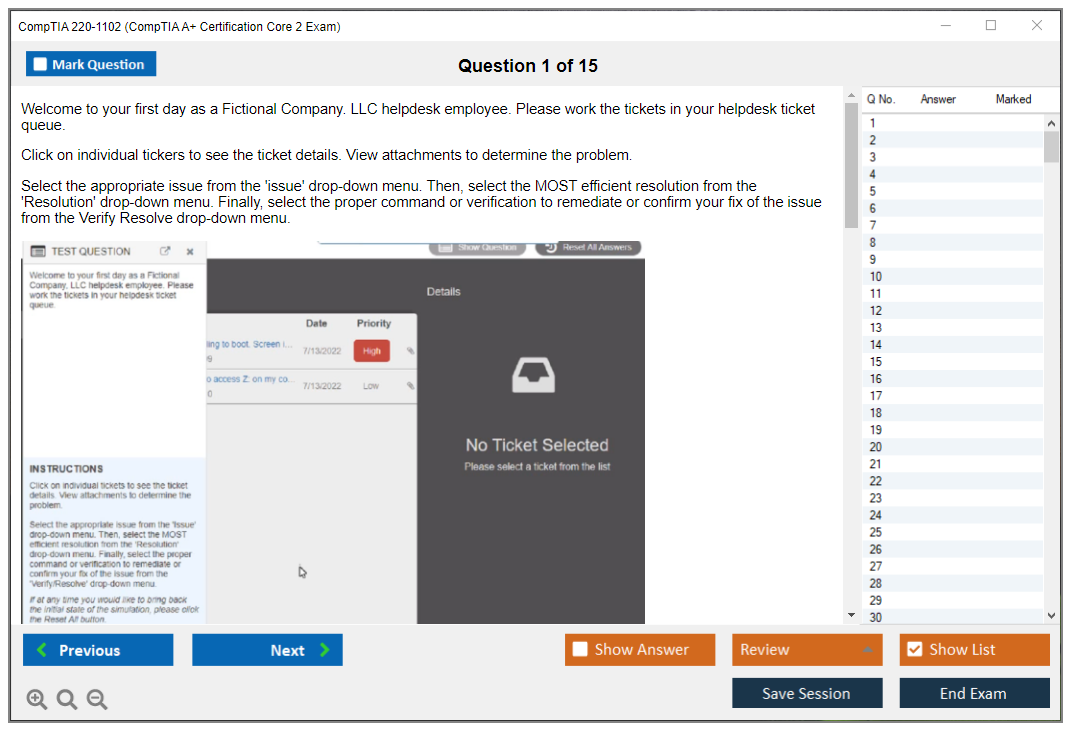
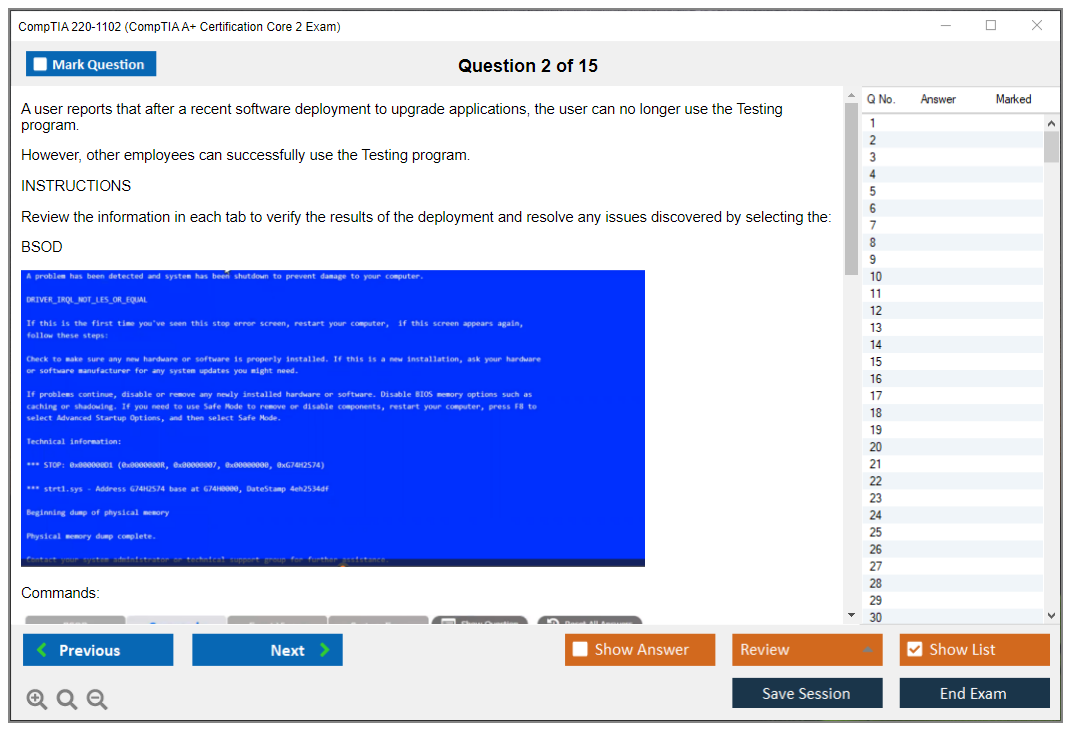
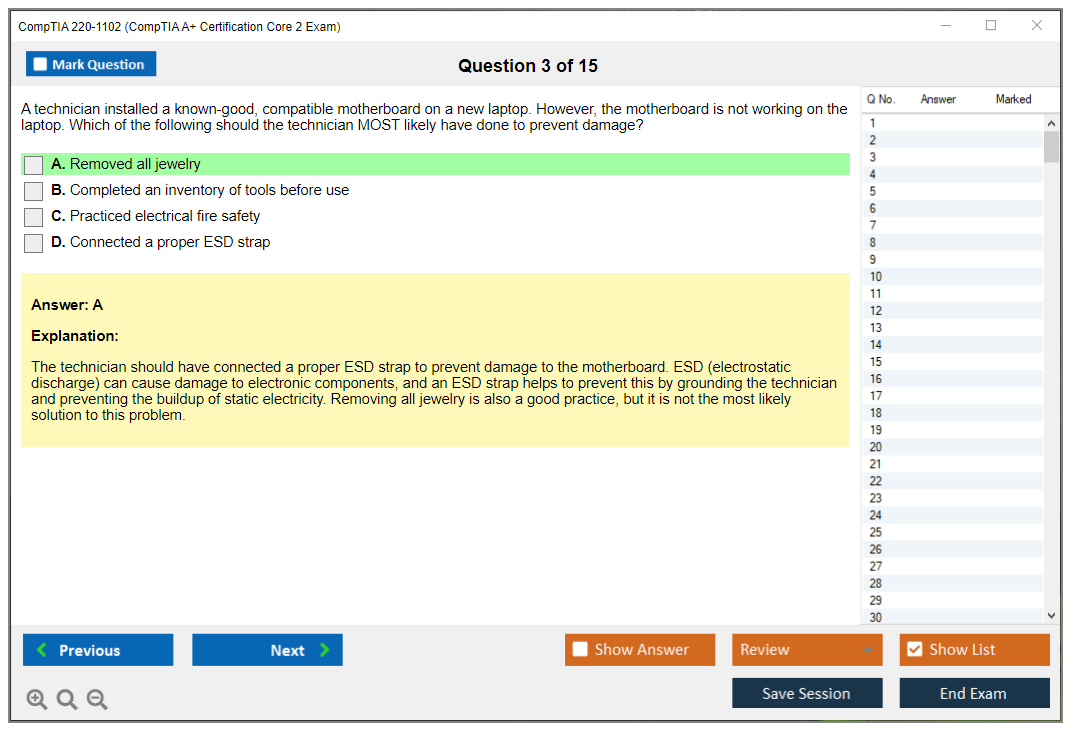
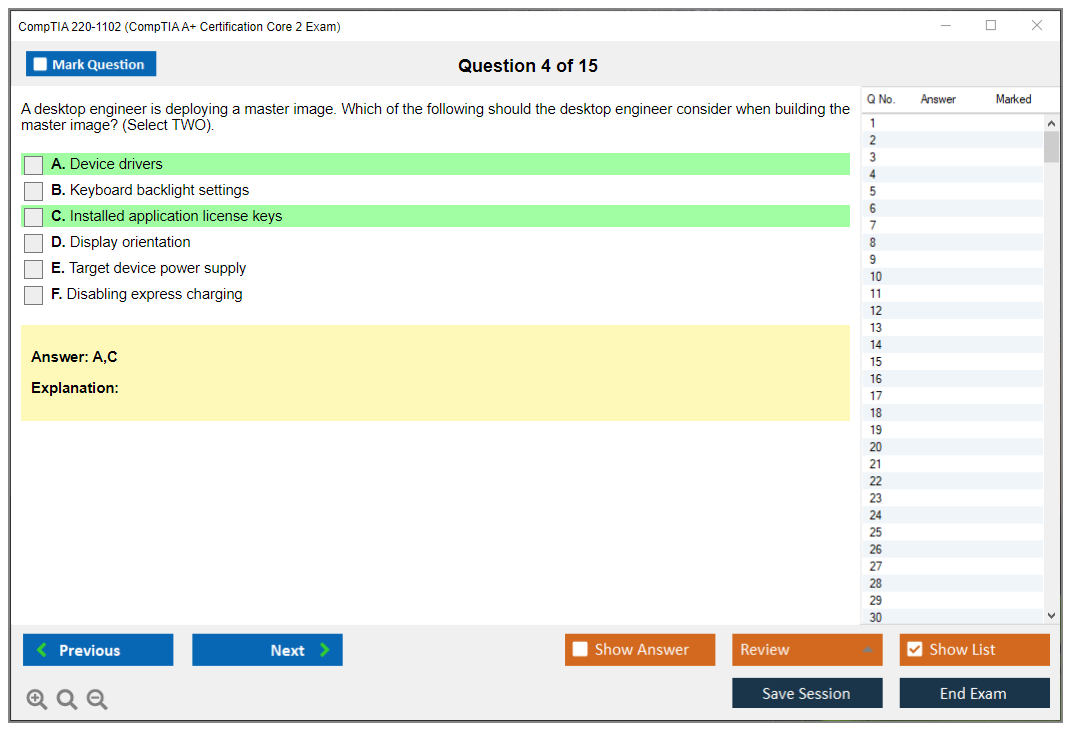
The CompTIA 220-1102 exam throws both multiple-choice questions and performance-based questions (PBQs) at you. Those PBQs are interactive simulations where you might need to configure network settings, remove malware using specific tools, or troubleshoot a system using command-line utilities. They're built to test whether you can actually do the work, not just memorize definitions.
90 minutes. 90 questions max.
You get that time for up to that many questions. The CompTIA A+ Core 2 passing score is 700 on a scale of 100-900. That's roughly 70% correct, though the scoring is a bit more complex because of how CompTIA weights different questions. The PBQs are worth more points than standard multiple-choice, so you can't just skip them and hope to pass on the easy questions alone.
Time management matters. Some people blast through multiple-choice questions and then realize they've only got 20 minutes left for several complex PBQs. My suggestion? Flag the PBQs when you first see them, answer all the multiple-choice questions you're confident about, then circle back to tackle the simulations with whatever time remains. The PBQs can eat up 5-10 minutes each if they're complicated.
Breaking down the four exam domains
Domain 1 covers Operating Systems at 31% of the exam weight. This includes Windows installation and configuration, Microsoft command-line tools (both Command Prompt and PowerShell basics), macOS and Linux fundamentals, and mobile operating system management. You need hands-on experience here. Knowing that a command exists isn't enough if you can't remember the syntax when you need it.
Domain 2 is Security at 25%, which includes logical security concepts, physical security methods, wireless security protocols, malware detection and removal, social engineering awareness, and basic forensic procedures. Command line tools (Windows/Linux) for security tasks come up here too. Things like netstat, nslookup, and basic scripting for security automation.
Domain 3 focuses on Software Troubleshooting at 22%. This covers Windows troubleshooting methodologies, common Windows OS symptoms and solutions, PC security issues, mobile device support, and application troubleshooting. The exam loves throwing scenarios at you where multiple symptoms point to specific problems. You need to identify the root cause and proper fix.
Wait, Domain 4 though. Operational Procedures at 22%, covering best practices for documentation, change management, disaster recovery concepts, safety procedures, environmental impacts, communication techniques, and professionalism. SOHO network and device configuration shows up here too, including workgroup versus domain environments and shared resource management.
Study materials that actually help
Official CompTIA resources include CertMaster Learn and CertMaster Practice, which follow the exam objectives pretty closely. The official exam objectives document is free to download and should be your roadmap. Everything on the test comes from that list, so if you haven't mastered a topic listed there, you're not ready.
Books from Professor Messer, Mike Meyers, and Sybex are popular choices. Reading alone won't cut it for this exam though. You need hands-on practice with Windows installations, command-line work, and troubleshooting scenarios. Set up virtual machines using VirtualBox or VMware Workstation Player (both have free options) and practice installing Windows, configuring security settings, and breaking things so you can fix them.
Video courses help if you're a visual learner. Professor Messer's free YouTube course covers the CompTIA A+ Core 2 objectives thoroughly, though his paid study materials add practice exams and study groups. Udemy courses from Mike Meyers or Jason Dion go on sale regularly for like $15. They include lab demonstrations that show you exactly what you need to know.
The 220-1102 practice test resources vary wildly in quality. Look for practice exams that include detailed explanations for both correct and incorrect answers. That's where real learning happens. ExamCompass offers free practice questions, though they're sometimes easier than the real exam. Paid options from Dion Training or MeasureUp more accurately reflect the actual exam difficulty and question styles.
How long this takes to master
If you're starting from zero IT experience, plan for 4-6 weeks of serious study. That means 2-3 hours daily reviewing objectives, watching videos, and doing hands-on labs. People with existing IT support experience can sometimes pull off 2-3 weeks, especially if they've already passed the 220-1101 (CompTIA A+ Certification Exam: Core 1) recently and the foundational knowledge is fresh.
The difficulty depends heavily on your background. If you've worked help desk or done any Windows support, Domain 1 and Domain 3 will feel familiar. Security concepts might be newer territory if you've never dealt with malware removal or access control implementation. The operational procedures section tests soft skills and professional behaviors that you might know intuitively but haven't formally studied.
Command-line tools are brutal.
Common struggle areas include command-line tools, understanding the difference between similar Windows utilities, mobile device management concepts, and those annoying questions about which tool to use in which specific scenario. The exam loves asking about troubleshooting methodologies. Not just "what's broken" but "what's your step-by-step process to identify and fix this?"
What happens after you pass both exams
Once you've passed both 220-1102 (CompTIA A+ Certification Core 2 Exam) and Core 1, you're officially CompTIA A+ certified. The certification is good for three years from the date you passed your second exam. To renew, you'll need to earn continuing education units (CEUs) through activities like taking other CompTIA courses, attending tech conferences, or just earning a higher-level certification.
Most people follow A+ with either SY0-701 (CompTIA Security+ Exam 2025) or N10-009 (CompTIA Network+ Certification Exam). Security+ is particularly valuable since it's required for many government and defense contractor positions. Network+ makes sense if you want to specialize in network administration rather than general support.
The job market for A+ certified techs is solid. Entry-level help desk positions typically pay $40,000-$50,000 depending on location and company size, with room to grow as you gain experience. It's not glamorous work at first. You're dealing with password resets, printer issues, and users who don't understand why they can't download random software. But it's the foundation that leads to better roles, and having A+ certification makes employers take your resume seriously instead of tossing it in the pile.
CompTIA A+ 220-1102 Exam Details: Format, Length, and Scoring
What is the CompTIA A+ 220-1102 (Core 2) exam?
CompTIA A+ 220-1102 is Core 2 of the A+ pair, and it feels less like "here's what RAM is" and more like you got dropped into an actual help desk shift where users are panicking and Windows decided today's the day it won't boot.
Core 2 leans hard into Windows troubleshooting and support, security, and the human side of IT work like ticketing, documentation, and operational procedures and best practices. Sure, you'll need some Linux and macOS awareness floating around in your brain, but the center of gravity here is Windows plus real troubleshooting flow. The kind where you're actually thinking through what broke and why, not just memorizing hardware specs like you're studying for a trivia night.
What Core 2 covers vs Core 1 (220-1101)
Core 1's more devices. Core 2's more "you're on shift."
Different vibe entirely. You'll see way more OS installs and recovery, permissions, malware cleanup, and command line tools (Windows/Linux) that you'd actually touch at work instead of just reading about in a dusty textbook. Core 1 asks what a thing is. Core 2 asks what you do when the thing breaks, what you document after, and whether you can explain it to someone who thinks "the internet is broken" because their browser icon moved.
Who should take 220-1102 (target roles)
Look, if you're aiming at help desk, desktop support, field tech, or junior IT support, this exam is basically written in your job description. Period.
Also good if you're in an "accidental IT" role at a small company and you're the person everyone calls when the printer throws a tantrum or the laptop "just stopped." That includes plenty of SOHO network and device configuration situations, even though it isn't a pure networking exam. The thing is, most entry-level roles blend everything together anyway.
220-1102 exam details (format, length, and scoring)
Here's the stuff people actually need before they schedule.
The CompTIA 220-1102 exam has a maximum of 90 questions and you get 90 minutes. The number can vary a bit because CompTIA pulls from different pools and includes research items, so you shouldn't anchor emotionally to "I will get exactly 90." Some tests feel like 74 questions, some feel like 90, and you still have the same clock ticking regardless of which version the exam gods decided to serve you that day.
It's a linear exam. Not adaptive.
So question difficulty doesn't ramp up or down based on your previous answers like some sadistic video game level system. Everyone gets roughly the same distribution aligned to the CompTIA A+ Core 2 objectives, and your job is to keep moving without overthinking every single click.
Budget more time than the exam window. The testing appointment is closer to 2 to 3 hours total with check-in, rules, the tutorial, the actual exam, and the post-exam survey that nobody warned you about. I usually tell people to clear half a day if they can, because rushing to an appointment right after creates this low-grade anxiety that doesn't help anyone think clearly.
Question types (MCQ + PBQs)
Questions come in two main formats: traditional multiple-choice (single answer and multiple response), and performance-based questions.
PBQs usually show up at the beginning. Not always, but often enough that you should expect it like an ambush you've been warned about. These are the "do the thing" items where you interact with a simulated environment, configure settings, identify what's wrong, or demonstrate a troubleshooting workflow that actually mirrors what you'd do if someone's laptop was sitting on your desk right now. It can look like drag-and-drop matching, a simulated command-line, Windows-style config panels, network diagrams, or decision-tree troubleshooting where one wrong move cascades into confusion. Some PBQs feel like a tiny lab. Others feel like a weird puzzle box designed by someone who hates you. Both count.
A detail people miss: no partial credit on multiple-choice. You either nailed it or you didn't. Multi-select questions are brutal that way because one wrong selection equals zero points, which feels unnecessarily harsh but that's the game.
PBQs can give partial credit, though. If you configured three settings correctly and missed one, you might still get something, which is why you should always put down your best "mostly right" configuration instead of leaving it blank because you didn't finish or panicked halfway through.
Also, PBQs are worth more points. Way more.
Even if they're only about 15 to 20% of the question count, they can matter a lot for your final score. If you're hunting for the fastest way to improve, PBQ practice is usually higher ROI than rereading notes for the tenth time while your brain turns to mush.
Passing score for 220-1102
The CompTIA A+ Core 2 passing score is 700 on a scale of 100 to 900.
People immediately ask, "So is that 70%?" Sort of, but not exactly, and I wish CompTIA would just say it plainly instead of making us reverse-engineer their grading system. A rough mental model is about 70 to 75% correct, depending on how your form weights difficulty. CompTIA uses scaled scoring, not a straight percentage, which means two people can get different sets of questions and CompTIA still tries to keep the passing standard consistent, theoretically.
You don't get to see which questions were experimental, by the way. The exam includes unscored research questions that CompTIA uses to test future content. They look real, they feel real, you answer them like they're real, and then you find out later they didn't even count, which is mildly infuriating but also unavoidable.
Exam time, number of questions, and testing policies
Closed book. No notes. No browser. No second monitor help.
At a Pearson VUE testing center you'll get scratch paper or an erasable board. Online proctoring gives you a digital whiteboard, which feels weird if you're used to actual paper, but either way, plan to do basic subnet math, port recall, and command syntax from memory, not from your cheat sheet that's sitting safely at home where it can't help you.
Time management matters because 90 minutes for up to 90 questions is basically one minute each, and PBQs can take 3 to 5 minutes a pop if you're careful and methodical instead of just clicking random buttons hoping something works. My opinion: skim the PBQs first, do the ones you instantly understand, and if one looks like it's going to eat 10 minutes of your life, park it mentally and move on. Except, wait.
CompTIA often locks PBQs. Weird, right?
In most cases you can't return to PBQs after you move past them, while normal multiple-choice questions can be flagged and reviewed before final submission, so don't click away from a PBQ unless you're comfortable with what you've entered, or at least comfortable enough that you won't wake up at 3 AM wondering if you should've changed that one setting.
No breaks during the 90 minutes. That's the part that catches people who chug coffee right before check-in. Plan your hydration like an adult, which sounds harsh but it's also true and nobody else is going to tell you this.
Testing is available at Pearson VUE centers worldwide or via online proctoring from home or office. Online proctoring requires webcam, microphone, stable internet, and a private room where phones, smart watches, notes, extra devices, and other people are all banned. The proctor will absolutely end your exam if your roommate walks in and starts talking, and they won't feel bad about it.
Scores show up immediately. Pass or fail.
You get your scaled score and a domain breakdown that shows strengths and weaknesses. If you fail, you get more targeted feedback tied to the objectives, which is actually useful for a retake plan instead of just wallowing in general disappointment.
CompTIA gets results within 24 hours in your certification account, where your digital badge and certificate stuff lives.
CompTIA A+ 220-1102 cost and voucher options
People always ask the money question, so let's not dance around it.
CompTIA A+ 220-1102 cost is basically the price of an A+ voucher, and it varies by region and discounts, but in the US it's commonly around the mid-$200s per exam when purchased at full price. Prices change, so verify on CompTIA's store before you plan your month and your budget.
Discounts happen. Student discounts are a thing. Employer-paid vouchers are a thing. Bundles sometimes include a retake or training, and sometimes they're a waste if you already have a 220-1102 study guide and lab setup that's working fine for you.
Mentioning the rest quickly: seasonal promos, partner discounts, military programs.
Retake policy is simple but annoying. No waiting period after the first failed attempt, but after the second attempt, you wait 14 days, and it's also 14 days for each attempt after that, which affects total cost planning because failing twice can turn into "I'm paying again and also losing two weeks."
220-1102 objectives breakdown (what to study)
Core 2 domains map pretty cleanly to what you do in entry-level support.
Domain 1 is Operating Systems. Expect Windows installs, upgrades, recovery environments, system utilities, and lots of "what tool fixes this" scenarios where you need to know the difference between tools that sound similar but do completely different things. You'll also touch macOS and Linux basics, especially around shells and common admin tasks that come up when someone inherited a Linux server and now you're the "expert."
Domain 2 is Security. Practical security.
Permissions. Authentication. Malware symptoms. Security incident response basics show up in the "what do you do first" style questions, plus physical security and policy stuff that feels boring until you realize it's easy points if you just memorize the order of operations.
Domain 3 is Software Troubleshooting. This is the "user says it's broken" domain, which covers app crashes, printing issues (because printers will never work correctly, ever), OS performance, boot problems, and reading error messages without spiraling into existential dread.
Domain 4 is Operational Procedures. Tickets, change management basics, professionalism, backups, safety, and doing work in a way that doesn't get you fired. Boring on paper, easy points if you study it, and surprisingly relevant when you're actually trying to keep a job.
Download the official objectives PDF. Seriously.
Download it from CompTIA and treat it like a checklist. If a bullet point looks unfamiliar, that's your study plan writing itself right there on the screen.
Prerequisites and recommended experience
No official prerequisites. You can register. You can take it.
But going in cold is rough and you'll probably regret it halfway through when you realize you've never actually used half the tools they're asking about. Recommended experience is basically "some hands-on time" with Windows settings, user accounts, basic networking, and common commands. If you've never reset a Windows password in a lab, never used "ipconfig", never looked at Event Viewer, you're going to spend your exam time guessing and hoping muscle memory you don't have kicks in.
How difficult is CompTIA A+ 220-1102?
Core 2 feels harder for a lot of people than 220-1101 because it's less memorization and more judgement calls. PBQs, troubleshooting flow, command line, security, and that combo punishes shallow studying where you just read slides and called it good.
Common struggle areas: Windows recovery and boot tools, permissions and policy differences (local vs domain, user vs admin), malware removal steps in the right order, and command outputs that look almost identical until you notice one tiny detail. Also, people underestimate Operational Procedures, then miss easy questions on safety, ESD, incident reporting, and documentation that should've been free points.
Study time depends on background. Beginners often need 4 to 8 weeks with labs, and if you already do help desk work, you might compress it into 2 to 3 weeks, but only if you still do PBQ practice and not just vibes and confidence.
Best 220-1102 study materials (free + paid)
If you want a sane stack, pick one primary resource and one practice engine.
Official CompTIA options include the objectives PDF, CertMaster content, and labs. CertMaster can be expensive, but the labs are the part I actually like because they force muscle memory instead of just passive reading that evaporates the second you close the tab.
For books, a solid 220-1102 study guide is fine. Read it with the objectives open and mark every weak item. Videos help if you need a lecturer to keep you moving forward, but don't let video watching replace hands-on work because watching someone else type commands doesn't teach your fingers anything.
Hands-on practice setup matters. A lot.
More than people want to hear, honestly. Set up a Windows VM, maybe a Linux VM, snapshots, and a fake user account you can break repeatedly without consequences. Build a small lab where you practice admin tasks, command line tools (Windows/Linux), local security policy changes, and troubleshooting steps you can explain out loud like you're talking to an actual user who's panicking.
220-1102 practice tests and PBQ prep
A 220-1102 practice test is useful when it includes explanations and objective mapping, not just "A is correct" with no context or reasoning. You want to review misses, track patterns, and redo the weak topics until they stop being weak.
PBQ strategy is boring. But effective.
Follow a workflow. Identify the symptom, eliminate bad options, make one change at a time, verify, document mentally, and keep an eye on the clock because PBQs can sink you if you treat them like a home lab with unlimited time and zero consequences for wandering off into tangents.
A schedule that works: take one diagnostic practice test early, then do targeted quizzes by domain, then do two full timed exams in the final week. Benchmark goal is consistent passing on your practice exams before you pay for a retake that costs the same as the first attempt.
Study plan to pass 220-1102 (step-by-step)
2-week crash plan: hit objectives daily, focus on OS tools and security, do PBQs every day, and take at least two timed tests. Short sessions. No marathon cramming. Sleep.
4 to 6 week plan: two domains per week, labs twice a week, practice questions every other day, then ramp up to full timed exams near the end. Keep a running "miss list" of commands, tools, and security concepts you keep mixing up, which is annoying but also the fastest way to identify what your brain refuses to retain.
Final week checklist: reread the objectives, drill weak areas, do PBQs under time pressure, and clean up the stuff you keep mixing up like recovery tools and permission models. Then stop studying the night before. Your brain needs rest more than it needs one more flashcard session.
Exam day tips (Core 2)
Bring your ID. Show up early.
If you're online testing, clear your desk, test your webcam and mic, and make sure your internet is stable. The rules are strict and the proctor is not your buddy who's going to give you a break if your roommate walks in. Don't touch your phone. Don't mumble to yourself while reading questions. Don't look off-screen like you're checking notes, because they're watching and they will end your exam without hesitation.
During the exam, flag multiple-choice questions you're unsure about and keep moving. Spend real time on PBQs but don't overcook them trying to achieve perfection that doesn't exist. And read the question wording twice because CompTIA loves "best" and "first" and "most likely," which all mean slightly different things that matter when you're deciding between two answers that both feel correct.
After you pass: certification, jobs, and renewal
You're officially A+ certified only after you pass both Core 1 and Core 2. Core 2 alone is not the full cert.
Renewal is on CompTIA's CE cycle. The common path is earning CEUs, completing CertMaster CE, or renewing with a higher cert in the same track, and if you're planning ahead, Network+ or Security+ can roll renewal forward, which is often the cleanest way to keep A+ active while moving up the ladder.
If your goal is "how to pass CompTIA A+ Core 2" and then land a job, treat this exam like job training. Build the lab, practice the tickets-in-your-head workflow, learn to explain fixes clearly to people who don't care about the technical details, because that's what hiring managers notice, not your scaled score or whether you passed on the first try.
CompTIA A+ 220-1102 Cost and Voucher Options
How much the 220-1102 exam actually costs
Alright, so here's the deal. The standard CompTIA A+ 220-1102 cost sits at $239 USD when you buy directly from CompTIA or schedule through Pearson VUE. One attempt.
Compared to some vendor-specific certs that run $300-500+ per pop, this is actually reasonable for a professional IT certification. But here's the thing. This is per attempt, so if you walk in unprepared and bomb it, you're looking at another $239 to try again. Adds up fast. I've seen people drop $500+ on this exam alone because they rushed it without proper prep. Brutal.
The price applies globally through Pearson VUE testing centers, though international candidates sometimes see slight variations because of currency conversion and local taxes. If you're scheduling in the US, Canada, or most European countries, expect that $239 baseline. Some countries add VAT or other fees that bump the total slightly, but CompTIA keeps pricing fairly consistent worldwide.
Where to find discounts and voucher deals
CompTIA runs promotional discounts throughout the year, typically 5-15% off during major holidays, back-to-school season (August-September), and random certification awareness campaigns. Sign up for their email list. You'll get bombarded with these offers. Black Friday usually brings decent deals, sometimes stacking with other discounts if you're lucky.
Students with valid .edu email addresses can access the CompTIA Academic Store, which is honestly where the real savings happen. We're talking 40-50% off exam vouchers in some cases. Absolutely wild. If you're currently enrolled anywhere or have access to an academic email, use it without hesitation. This single discount can drop your exam cost from $239 to around $120-150, which is massive when you're budgeting for both 220-1101 and 220-1102. That's real money.
Training organizations that partner with CompTIA often bundle exam vouchers with their course materials. Professor Messer, Jason Dion, and similar providers sometimes offer package deals where you get video courses, practice exams, and a voucher for less than buying everything separately. The math works out to maybe $50-100 in savings, plus you're getting structured study materials that actually help you pass.
Military personnel get substantial discounts through veteran programs and military transition initiatives. Active duty, veterans, and even spouses qualify. I've seen these discounts range from 30-60% depending on the program, so if you served or have family who did, definitely investigate this route before paying full price. No reason to leave money on the table.
Bundle packages and combo vouchers
Here's where it gets interesting. CompTIA sells bundle packages that include both 220-1101 and 220-1102 vouchers together, typically saving you $20-50 compared to buying them individually. Sounds small, but that's 10-20% off your total certification cost just for buying both at once. Easy decision.
CertMaster Learn and CertMaster Practice bundles package exam vouchers with online study materials. The upfront cost looks scary. Sometimes $500-700 for the complete package. But you're getting vouchers plus interactive learning platforms that might replace $200+ worth of books and practice tests you'd buy anyway, so the value proposition shifts depending on your situation. Whether this makes sense depends on your learning style and existing resources. Some people thrive with structured programs, others prefer cobbling together free resources.
Some voucher packages include one free retake attempt, which is basically insurance against failure and gives you breathing room. You pay maybe 1.5x the single voucher cost but get two shots at the exam. For someone who's nervous about first-time success or knows they struggle with test anxiety, this can be worth it. The peace of mind alone helps some people perform better.
Retake policies and what they cost
Failed the exam? You can retake it immediately by purchasing another voucher. No mandatory waiting period applies to your first retake, thankfully. The second failure triggers a 14-day waiting period before attempt number three, which actually gives you time to study the weak areas instead of just throwing money at the problem repeatedly.
Retake vouchers sold separately typically run $80-120, cheaper than a full-price voucher but still expensive if you're on a tight budget. Some training providers sell retake insurance or guarantee programs where they'll cover your retake cost if you fail after completing their course, though these usually have conditions like minimum practice test scores or attendance requirements. Read that fine print.
The 220-1102 Practice Exam Questions Pack at $36.99 is way cheaper than a retake voucher, just saying. Investing in quality practice materials upfront usually beats paying for multiple exam attempts because you didn't prepare adequately. Prevention beats cure. Speaking of which, I knew someone who failed three times before finally using practice exams properly. Would've saved like $400 if he'd just started there.
Voucher expiration and scheduling pressure
Exam vouchers purchased from CompTIA expire 12 months from purchase date. That's actually generous compared to some vendors who give you 6 months, but it still creates pressure to schedule and take the exam within that window. Can be stressful depending on your life circumstances. If you buy a voucher and life happens (job change, family emergency, whatever), you could lose that $239 if you don't use it in time. Gone.
Some third-party voucher resellers advertise discounted prices, like $180-200 for vouchers that normally cost $239. Sounds great until you read the fine print and discover they have shorter expiration periods (6 months instead of 12), limited testing center availability, or regional restrictions that make scheduling a nightmare. I've heard stories of people buying "discounted" vouchers that couldn't be scheduled at their preferred location or time, effectively wasting the money saved. False economy.
Total certification cost breakdown
Getting your full CompTIA A+ certification requires passing both 220-1101 and 220-1102, so budget roughly $478 USD at standard pricing. That's just for the exams themselves. Study materials add another layer of cost that people often forget about. Quality books run $30-60, full video courses cost $50-200 (Jason Dion's Udemy courses go on sale for like $15 sometimes, which is absurdly good value), and practice test subscriptions might be $30-100 depending on the platform you choose.
If you need to build a hands-on lab environment and don't already have spare computers or VM software, factor in another $0-200. You can do this entirely free with VirtualBox and trial versions of Windows, or you can invest in used hardware from eBay or cloud computing credits if you prefer practicing on physical equipment. Personal preference.
The bigger cost is time, which nobody really talks about. Most people need 3-6 months of study time to adequately prepare for both exams, especially if they're working full-time and juggling other responsibilities. Rushing through in 4 weeks to save money usually backfires when you fail and have to pay for retakes. I'd rather someone spend an extra month studying and pass first try than rush it and drop another $239 on a retake. Patience pays off.
Employer sponsorship and training budgets
Many employers cover certification costs for IT staff, either paying upfront or reimbursing upon successful completion. Changes the financial equation completely. If you're currently employed in any IT-adjacent role, ask about training budgets before pulling out your credit card. Some companies will pay for everything (exams, study materials, even time off to study) because certified employees benefit the organization. Don't be shy.
Volume licensing programs and employer training accounts offer reduced per-exam pricing when organizations certify multiple employees at once. If your company has five people pursuing A+, they might save $50-100 per person by going through corporate training channels instead of individual purchases. Economies of scale.
Is the cost worth it?
The return on investment for A+ certification typically happens within 6-12 months through better job opportunities and higher starting salaries. Pretty quick compared to other credentials. Entry-level help desk positions often pay $3,000-8,000 more annually for certified candidates compared to non-certified applicants. That first-year salary bump alone covers your exam costs multiple times over. Math checks out.
Career advancement matters too. The cert opens doors to IT roles that might otherwise require years of undocumented experience, acting as a shortcut through the gatekeeping process. I've watched people jump from retail or restaurant work into $40,000+ help desk positions specifically because they had their A+ certification and could demonstrate foundational knowledge during interviews. Life-changing stuff.
CompTIA membership programs cost around $49-99 annually and provide ongoing discounts on exams, renewals, and training materials for people pursuing multiple certifications. If you're planning to pursue multiple CompTIA certs (Network+, Security+, maybe Linux+ down the road), the membership pays for itself through accumulated discounts. For someone doing just A+ and stopping there, probably not worth it. Do the math.
Budget planning strategy
Here's how I'd approach the financial planning. First, determine your realistic timeline. Be honest about how much study time you can dedicate weekly without burning out. Second, research discount options you qualify for (student, military, employer). Third, calculate total cost including study materials and potential retakes. Fourth, decide whether to buy vouchers separately or as a bundle.
Budget-conscious candidates should invest in practice tests and quality study materials before purchasing exam vouchers. Seems counterintuitive but saves money long-term. Scoring consistently 85%+ on practice tests from reputable sources like 220-1102 practice exams before scheduling the real exam dramatically improves first-attempt pass rates, saving you the cost of retakes and the frustration of failure.
The certification stays valid for three years before requiring renewal, which involves earning continuing education units or retaking the current exam version. Factor in renewal costs when calculating long-term value. You'll need to budget for maintaining the credential if you want it to remain active throughout your IT career. Ongoing investment.
CompTIA A+ 220-1102 Objectives Breakdown: What to Study
What is the CompTIA A+ 220-1102 (Core 2) exam?
CompTIA A+ 220-1102 is the "ops, security, and fixing stuff" half of A+. Core 1 is more hardware, cabling, and basic networking. Core 2 is Windows-heavy, troubleshooting-heavy, and full of "what should you do next" questions that feel like a real help desk ticket.
Look. This is the exam that decides whether you can actually support users without nuking their profile folder.
What core 2 covers vs core 1 (220-1101)
Core 1: laptops, printers, ports, Wi-Fi, basic cloud, and "what part is this." Core 2: Windows installation and recovery, Windows troubleshooting and support, security controls, malware response, command line, and the operational side like ticketing and change management.
Short version. Core 2 feels more like the job.
Who should take 220-1102 (target roles)
Help desk techs. Desktop support. Field techs. Junior sysadmin types who keep getting handed Windows issues.
Career switchers too. If you want your first IT job, A+ Core 2 topics show up in interviews more than people admit.
220-1102 exam details (format, length, and scoring)
Question types (MCQ + PBQs)
You'll see multiple choice, multi-select, and PBQs. The thing is, PBQs are the actual time sink. They're usually "configure this" or "troubleshoot that" with a fake Windows UI, logs, command output, or a network diagram, and you have to click around like you're on a real machine.
Do not panic. Skip them first. Come back.
Passing score for 220-1102
The CompTIA A+ Core 2 passing score is 700 on a scale of 100 to 900. Not a percentage. That messes with people's heads. You can miss plenty and still pass if you're strong on the big domains.
Exam time, number of questions, and testing policies
Up to 90 questions. 90 minutes. Pearson VUE rules, ID checks, and the usual "don't read questions out loud" stuff.
One sentence. Practice under time.
CompTIA A+ 220-1102 cost and voucher options
Exam price (typical voucher cost)
CompTIA A+ 220-1102 cost changes, but the typical U.S. voucher price is around the standard CompTIA A+ exam pricing. Check CompTIA's store for the current number because it moves around constantly depending on promos and regional pricing adjustments.
Not gonna lie. Budget for two exams total, because you need Core 1 and Core 2.
Discounts (student, employer, bundles, promotions)
Student discounts exist. Employers sometimes reimburse. Bundles sometimes include a retake or practice. Promos happen randomly, so if you're not testing this week, it's worth checking.
Retake policies and total cost planning
If you fail, you can retake, but your wallet will feel it. Plan your study time and do practice tests before you "see what happens."
If you want structured drills, I've seen people pair their study guide with a paid question pack like this 220-1102 Practice Exam Questions Pack to force daily reps, especially when they keep missing the same security and Windows recovery questions.
220-1102 objectives breakdown (what to study)
Domain 1 - operating systems
Windows is the star here, and you need both install knowledge and repair knowledge.
Windows installation, upgrade paths, editions, and requirements: Know the differences between Home, Pro, and Enterprise. Home is limited (no domain join). Pro is the "small business normal" edition with BitLocker support and domain join. Enterprise is the big org version with more management tools, but here's where it gets tricky. You also need Windows 10 vs 11 differences, especially Windows 11 requirements like TPM 2.0 and supported CPUs, because CompTIA loves asking what blocks an upgrade.
Boot process and recovery: You need the basic flow: UEFI/BIOS, boot device, Windows Boot Manager, BCD, then the OS loader. When it breaks, know your tools. Safe Mode options matter: minimal, networking, command prompt. Recovery Environment (WinRE) is where you reach Startup Repair, System Restore, Command Prompt, Uninstall Updates, and reset options.
System Restore, SFC, DISM: System Restore rolls back system state, not your personal files. SFC checks protected system files and repairs them using Windows Resource Protection. DISM repairs the Windows image, which is what you run when SFC can't fix its source. These show up constantly in Windows troubleshooting and support questions because they're both realistic and testable.
Then you've got the admin UI stuff. MMC tools are the "I actually do this at work" part.
- Device Manager: drivers, rollbacks, disabling devices, checking status codes.
- Disk Management: initialize disks, partitions, drive letters, basic volumes, simple troubleshooting.
- Event Viewer: logs, filtering, finding the timestamp of failure.
- Task Scheduler: scheduled jobs, troubleshooting why a script didn't run at 2 AM.
- Certificate Manager: user/computer certs, trust problems, browser cert warnings.
- Local Users and Groups: local accounts, groups, disabling accounts, password resets.
Control Panel vs Settings matters because Microsoft keeps moving stuff. You need to know where common settings live, and also the old-school utilities like msconfig (startup selection, boot options, services). Registry basics also show up: what it is, why it's dangerous, and why you back it up before editing. You don't need to memorize hive paths like a wizard, but you should understand "registry change can break logon" and "make a restore point."
Command line tools (Windows/Linux): This is a big deal and people under-study it. ipconfig for addressing and DNS, ping for reachability, tracert for path issues, netstat for connections/ports, nslookup for DNS troubleshooting. shutdown for restart scheduling. sfc and chkdsk for file and disk repair. diskpart for disk/partition work. gpupdate and gpresult for Group Policy refresh and reporting. You should recognize things like tasklist and taskkill even if the exam doesn't go full command-line-only.
Windows networking features: Workgroup vs domain is a classic. Workgroup is peer-to-peer, local accounts, small and messy. Domain is centralized auth with Active Directory. Sharing is also tested: shared folders, shared printers, mapped drives, and network discovery settings. HomeGroup is legacy, but CompTIA still name-drops it, so just remember it's an older consumer sharing feature.
Windows Update and enterprise updating: Know basic configuration, troubleshooting stuck updates, and the concept of Windows Update for Business and deferral policies. If an org wants to delay feature updates but still take security patches, that's the kind of scenario they like.
File systems: NTFS vs FAT32 vs exFAT, plus ext4 and APFS. NTFS has permissions, encryption options, large file support. FAT32 is compatible but has the 4GB file limit. exFAT is modern removable media friendly. ext4 is common Linux. APFS is modern macOS. Know the "why" more than the trivia. I spent too much time memorizing NTFS feature lists the first time around instead of understanding when you'd actually pick one over another, which bit me on two PBQs.
Permissions: NTFS permissions, inheritance, effective permissions, and share vs NTFS. Share permissions apply over the network. NTFS applies locally and over the network. The more restrictive combination wins. This topic is where people lose easy points because they don't slow down and read the scenario.
Domain 2 - security
This domain is broad. Also sneaky.
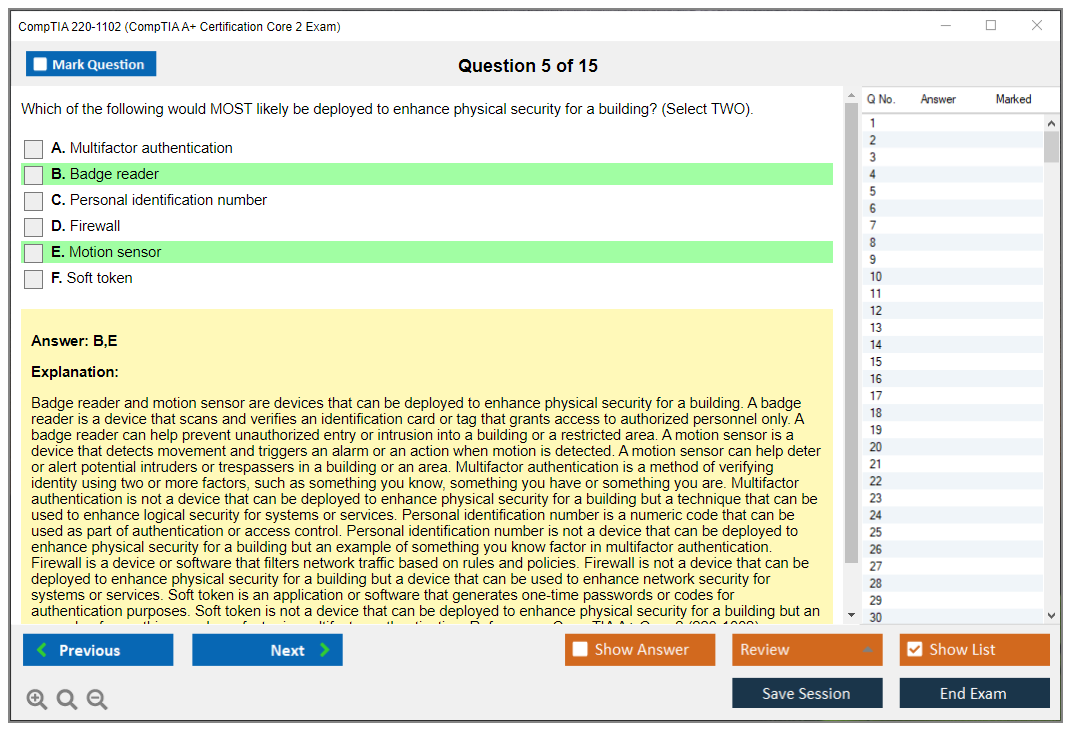
Physical controls: badge readers, biometrics, key fobs, guards, bollards, equipment locks. Mentioned fast on the exam, but you should be able to match control to situation.
Logical security: principle of least privilege, ACLs, authentication, MFA. Least privilege is not "everyone local admin because it's easier." It's the opposite, and CompTIA will bait you with convenience answers.
Security incident response basics: identification, containment, eradication, recovery, lessons learned. You need the order and the mindset. Containment first when it's spreading. Then clean. Then restore. Then document and improve. This is tested because it maps to real org process, and because panicking and wiping the box is usually the wrong first move.
Malware types and symptoms: viruses, worms, Trojans, ransomware, spyware, rootkits, keyloggers, cryptominers. Know the vibe. Ransomware screams. Cryptomining is "why is CPU pinned at 100% and fans are screaming." Rootkits are "why do my tools say nothing is wrong but everything is wrong."
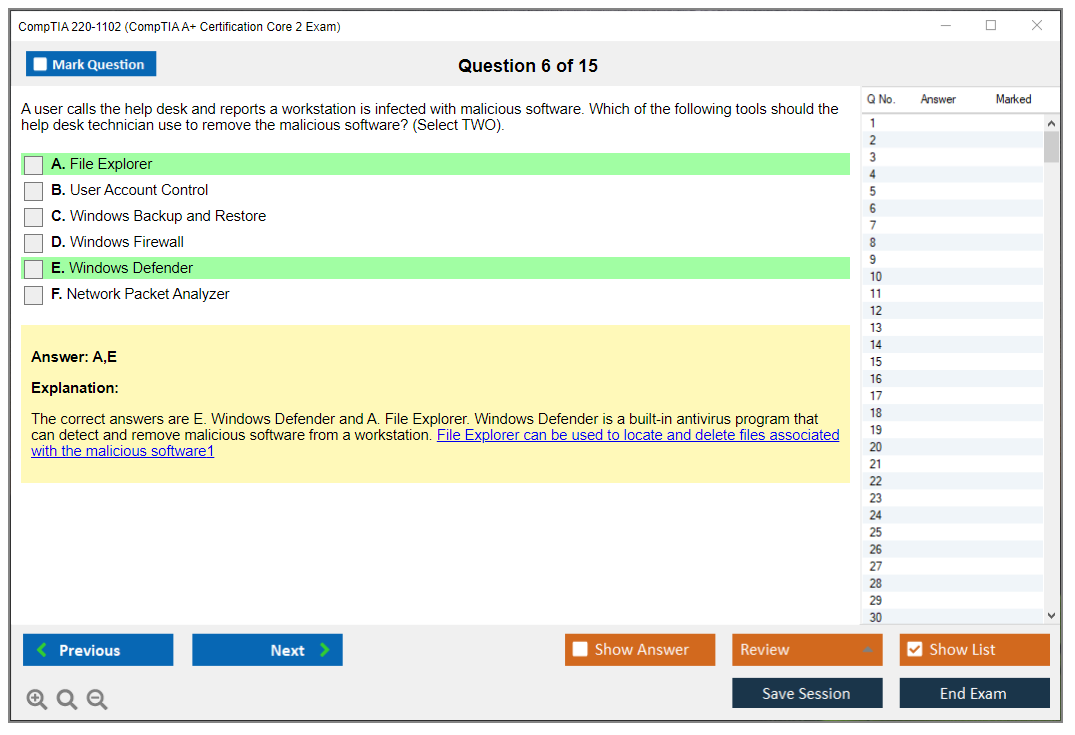
Malware removal: identify, quarantine/isolate, remediate, consider System Restore implications, educate user, prevent recurrence. Also know when to escalate and preserve evidence.
Social engineering: phishing, vishing, smishing, tailgating, shoulder surfing, dumpster diving, impersonation. These are easy points if you've seen humans in an office.
Password security: length beats weird complexity. Expiration policies exist but can backfire. Password managers good. MFA better. CompTIA likes "long passphrases" style recommendations.
Wireless security: WEP is dead. WPA2 is common. WPA3 is preferred. Know that enterprise setups often use 802.1X/RADIUS, while SOHO is usually WPA2/WPA3-Personal.
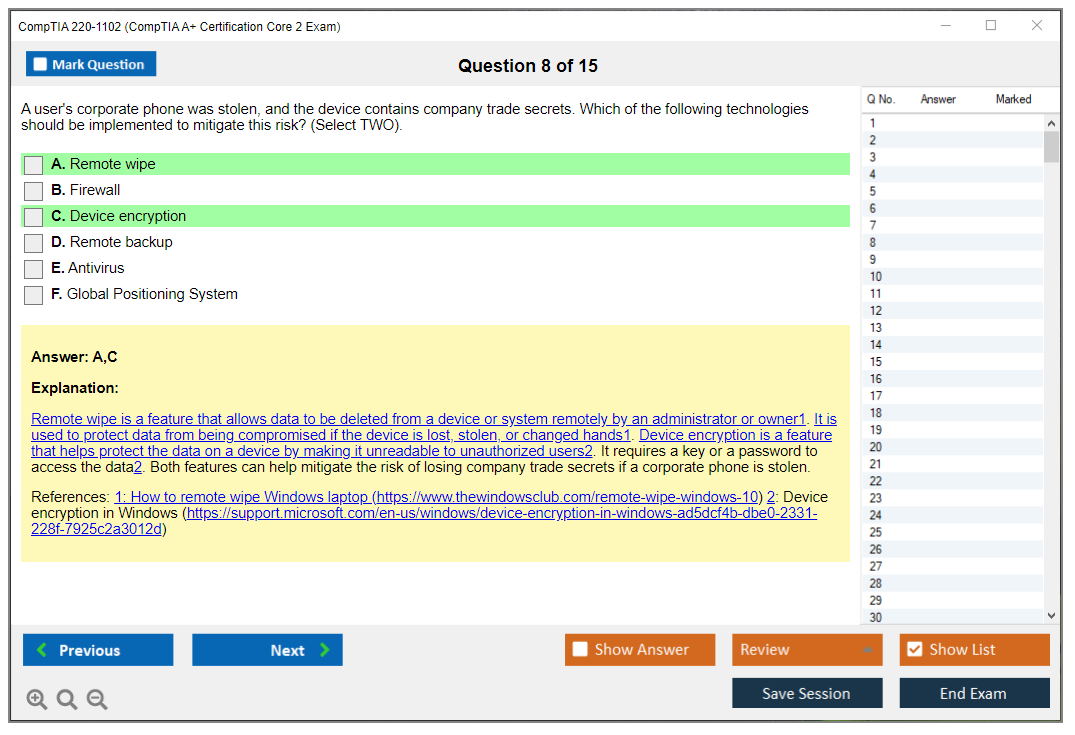
Mobile device security: screen locks, biometrics, remote wipe, locator, failed login lockout, mobile anti-malware, and basic iOS/Android management behaviors.
Data destruction: physical destruction, degaussing (magnetic media), standard format vs secure erase, certificates of destruction, recycling. Know that SSD secure erase is different from "quick format."
SOHO network and device configuration: Router security is always tested. Change default password. Update firmware. Turn on firewall. Use guest network isolation. Disable WPS if it shows up. This is practical, and it's a common PBQ theme.
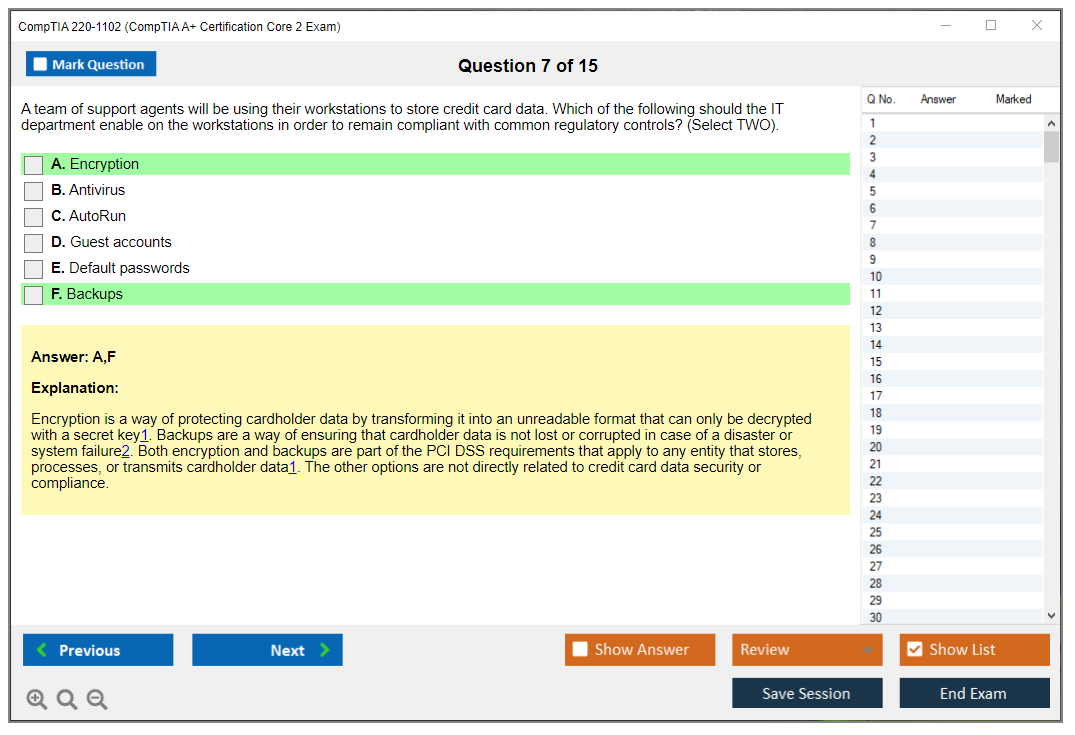
Encryption: BitLocker, FileVault, EFS, full disk vs file-level. BitLocker and FileVault are full disk. EFS is per-file/folder on NTFS. Also know what happens when keys are lost. Pain.
Browser and email security: pop-up blockers, clearing cache/cookies, private browsing, cert warnings, extension management. Email: spam filtering, attachment safety, basic encryption concepts. Simple stuff, but it shows up.
Licensing and DRM: open-source vs commercial, enterprise licensing, personal vs corporate restrictions. Not fun. Still testable.
Documentation and chain of custody: what you did, when you did it, who touched evidence, escalation paths. If you do incident response wrong, the company can't prove anything later.
Domain 3 - software troubleshooting
This is where CompTIA turns you into the person everyone pings at 4:55 PM.
Windows symptoms: slow performance, boot failures, BSOD, black screen, app crashes, service failures. For BSOD, know to capture stop codes, check recent changes, roll back drivers, run memory diagnostics. Driver rollback is a classic "most likely fix" answer.
Slow performance: Task Manager analysis, startup program management, disk cleanup, defrag (for HDD), malware scanning, resource monitoring. Look at RAM pressure and disk thrash. Basic, but you need to think like a tech.
Boot failure: BCD repair, Startup Repair, System Restore, WinRE access. If you can't boot normally, Safe Mode and recovery media are your friends.
App install issues: permissions, resources, compatibility mode, dependencies. Also: 32-bit vs 64-bit apps, and verifying system requirements before you blame the installer.
Printers: driver issues, spooler problems, connectivity, print quality, access denied. Restarting Print Spooler fixes more than it should.
Mobile troubleshooting: connectivity, app problems, battery drain, overheating, slow response, screen problems. Email troubleshooting too: POP3 vs IMAP vs SMTP, auth failures, sync issues.
Browser issues: crashes, cert errors, slowness, extension conflicts, redirects. If it redirects, think malicious extension or DNS hijack.
Client network troubleshooting: limited connectivity, no connectivity, IP issues, DNS issues. This is where ipconfig, ping, tracert, and nslookup earn their keep.
Security software conflicts: antivirus blocking installs, firewall blocking apps, VPN breaking access. Real life is messy.
System file corruption: SFC, DISM, Windows Resource Protection. If you don't know what these do, you'll suffer on PBQs.
Domain 4 - operational procedures
This domain is the "be employable" one.
Ticketing systems. Documentation. Change management. Knowledge base upkeep. Communication techniques: active listening, clarify requirements, don't talk down to users, confirm the fix, set expectations, follow up. Three-word sentence. Be normal.
One long truth: a lot of people fail this domain because they think it's common sense, but the exam wants the safest, most documented, least risky action, especially when the scenario mentions production systems, sensitive data, or "user is angry and wants it fixed now."
Download/reference: official 220-1102 exam objectives
Always keep the official CompTIA A+ Core 2 objectives PDF open while you study. Treat it like a checklist. If you can't explain an objective out loud, you're not done.
Prerequisites and recommended experience
Are there any official prerequisites?
No official prereq. You can start from zero.
Recommended hands-on skills before testing
Install Windows in a VM. Break it on purpose. Run SFC, DISM, chkdsk. Create users. Share a folder. Map a drive. Practice Event Viewer filtering. Do it twice.
If you need a tighter feedback loop, pairing labs with timed questions helps, and that's where something like the 220-1102 Practice Exam Questions Pack can fit, as long as you review every miss and recreate the scenario in a VM.
How difficult is CompTIA A+ 220-1102?
Difficulty factors (PBQs, troubleshooting, command line)
PBQs plus troubleshooting logic plus command line. That combo is what makes the CompTIA 220-1102 exam feel harder than people expect, especially if they only read and never touch a system.
Common topics test-takers struggle with
Permissions math. Windows recovery steps. Malware response order. Group Policy commands. Edition differences and domain vs workgroup.
How long to study (beginner vs experienced)
Beginner: 4 to 6 weeks is comfortable. Experienced help desk: 2 to 3 weeks if you're disciplined. If you're asking how to pass CompTIA A+ Core 2, the answer is boring: objectives checklist + labs + timed review.
Best 220-1102 study materials (free + paid)
Official CompTIA resources (CertMaster, objectives, labs)
CertMaster is fine if you like structured portals. The objectives PDF is non-negotiable. Labs help if you don't have a home setup.
Books and study guides
Pick one solid 220-1102 study guide and finish it. One. Not five.
Video courses and labs
Video is great for momentum. Labs are where it sticks.
Hands-on practice setup (Windows, Linux, VMs)
Type 2 hypervisor on your PC, run Windows 10/11 and Ubuntu, take snapshots, break things safely. Virtualization concepts matter anyway: Type 1 vs Type 2, VM creation, resource allocation, snapshots.
220-1102 practice tests and PBQ prep
Best practice test sources (what to look for)
You want explanations, not just scores. You want logs, screenshots, and scenario questions. A 220-1102 practice test that only drills trivia is a waste.
I'll say it plainly: if you're behind and need volume, the 220-1102 Practice Exam Questions Pack can be a decent pressure tool for $36.99, but only if you treat it like a diagnostic and then lab the weak areas.
PBQ strategy (troubleshooting workflow + time management)
Flag PBQs first. Do MCQ sweep. Come back with remaining time. Follow the troubleshooting methodology steps, because CompTIA rewards process.
Practice test schedule (benchmark scores and review)
Aim to consistently score above your comfort threshold before scheduling. Review every wrong answer. Write why it's wrong. Then recreate it.
Study plan to pass 220-1102 (step-by-step)
2-week crash plan
Daily: 90 minutes objectives + 60 minutes
Conclusion
So are you actually ready for this thing?
Okay, real talk here.
The CompTIA 220-1102 exam? It's not some box you casually check off during a lazy Sunday afternoon while half-watching Netflix. You need legitimate preparation, not just speed-reading through objectives the night before, praying that muscle memory from fixing your grandma's ancient printer somehow carries you through this beast. The A+ Core 2 certification actually tests whether you can troubleshoot Windows systems under pressure, handle security incident response basics without panicking, work through command line tools across different operating systems (yeah, Linux and macOS too), and follow operational procedures that won't get you immediately fired on day one of a help desk gig.
Here's the deal, though.
You've got the roadmap.
You know the CompTIA A+ 220-1102 cost upfront. Around $246 for the voucher, considerably more if you need retakes (ouch). The thing is, you understand the CompTIA A+ Core 2 passing score sits at 700 out of 900, which honestly isn't as forgiving as it sounds when those performance-based questions completely devour your time and, let's be honest, your confidence along with it. You've seen the CompTIA A+ Core 2 objectives broken down by domain: operating systems, security, software troubleshooting, operational procedures. And you know which areas traditionally trip people up. The question isn't whether this exam's hard. It absolutely is. The question is whether you're willing to actually put in the work.
Practice under exam conditions.
How to pass CompTIA A+ Core 2 comes down to one thing, I mean, really just one critical factor: practice under exam conditions. You can watch every video course on the planet, memorize every 220-1102 study guide word-for-word, build elaborate lab setups with multiple VMs running different Windows versions (10, 11, even that weird Windows 8.1 legacy stuff), and you'll still freeze up when you see an unfamiliar troubleshooting scenario worded in that.. special CompTIA way that makes you second-guess literally everything you thought you knew. My buddy Marcus spent three months watching Professor Messer videos, felt super confident, then completely bombed because he'd never actually timed himself on practice questions. Brutal lesson.
That's exactly why taking a proper 220-1102 practice test repeatedly matters more than almost anything else in your prep. Maybe more than the courses themselves, controversial as that sounds. You need to see how questions are actually structured, how PBQs function in real-time, where your knowledge gaps hide behind overconfidence. If you haven't tested yourself with realistic practice questions that mirror the actual exam format and difficulty? You're basically walking in blind, hoping luck compensates for preparation.
Before you schedule that exam, grab the 220-1102 Practice Exam Questions Pack and run through it until you're consistently hitting that passing threshold with room to spare. Not just barely scraping by. The difference between people who pass on their first attempt and those who burn through multiple vouchers (draining their wallet in the process) usually comes down to this one step they skipped because they "felt ready."
Felt ready. Ha.
You've got this, but only if you actually do the work. Go practice.

Great!
Thanks A lot 220-1102 Exam Dumps!
Thanks..!
Thanks!